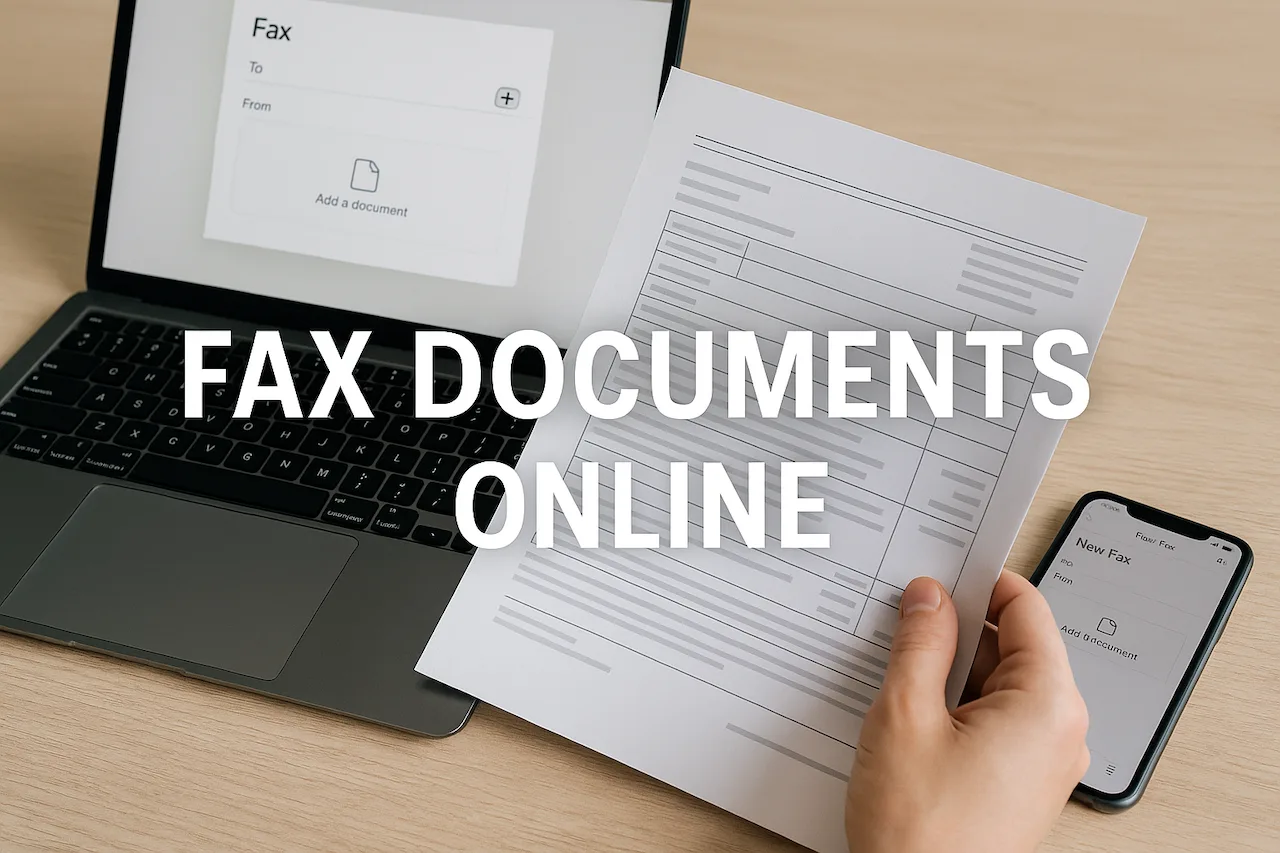
Faxing is still alive and kicking in business, healthcare, and even day-to-day document sharing. With the right tools, anyone can send essential paperwork from anywhere—no bulky fax machine or tangled phone cords needed. Now, people can fax online for free directly from their computer or smartphone in just a few clicks.
Why does this matter? Many offices, schools, and government agencies still rely on faxed documents for contracts, forms, or legal paperwork. Yet, buying a fax machine or monthly service plan seems outdated and unnecessary, especially when hassle-free choices like FaxZero, FaxBurner, or Municorn Fax can do the job without cost or commitment.
It’s about saving time, money, and patience—nobody wants to hunt for a fax shop after hours or guess if their doc actually sent. If anyone’s ever wondered whether there’s a simpler, modern way to fax without all the traditional obstacles, they’re definitely not alone. It’s time to see how easy, fast, and even a bit satisfying online faxing can be.
How to Send a Fax Online for Free
Faxing online for free removes the need for clunky machines, phone lines, or pricey subscriptions. With just a few easy steps, anyone can send important documents without leaving home—all that’s needed is an internet connection and a computer or smartphone.
Step-by-Step Guide to Free Online Faxing
Free online faxing services like FaxZero and TalkHeap let users send faxes quickly from laptops or mobile devices, even if they don’t own a traditional fax machine.
First, pick the best platform for your needs. Many free fax services limit the number of pages or faxes per day, so check the terms before uploading anything important.
Here’s a simple process:
- Visit the website of your chosen free fax service.
- Enter the recipient’s fax number and your contact details.
- Attach your document (PDF, DOC, or image format works best).
- Add a cover page if needed.
- Hit “send” and wait for a confirmation email or screen message.
Users can track sent faxes and sometimes even receive replies directly in their inbox, making this method both flexible and efficient. Some services even offer mobile apps for added convenience, so a fax can be sent right from the palm of your hand.
Preparing Documents for Online Fax
For a smooth experience, the document you want to fax should be ready in advance. Look out for common issues like large file sizes, unreadable scans, or unsupported formats.
Documents should be saved as PDF, DOC, or JPG files. PDFs usually work best because they preserve formatting, but most free online fax services will accept other popular formats. If your document is handwritten, scan it using a scanner or a high-quality phone camera.
Keep the file size below the service’s limit, often between 2-20 MB. Double-check that all information on your document is clear—blurry images or dark backgrounds can make details hard to read for the person receiving the fax.
Review the final version. It’s smart to give your document a quick look before clicking send. Fix any typos and check that all attachments are included.
Sending International Faxes Without Cost
International faxing used to mean hefty charges and complicated dialing codes. But now, several free online fax services allow users to send documents across borders with just a few clicks.
To send a free international fax, type the correct country code before the recipient’s number (for example, +44 for the UK or +81 for Japan). Some platforms may have regional restrictions or extra confirmation steps for international numbers.
It’s important to check the destination country list to make sure the free fax platform supports sending there. Not every service allows free international faxes, so read the fine print.
Keep in mind, faxes with a high page count or large file size might not qualify for free international delivery. If you need more flexibility or frequent international faxing, consider an online service like Municorn Fax that offers affordable global plans alongside free faxing options.
Top Free Online Fax Services and Apps
Faxing online can be easy, affordable, and quick if someone knows which services offer the most value for free. Users can compare major platforms, examine unique features, and find tips for picking the best service for their needs.
Overview of Leading Free Fax Platforms
Several free online fax services help people send and receive documents without a physical fax machine. Popular options include FaxZero, GotFreeFax, and PamFax. Most allow users to send a limited number of pages per day without paying. A few, like eFax and Municorn Fax App, stand out for their clean interfaces and fast delivery.
Municorn Fax is gaining attention for its secure online fax app that works on the web and mobile devices. These platforms often use email-to-fax technology, which skips the hassle of traditional faxing. While some offerings limit the number of free faxes, others provide a free trial so new users can test services with no commitment.
Comparing Features of Online Fax Services
Each fax service varies in its mix of features and free limits. Most free fax platforms offer basic features: uploading documents, entering a fax number, and sending the file. Some, like FaxZero, put a cap on free faxes per day, while others limit attachments or add small watermarks to free faxes.
A few services add perks like electronic signatures, secure file sharing, and document tracking. The Municorn Fax App takes privacy seriously, standing out with HIPAA-compliant security for professionals in healthcare or law. With many users wanting to fax sensitive documents, robust encryption matters just as much as the price. When comparing, look for a service that balances free usage with must-have features like speed, reliability, and security.
How to Choose the Best Free Fax Service
Selecting the right online fax service starts with understanding personal needs. Some people need to send a one-time fax, while others want ongoing free use. Checking daily or monthly page limits is crucial. For those faxing sensitive information, platforms like Municorn Fax— give extra peace of mind.
Think about device compatibility too. Mobile fax apps offer a simple workflow on the go, while web-based portals suit those at a desk. Users may also value automatic confirmation emails or digital signatures, especially for important documents. Balancing ease of use with trustworthy security is key, and reading genuine user reviews can help steer decisions.
Security, Legitimacy, and Limitations of Free Faxing
It’s important to understand how free fax online services handle sensitive information, their legal validity, and the practical limits users might face. Not all fax services are created equal, especially when trust and compliance matter most.
Legal Standing of Free Online Faxes
The law treats digital documents more seriously every year, but what about that fax you just sent from a free app or website? For most business or personal uses, free online faxes carry the same legal weight as a regular fax. The reason’s simple: a fax, regardless of how it’s sent, is just a copy of a document.
Still, there are a few “gotchas.” Courts, companies, and government offices may ask for proof of delivery, time stamps, or even a full audit trail. Most free fax services don’t include these features. That missing evidence might cause headaches if there’s a dispute about whether a fax was sent or received.
For big deals—think contracts, medical records, or sensitive agreements—relying on a free fax service might not be enough. Some industries (like healthcare or law) require compliance with specific rules, such as HIPAA or other privacy laws. If rock-solid proof and compliance matter, a paid solution like Municorn Fax often provides extra trail features and certifications seen as necessary by industry standards.
Privacy and Data Security Considerations
Everyone knows a fax might hold private info, right? With free online fax services, security can be hit or miss. Many don’t use strong encryption, multi-factor authentication, or secure storage practices. If you’re sending something sensitive, that should raise an eyebrow.
Free services also sometimes store faxed documents on their servers, at least for a short time. If there’s no clear privacy policy, user data could be exposed or even sold. That’s especially risky for confidential or regulated info. Some business guidelines even warn against using free fax options for anything personal due to weak protections and lack of security features.
A good paid online fax, like Municorn Fax, uses solid encryption and privacy settings so documents stay protected as they move from sender to receiver. Data safety often justifies the small cost of going premium for frequent or business use.
Common Restrictions on Free Fax Services
Free fax sounds great until those limits kick in. Most no-cost solutions slap caps on the total number of pages you can send each month—sometimes just a few pages before you hit a paywall. Want to receive faxes or send to international numbers? That’s often not included.
Service providers may put watermarks on your documents, restrict upload file types, or force you to view ads before sending. These trade-offs help them stay afloat without charging users, but they can get annoying for anyone who faxes often.
A quick look at the best free fax options reveals that features like delivery confirmation, cloud storage integration, or batch sending often aren’t available for free. For teams or high-volume faxers, the built-in ceilings can become major hurdles. That’s where an affordable, full-featured online fax plan starts to make sense for professionals and businesses.