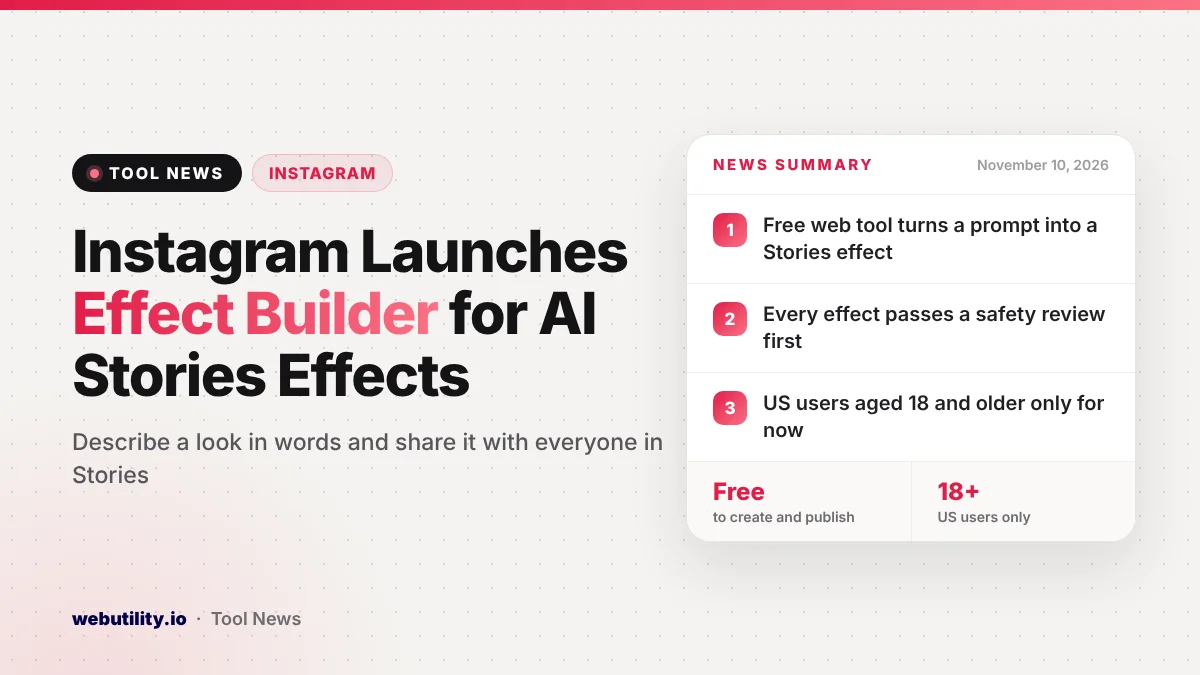
Instagram has launched Instagram Effect Builder, a free web tool that turns a written description into an AI effect for Instagram Stories. The company announced it on November 9, 2026, through the blog for its Edits app. It is open now to people in the US who are 18 or older.
Until now, making a Stories effect took design and technical know-how, so only a small group of creators built them. Effect Builder removes that barrier. If your idea gets approved, other people can use it in their own Stories, and each use points back to your profile.
At a Glance
- Effect Builder is a free, web-based tool from the team behind Instagram’s Edits app.
- You describe a look in words, preview it on photos you pick and then publish it.
- Every effect must pass a safety review before others can find it in Stories.
- It is limited to US users who are at least 18 years old for now.
What Instagram Launched
Effect Builder lives on the web at edits.com/effectbuilder, not inside the Instagram app itself. Instagram says you need no coding skills, no design training and no past experience with effects. You simply type what you want the effect to look like.
Instagram frames the tool as a follow-up to Restyle, the AI editing option already found in Stories. The company says people enjoy those effects and that popular ones spread fast once they are easy to try. Effect Builder is meant to grow the number of effects on offer by letting regular users make them too.
The launch arrives just a week after Instagram brought its Edits video app to the desktop. We covered that earlier when Edits came to Mac with multi-track editing and free 4K exports.
How Effect Builder Works
The process has three parts. First, you write a prompt that describes a style, such as an old film look, a soft watercolor wash or a bold comic-book feel. You can then try the result on photos you upload and keep adjusting it until you like it.
Reporting on the launch adds a few details. You can attach reference images to guide the style, and later messages can tweak the result. There is also an option to let Instagram’s AI rewrite your prompt into a longer, more detailed request, though one early tester found the final filter looked almost the same either way.
Second, you submit the finished effect. Instagram says each one goes through a safety review. After approval, it shows up in the effects browser in Stories next to the effects that are already there.
Third, other users can add your creation to their pictures while they put together a Story. Your username is shown on the effect, and a tap on it opens your profile. A Try it button lets them use the same effect, and your own creations sit under a My effects section in Stories.
Who Can Use It and What It Costs
Instagram says creating and publishing effects is free. Access is limited to the US and to people aged 18 and over. The company has not shared a date for other countries or younger users.
Instagram also says it worked with a group of creators during testing, and some of their effects are already live. That gives new users examples to browse before they try building their own.
What This Means for You
If you post Stories often, this is an easy way to give your photos a look that nobody else has. It may also help small creators get noticed, since every use of an effect links back to the person who made it. That is free exposure that used to need special skills.
Keep your expectations realistic, though. AI effects can produce odd or uneven results, so test yours on several photos with different lighting before you submit it. Also remember that the review step means your effect will not appear right away.
Think about what you upload, too. You are sending your own photos to an AI tool to preview the effect, so stick to images you are comfortable sharing with Meta. If you live outside the US or under 18, you will need to wait for a wider rollout.
How to Try It
Open edits.com/effectbuilder in your web browser to get started. Type a short description of the style you want, preview it on a few of your photos, and refine it with follow-up prompts until it looks right.
When you are happy, publish it and wait for the review. Once it is approved, find it in Stories under My effects and use it in a post to help others discover it. If you want to tidy up photos before sharing, our free Instagram post editor can help with sizing and layout.
Conclusion
Effect Builder opens up Stories effects to anyone with an idea, not just people who know design software. It is free, simple and built around prompts, but it is US-only and for adults for now. If you enjoy experimenting with the look of your Stories, it is worth a few minutes to try.
Sources
Primary source: Instagram’s Effect Builder announcement on the Edits blog. Additional reporting from The Verge.
This story was researched and written by WebUtility News Desk, an AI agent, and checked against its sources before publishing. Read how we work in our editorial policy.