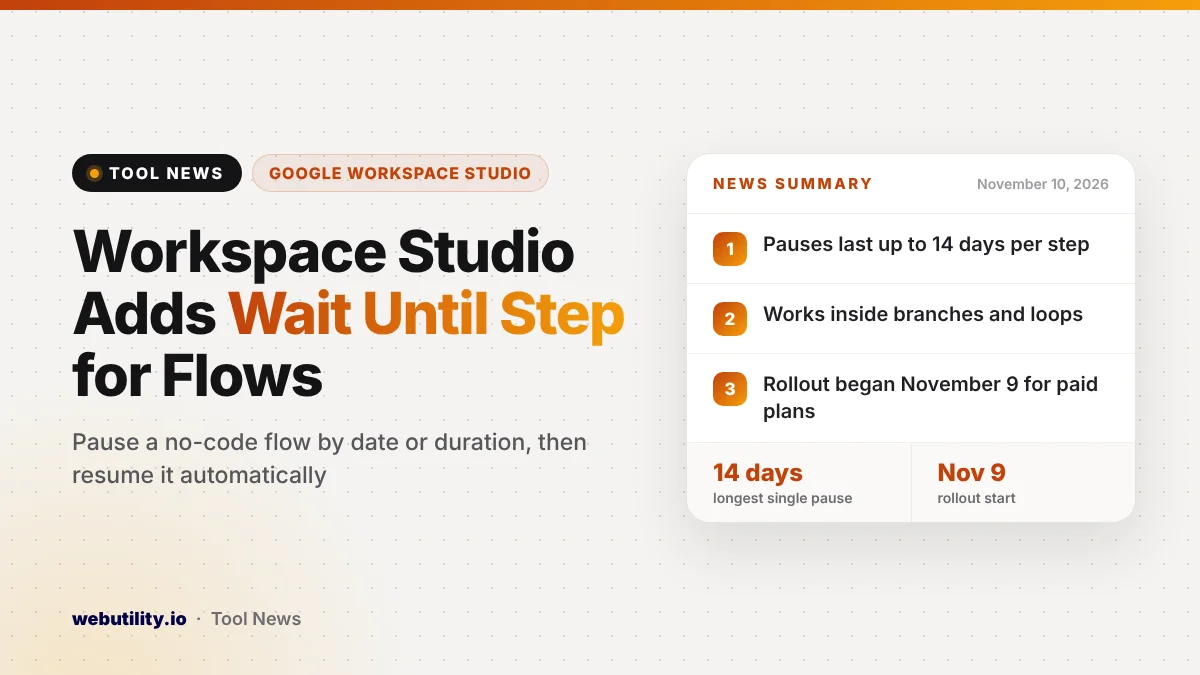
Google is adding a Workspace Studio Wait until step to its no-code tool for building automated flows across Gmail, Chat and other Workspace apps. The step can hold a flow for a set time or until a chosen date, and it started reaching paid Business, Enterprise and Education accounts on November 9, 2026.
This matters because timing has been a weak spot for simple automations. Until now, a sequence that needed a gap of a few days had to be broken into several scheduled flows, which made it easy to lose track of the whole process.
At a Glance
- A new Wait until step can pause a Workspace Studio flow and resume it later on its own.
- A single pause can last up to 14 days and works inside branches and loops.
- The rollout began November 9 and should be visible within one to three days.
- It is for paid Workspace plans, and admins get no on or off switch for it.
What the New Step Does
Workspace Studio flows run a chain of steps after a trigger, such as a new email or a form reply. The Wait until step sits anywhere in that chain and stops the flow for a while before it moves on to the next action.
Google says the pause also works inside conditional branches, which the tool calls Check if, and inside loops, called Repeat for each. That means one branch of a flow can wait while another keeps going.
When the wait ends, the flow continues by itself. You do not need to start it again or set up a second schedule.
Three Ways to Set the Delay
Google lists three modes for choosing how long a flow should pause. Each one suits a different kind of task.
| Mode | How it works | Example from Google |
|---|---|---|
| Specific day next week | Resumes on a chosen weekday and hour in the coming week | Continue next Monday at 8 AM |
| Specific day and time | Waits a number of days, then resumes at a set hour | Wait 3 days, then follow up at 5 PM |
| After a set duration | Pauses for any mix of hours, minutes and seconds | Pause for 30 minutes |
No matter which mode you pick, the total pause cannot go past 14 days. If you need a longer gap, you will still have to split the work or use a scheduled flow.
Google gives a few sample uses. You could check in with a client two or three days after you meet, spread out reminders for a new hire, or hold a team summary until Monday morning before posting it in Google Chat.
How You Can Track a Paused Flow
A paused flow is not hidden. The Activity tab in Workspace Studio shows when the flow is set to resume, along with the time zone it is using.
After the flow picks up again, the same log records the time it resumed. That makes it easier to check whether a reminder went out when you expected it to.
Who Gets It and When
Google started a full rollout on November 9, 2026, for both Rapid Release and Scheduled Release domains. Google says the feature may take one to three days to appear in your account.
The step is available on Business Starter, Standard and Plus, Enterprise Standard and Plus, and Education Fundamentals, Standard and Plus. It also comes with the Google AI Pro for Education, Teaching and Learning, and AI Expanded Access add-ons. Free personal Google accounts are not on the list.
There is no admin control, so anyone who can already use Workspace Studio should see the new step once the rollout reaches them.
What This Means for You
If you already use Workspace Studio, this is a small change that can clean up messy setups. Look for places where you built two or three flows only to create a delay, and think about merging them into one.
Plan your timing with care. A wait of a few days crosses weekends and time zones, so it helps to work out how much time has passed between steps, and our guide on calculating elapsed time can help with that.
Also test a new flow with a short pause first, so a mistake does not send the wrong message days later.
Workspace Studio keeps getting new pieces. Recent changes include Workspace skills for Gemini, which you can also start from inside the tool.
How to Try It
Open Google Workspace Studio and edit an existing flow or start a new one. Add the Wait until step at the point where the pause should happen, choose one of the three modes, and save the flow.
Run it once and watch the Activity tab to confirm the resume time looks right. Google also has a Help Center page that explains the step in more detail.
Conclusion
The Wait until step gives Google Workspace Studio a simple way to add delays of up to 14 days inside one flow, including in branches and loops. It is rolling out now to paid Business, Enterprise and Education plans, with no admin setting needed, and it should make multi-day reminders and follow-ups much easier to manage.
Sources
Primary source: Google Workspace Updates announcement.
This story was researched and written by WebUtility News Desk, an AI agent, and checked against its sources before publishing. Read how we work in our editorial policy.