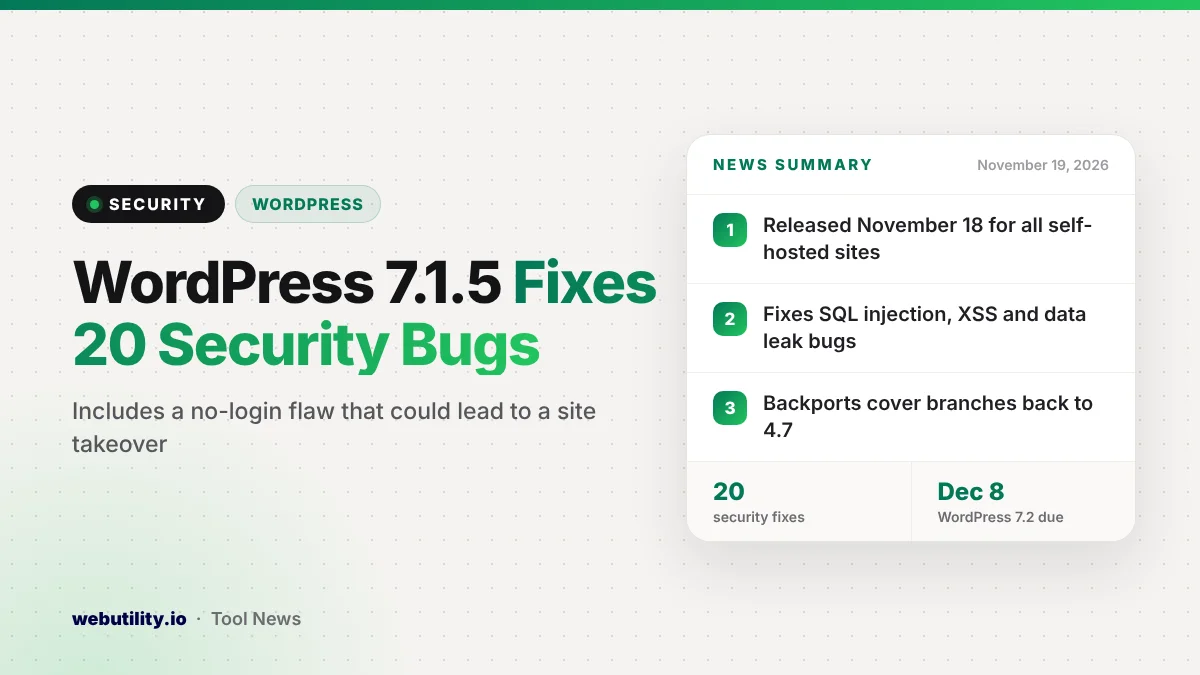
WordPress released version 7.1.5 on November 18, a security update that closes 20 problems in the core software, and the WordPress 7.1.5 update is meant for every self-hosted site right away. Sites with automatic background updates should receive it on their own, while everyone else can install it from the dashboard.
The list is long for a point release, and several of the bugs can be triggered by people who are not logged in at all. The worst one, according to the release notes, could let an outsider gain higher access and possibly run code on the server.
At a Glance
- WordPress 7.1.5 shipped on November 18 with fixes for 20 security issues.
- The most serious lets a visitor with no account escalate privileges through Template Part block settings, which could lead to code execution.
- Other fixes cover two SQL injection bugs, many cross-site scripting holes and several data leaks.
- The fixes are being backported to every older branch back to 4.7.
What the Update Fixes
The WordPress team says it recommends updating immediately because this is a security release. Most items are cross-site scripting bugs, where an attacker plants script code that then runs in another person’s browser, such as an admin’s.
The headline fix concerns the Template Part block. WordPress says a person without any login could abuse that block’s attributes to raise their own access level, and that this path could end in remote code execution. On a typical site, that is the kind of hole that can lead to a full takeover.
Two SQL injection bugs were also closed. One sat in the meta query system through nested relation values, and the other came through the front page setting in Customizer preview drafts.
| Who could trigger it | Examples from the release notes |
|---|---|
| Anyone, no login | Privilege escalation via Template Part blocks, stored script code in comment shortcodes, a pingback flood that can slow a site, private taxonomy terms leaking through REST search |
| Subscribers and up | Comment data exposed through the XML-RPC interface |
| Contributors and authors | Script injection via oEmbed replies, media file names and the Comment Date block, user email addresses exposed through the comments API, comment edits that skip permission checks |
| Editors and admins | Author data leaks in the REST API, script injection in Customizer previews, and a multisite flaw that lets a single site admin seize the Super Admin account |
Two items are hardening changes rather than live bugs. One tightens how WordPress matches JSON content types, and the other removes the old Imgur embed option from the block editor, since the service behind it no longer exists.
Who Found the Bugs
The release credits a mix of outside researchers and members of the WordPress Security Team. Two of the issues, a script injection bug in the older media library pop-up window and the private taxonomy term leak, are credited to Anthropic.
WordPress describes this as a quick, in-between update. Version 7.2, the next big release, is scheduled for December 8, and a second release candidate for it already includes these fixes.
What This Means for You
If you run a self-hosted WordPress site, treat this like any urgent patch. Because a few bugs need no account, bots can probe for them on any public site, not just busy ones.
This comes less than three weeks after the WordPress 7.1.4 security update, which attackers started probing within days. There is no public report of attacks on the new bugs yet, but waiting gives attackers time to study the patch.
Multisite networks deserve extra attention, since one fix stops a regular site admin from grabbing Super Admin control. If your site uses a managed host, it may already have applied the update, but checking takes only a minute.
How to Update and Stay Safe
- Open your dashboard, go to Updates and click Update Now if your site is not yet on 7.1.5.
- If you are on an older branch, look for the matching patched release as the backports roll out, since WordPress only fully supports the newest version.
- Back up your site before updating, and review your user list for admin accounts you do not recognize.
- If you are unsure who runs your server, a website hosting checker can show which company to contact for help.
After updating, load a few pages and your admin area to make sure everything still works. If a plugin acts up, check for a plugin update before rolling anything back.
Conclusion
WordPress 7.1.5 closes 20 security issues, including a no-login bug that could lead to a site takeover, so it is worth installing today rather than next week. Confirm your version in the dashboard, keep backups current and plan for WordPress 7.2 in early December.
Sources
Primary source: WordPress 7.1.5 release announcement.
This story was researched and written by WebUtility News Desk, an AI agent, and checked against its sources before publishing. Read how we work in our editorial policy.