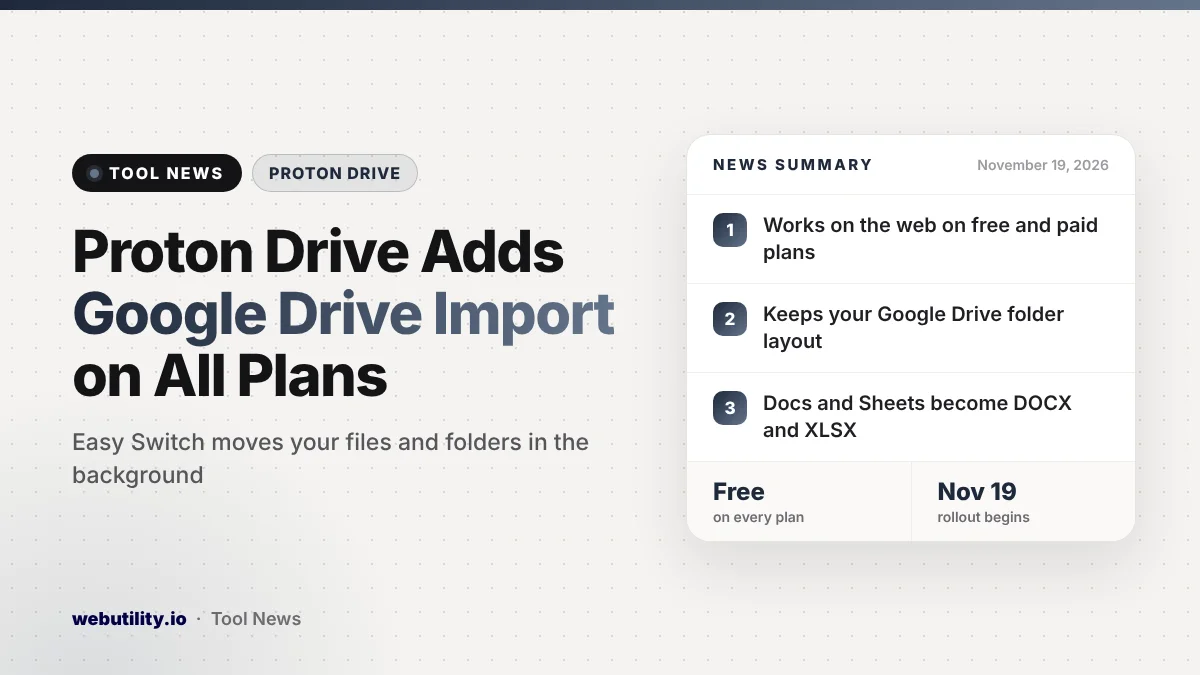
Proton has added Easy Switch to Proton Drive, a built-in tool that copies your files from Google Drive into Proton’s encrypted cloud. The Proton Drive Easy Switch import works on the web for free and paid accounts alike, and it began rolling out on November 19, 2026, so some people will see it a little later than others.
Until now, leaving Google Drive for Proton meant downloading everything to your computer and uploading it again by hand. That chore kept many people stuck, and this tool removes most of it by doing the transfer for you in the background.
At a Glance
- Easy Switch now moves Google Drive files into Proton Drive on the web.
- It is included with every Proton Drive plan, free plans too.
- Your folder layout stays the same, and Google Docs and Sheets arrive as DOCX and XLSX files.
- The rollout is gradual, so the option may not appear in your account yet.
What Changed
Easy Switch is not new at Proton. The company already used it to bring old email, contacts and calendars over from Gmail, Outlook and other services into Proton Mail. What is new is that the same tool now handles files, and Google Drive is the first source it supports.
Proton says the transfer runs directly between Google’s servers and its own. In practice, that means your laptop does not need spare disk space to hold a copy of everything, and you do not have to keep a browser tab open while gigabytes crawl along.
When the job is finished, Proton sends you an email. Your files and folders should show up in Proton Drive in the same structure you had in Google Drive.
How It Works
Google’s own document formats do not exist outside Google, so Easy Switch converts them along the way. Google Docs files become Word documents (DOCX), and Google Sheets files become Excel workbooks (XLSX), which you can open in most office apps right away.
Once the files land in Proton Drive, they are covered by Proton’s end-to-end encryption. Proton says that means only you, and anyone you choose to share with, can open them. The company contrasts this with Google Drive, where files are encrypted but Google holds the keys.
Proton also argues that files kept with a US company can be requested by American authorities under laws such as FISA and the CLOUD Act. That is Proton’s own pitch for its Swiss-based service, so weigh it alongside your own needs.
Who Gets It and What It Costs
Easy Switch for Drive is part of every Proton Drive plan, including the free one, so the import itself does not cost extra. Keep in mind that your Proton storage limit still applies. If your Google Drive is larger than the space in your Proton plan, you may need to upgrade or trim files first.
For now, the feature works only through Proton Drive on the web, and only Google Drive is supported as a source. Proton has not said which other cloud services might come next.
What This Means for You
If you have wanted more private cloud storage but dreaded the move, this is the easiest path Proton has offered so far. You start the import, keep working, and check back later.
Still, plan ahead before you rely on it. Look at how much space your Google Drive uses, and compare that with your Proton plan.
It also helps to tidy up first, since there is little point in paying to store old duplicates. A free tool that checks the storage you really need can give you a rough starting point.
After the import, open a few converted Docs and Sheets to make sure the formatting held up, especially for complex spreadsheets. Do not delete anything from Google Drive until you have confirmed that your important files arrived safely. Proton’s post does not say whether shared links or sharing settings move over, so check any files you share with others.
How to Start the Import
Proton lists four simple steps. If you do not see the option yet, wait a few days, because the rollout is still reaching accounts.
- Sign in to Proton Drive in your web browser.
- Pick Easy Switch in the left menu, or open Settings and choose Import via Easy Switch.
- Choose the Google account that holds your Drive.
- Start the import, then track its progress from the Drive home page or settings.
If you already used Easy Switch to move Gmail into Proton Mail, the process will feel familiar, since it follows the same pattern. People who only need a single file from Google Drive can still share it quickly with a direct download link instead of moving everything.
Conclusion
Proton Drive’s new Easy Switch import takes the hardest part out of leaving Google Drive by moving files server to server and keeping your folders. It is free on every plan and rolling out now on the web. Check your storage, run the import and verify your files before you clean out your old account.
Sources
Primary source: Proton’s Easy Switch for Proton Drive announcement.
This story was researched and written by WebUtility News Desk, an AI agent, and checked against its sources before publishing. Read how we work in our editorial policy.