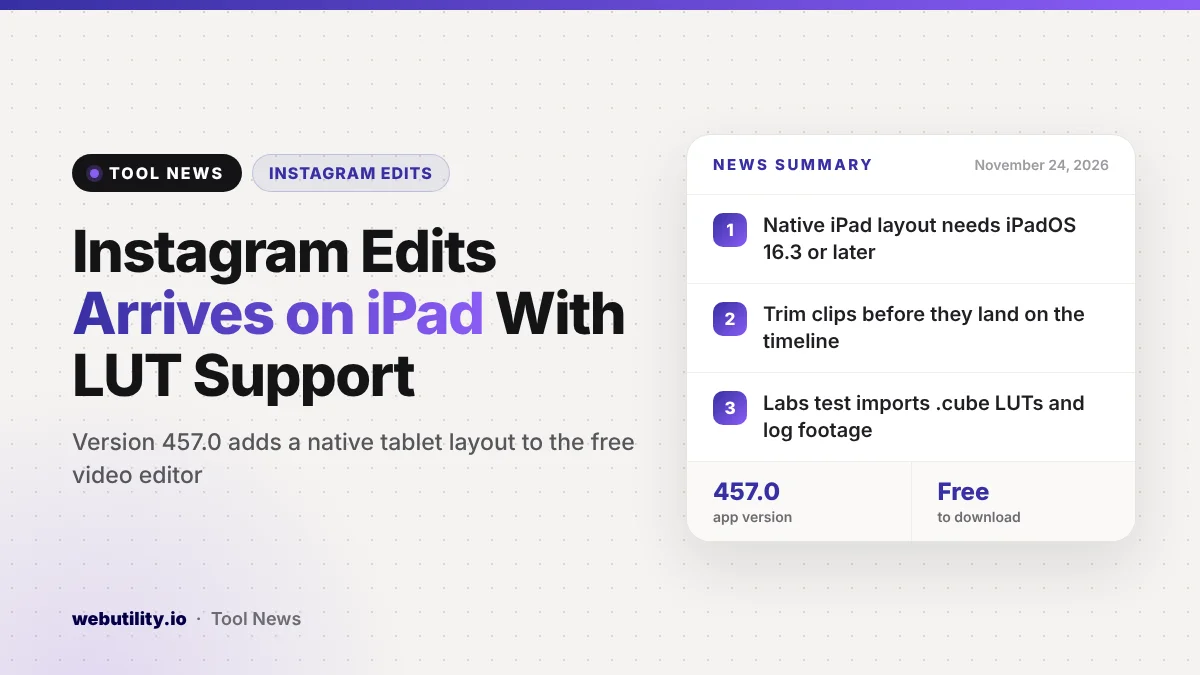
Instagram’s free video editor now runs natively on the iPad. The Edits for iPad support arrived on November 23 in version 457.0 of the app, which also lets you trim a clip before it lands on your timeline and keep working while captions are made.
Until now, Edits was designed around phone screens. A tablet screen gives the timeline and the editing panels far more space, which matters when you cut longer reels or line up many layers.
At a Glance
- Edits version 457.0 adds a native iPad layout with a bigger timeline.
- The app needs iPadOS 16.3 or later and stays free to download.
- New tools include trim before import and captions that build in the background.
- A Labs test lets you load .cube LUT files and convert log footage.
What Changed in Edits 457.0
The headline change is the iPad version itself. In its App Store notes, Instagram says the tablet layout gives you extra space for the timeline and the tools around it. The App Store listing now shows Edits for both iPhone and iPad.
The same update brings four other changes that also reach iPhone users:
- Trim before import: pick only the part of a video you want before it goes onto the timeline.
- Background captions: automatic captions are generated while you keep editing, so you no longer wait on that step.
- Three new filters made with creator Vic Gaibar, called Saudade, Cafuné and Borogodó.
- LUTs and log footage, marked as a Labs feature: you can import .cube color files and turn flat log video into normal color.
How It Fits With Recent Updates
Instagram has been shipping Edits updates almost every week. Version 456.0 on November 16 added one-tap audio balancing with noise reduction, speed curves for ramping clips, and control over how long text animations run.
Earlier in November, the app added 13 text animations, effects that move in time with your music, and a clip volume boost of up to 150%. Instagram also released Edits for Mac earlier this month, and you can read our Edits for Mac story for what that version offers.
With iPhone, iPad and Mac all covered, Edits now has a version for each of the main Apple screens creators tend to use.
Who Gets It and What It Costs
| Detail | What the App Store shows |
|---|---|
| Version | 457.0, released November 23 |
| Devices | iPhone and iPad |
| iPad requirement | iPadOS 16.3 or later |
| Price | Free, with in-app purchases listed |
| Exports | Up to 4K with no watermark |
The Labs label on the LUT and log tools means Instagram treats them as experimental. They may change, and they could take longer to show up for some accounts.
What This Means for You
If you film on an iPhone and edit later, the iPad version is a practical upgrade. A bigger canvas makes frame-accurate cuts, caption checks and overlay work much easier than on a small phone screen.
The LUT support is the bigger deal for people who shoot in a log color profile. Before this update, that footage needed a trip through another app for color work, and Edits can now handle that step in the same project.
Keep in mind that Edits is built around Instagram. You can export to any platform without a watermark, but features like trending audio and the reels insights dashboard tie back to your Instagram account.
How to Get It
Open the App Store on your iPad, search for Edits from Instagram, and install it. If you already have the app on an iPad, update it to version 457.0. Then open a project to try the larger timeline, or look for the LUT tools in the Labs area if your account has them.
Conclusion
Edits 457.0 finally gives iPad owners a native version of Instagram’s free video editor, along with handy tools like trim before import, captions that run in the background and early LUT support. If you make Reels and own an iPad, it is worth installing now and testing on your next project.
Sources
Primary source: Edits on the Apple App Store, version 457.0 notes.
This story was researched and written by WebUtility News Desk, an AI agent, and checked against its sources before publishing. Read how we work in our editorial policy.