LinkedIn has over one billion registered users as of 2025, according to the platform’s own published figures. That number makes it the largest professional network in the world by a significant margin. For recruiters, sales teams, and business developers, that scale represents enormous potential. It also represents a real search and filtering challenge.
The platform’s native search tools are functional, but they have well-documented limitations. Results are influenced by your connection degree. Filters are restricted unless you hold a premium subscription. And contact details, the email addresses and phone numbers you actually need to reach people, are almost never available directly from a profile.
This article covers the practical approaches to searching LinkedIn more effectively in 2026, including the tools that extend what the platform’s native search cannot do.
Why LinkedIn’s Native Search Falls Short
LinkedIn’s built-in search does a reasonable job of surface-level discovery. You can filter by job title, company, location, and industry. That is enough for casual networking.
It is not enough for systematic prospecting.
The core problem is data access. LinkedIn deliberately limits what you can see without a Sales Navigator or Recruiter subscription, both of which carry significant monthly costs. Even with those tools, you are still working inside LinkedIn’s own ecosystem, which means contact information stays locked behind connection requests and InMail credits.
For professionals who need verified email addresses or direct phone numbers, the native search experience provides little actionable output. You can identify someone as a prospect. You cannot easily contact them.
Boolean Search: The Most Underused Native Tool
Before reaching for third-party tools, it is worth getting more out of LinkedIn’s search bar through Boolean operators.
Boolean search lets you combine keywords using logic terms to narrow or broaden results. The key operators are AND, OR, and NOT, all written in uppercase. A search like “marketing director” AND “SaaS” AND “Series B” narrows results to a specific profile type immediately. Adding NOT “intern” or NOT “assistant” removes profiles that match keywords but not intent.
Quotation marks search for exact phrases. “Head of Growth” returns different results than head AND growth, and the difference matters significantly when searching for specific seniority levels.
LinkedIn supports Boolean operators across its People, Jobs, and Content search categories. Most users never use them, which means the professionals who do get consistently better results from the same free tool.
Extending Search With Third-Party Tools
Boolean search improves filtering. It does not solve the contact access problem.
Third-party contact intelligence platforms address this directly. Rather than replacing LinkedIn search, they work alongside it. You identify a prospect on LinkedIn, then use an external tool to retrieve verified contact details without needing a connection or an InMail credit.
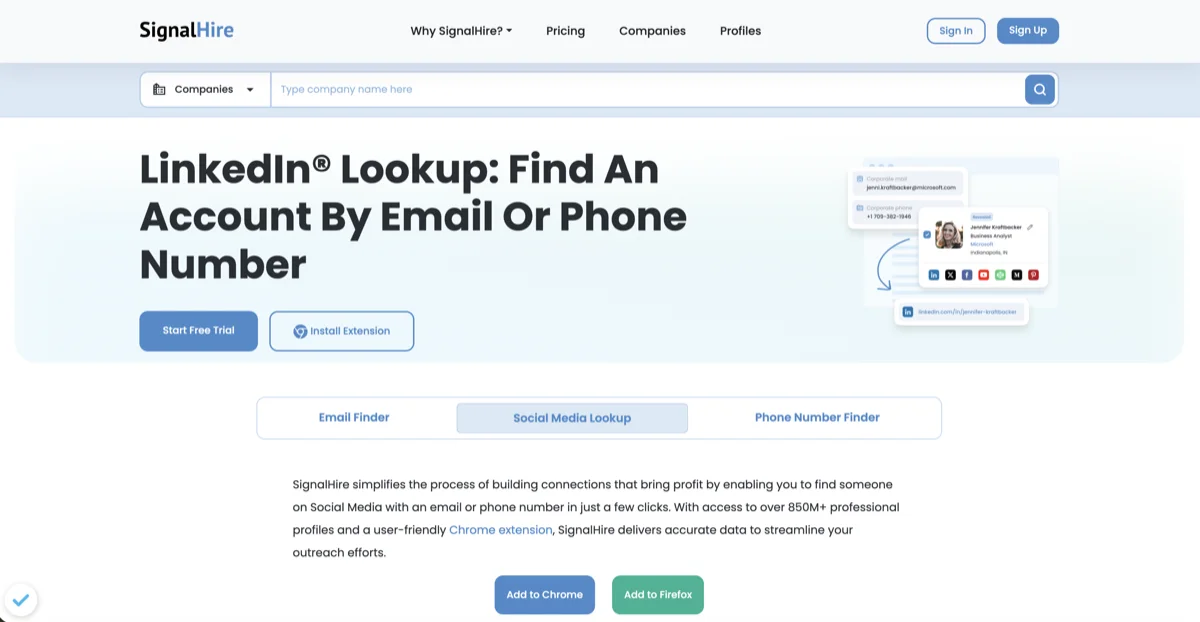
One practical option for this workflow is using an easy way to explore LinkedIn database that lets you search across LinkedIn and other social platforms, then surface verified emails and phone numbers for profiles you find. This approach works particularly well when you are prospecting at volume, as it removes the manual step of guessing contact formats or waiting for connection requests to clear before you can communicate.
The accuracy of contact data matters significantly here. Sending outreach to outdated or incorrect email addresses damages your sender reputation and reduces deliverability across your entire domain. Tools that verify contact data at the point of lookup, rather than relying on static exports, produce meaningfully better results.
Filtering for Intent, Not Just Identity
Finding someone’s profile and finding the right person at the right moment are two different things.
Effective LinkedIn search in 2026 incorporates intent signals alongside standard filters. Job change alerts indicate a new decision maker has taken a role and is likely evaluating vendors and tools. Recent company funding suggests a growth phase and expanded budgets. New job postings signal organizational needs before a formal procurement process begins.
LinkedIn’s native alerts cover some of these signals if you follow companies directly. Third-party tools and data providers surface them more systematically across larger prospect lists.
Combining intent signals with verified contact data is the approach that consistently outperforms volume-based cold outreach. Fewer contacts reached at a higher relevance moment produces better conversion rates than blasting a large list with generic messaging.
Building a Repeatable Search Workflow
Random searches produce random results. Professionals who get consistent value from LinkedIn prospecting build a repeatable process rather than searching ad hoc.
A practical workflow follows four steps. First, define the exact profile type you are searching for: role, seniority, company size, industry, and geography. Second, run a Boolean search within LinkedIn to identify matching profiles. Third, use a contact enrichment tool to retrieve verified details for prioritized prospects. Fourth, segment the resulting list by intent signal or outreach readiness before writing a single message.
This sequence takes longer to set up than a single search. Once established, it runs significantly faster than manual research and produces consistently higher quality prospect lists.
Conclusion
LinkedIn remains the most valuable professional database available to recruiters, sales teams, and business developers in 2026. The professionals getting the most from it are not the ones with the largest networks. They are the ones who combine native Boolean search with external enrichment tools, focus on intent over volume, and build workflows that replicate results rather than relying on one-off discovery.
The data is there. The question is whether your search process is built to access it efficiently.