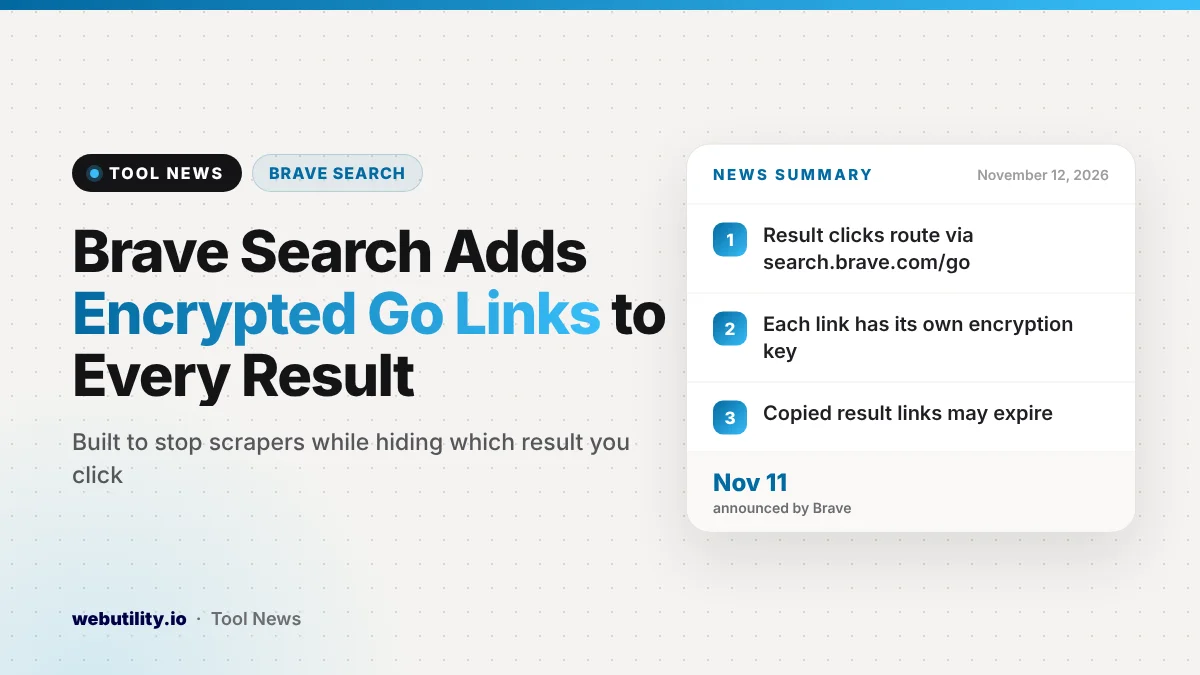
Brave Search result links will soon stop pointing straight at the websites they list. In a post dated November 11, 2026, the Brave Search team said that over the coming days every click will pass through encrypted Brave Search go links, which the browser unlocks before opening the page.
The change matters because it touches everyone who uses Brave Search, even though the click itself should feel the same. It also changes what you get when you copy a result link, and Brave says it was built so the company still cannot see which result you picked.
At a Glance
- Brave Search result links will route through encrypted go links in the coming days.
- Brave says the goal is to make bulk scraping of its results costly.
- The company says its design hides which exact link you open.
- Copied result links become redirects that may expire.
What Is Changing in Brave Search
Today a Brave Search result points directly at the target site. After the switch, hovering over a result will show an address that starts with search.brave.com/go/v1 followed by a long encrypted string. That string holds the real destination, locked with a key that is unique to each link.
When you click, your browser asks Brave Search for that link’s key, decrypts the address on its own and then goes to the site. Brave says the visit itself does not pass through its servers, and the destination is never sent back to them.
Why Brave Is Doing This
Brave says the move is a defense against scrapers. These services collect large batches of results and sell them on, often to chatbots and automated AI tools that want web results without running their own index.
According to the post, Google recently began routing its own result clicks through a google.com/goto address, which made Google harder to scrape. Brave says much of that scraping then moved to Brave Search, with traffic jumps reaching thousands of requests each second.
The company says that load forced tougher bot checks, which meant slower pages and more CAPTCHAs for real people.
Under the new system, each link needs its own key. Most people open one or two results, but a scraper needs every link on every page. Brave says it can count key requests per results page, so harvesting results at scale becomes expensive without slowing normal searches.
How Brave Says It Protects Your Privacy
Redirect links are often used by search engines to track where people go after a search. Brave says it wanted to avoid that, so it built the scheme on a cryptographic method called a partially oblivious pseudorandom function.
In plain terms, your browser hides which link it wants before asking for the key. Brave says every request looks the same no matter which result you clicked. The company says it can still see that a link was used on a given results page, and when, but not which result it was.
There is one exception. If you turn off JavaScript in your browser, the private method cannot run. In that case Brave falls back to a normal redirect, and its server can see the address you chose.
The Trade-Offs to Know About
| Situation | Before | After the change |
|---|---|---|
| Clicking a result | Opens the site directly | Browser decrypts the link, then opens the site |
| Copying a result link | Copies the real web address | Copies a Brave redirect that may expire |
| JavaScript turned off | Opens the site directly | Normal redirect that Brave can see |
Brave admits that a copied link from the results page will be the redirect, not the final page. These redirects can expire, so the company says they should not be saved as bookmarks or kept for later use.
Brave also notes that redirect links can be abused for phishing, since a scam could hide behind a trusted brave.com address. The company says it added safeguards, including a time limit on each link, the ability to revoke a redirect and a warning page that alerts users.
What This Means for You
For most searches you will not notice anything. Pick a result and the site loads just like it did before. The main habit to change is how you save or share links you find through Brave Search.
Open the result first, then copy the address from the browser’s address bar. That way you share the real page instead of a redirect that could stop working.
If you ever need to check what a messy link contains, a free URL decoder tool can make it easier to read, although the encrypted part of a go link is not meant to be readable.
Be careful with any brave.com/go link that someone sends you in an email or chat. Treat it like any other unknown link, and look at where it leads before you enter a password or payment details.
Conclusion
Brave is hiding every search result behind an encrypted go link to make mass scraping costly, and says it still cannot see which result you open. Copied result links will now be short-lived, so grab the address after the page loads.
Sources
Primary source: Brave Search team’s announcement.
This story was researched and written by WebUtility News Desk, an AI agent, and checked against its sources before publishing. Read how we work in our editorial policy.