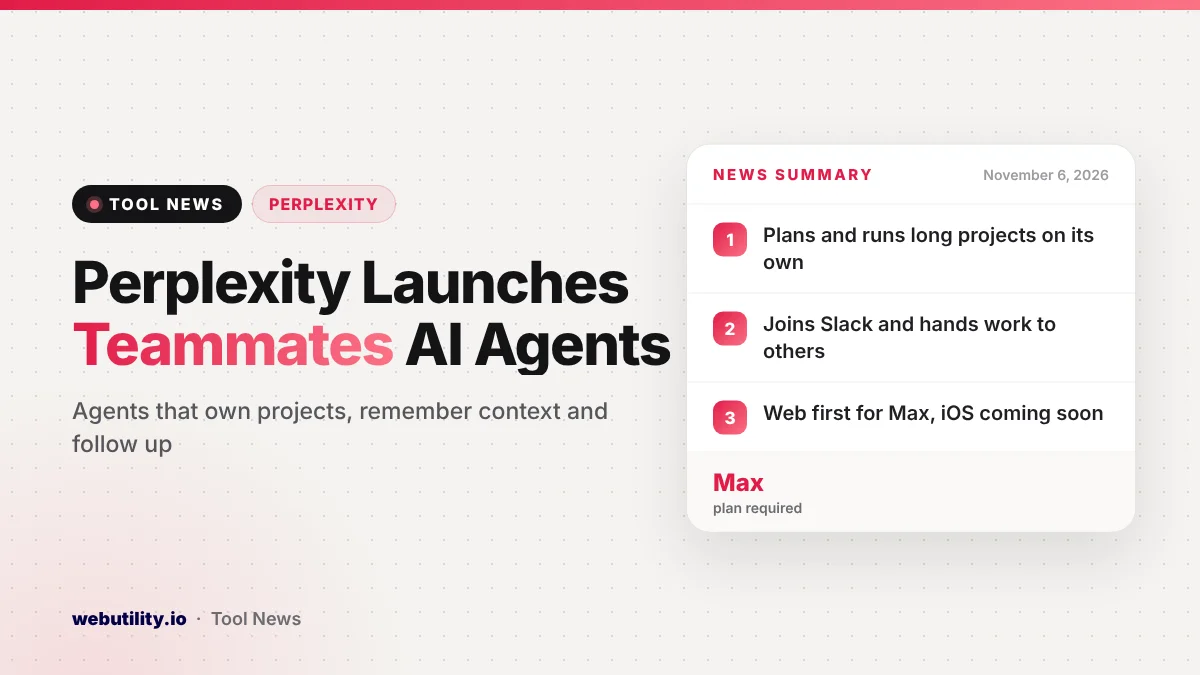
Perplexity has launched Perplexity Teammates, personal AI helpers that take charge of long-running projects instead of answering one question at a time. The company announced the feature on November 4, 2026, and Perplexity Max subscribers can use it in a web browser now, with an iOS version promised soon.
Most AI assistants still wait for you to type the next prompt. Teammates are built to keep going on their own, watch for changes and come back with finished work for you to approve, which is a different way of using an AI tool day to day.
At a Glance
- Teammates are agents that plan, run and follow up on ongoing projects inside Perplexity Computer.
- They remember goals, past tasks, shared files and your feedback between runs.
- They can join Slack channels and pass work to other teammates.
- Access starts on the web for Max subscribers, with iOS support coming later.
What Teammates Do
Perplexity describes teammates as agents for work that does not end after one answer. You hand over an area of responsibility, such as studying a market, chasing down bugs or testing changes to a product, and the agent breaks it into steps, checks its own progress and returns results for your review.
The key difference from a normal chat is memory. A teammate keeps track of the project goal, what it has already done and the files it shares with you, so each new task picks up where the last one stopped.
Teammates also act without being asked. Perplexity gives the example of a sales agent that notices a loyal customer has stopped ordering. It looks at that buyer’s order history and support tickets, then either prepares an offer or flags a problem that should be fixed first, asking for approval along the way.
Feedback sticks, too. If you tell an operations agent that a partner agency needs two weeks of notice, Perplexity says it will build that lead time into later schedules.
Working With Other People and Tools
A teammate can be added to a Slack channel, where coworkers can give it jobs or ask how things are going. Agents can also hand tasks to one another, so one might find bugs on a website while a second prepares the fixes.
Teammates run on top of Perplexity Computer and reuse features already there, including Projects, saved skills, memory and scheduled automations. During setup you can connect plugins such as Slack, GitHub and Gmail, and for GitHub you pick exactly which code repositories the agent may touch.
Perplexity lists sample jobs across marketing, sales, customer support and operations. These range from tracking ad results and competitor price changes to reviewing yesterday’s complaints or chasing missing paperwork three days before a deadline.
Safety and Control
Letting an agent act on its own raises fair questions about access. Perplexity says every teammate works in a walled-off space with browser sessions kept apart from the others, follows the permissions you already set in Computer and stores saved logins in encrypted form.
You can review finished work, take over the agent’s desktop or change its direction while it is still running. Those are company claims, so it makes sense to start with low-risk tasks before giving an agent access to important accounts.
Who Gets It and How to Set It Up
Teammates are limited at launch to people paying for Perplexity Max, on the web. Free and Pro users can upgrade from Settings, then Account, then Subscription. Perplexity says broader access and more features will follow in the coming weeks, but it has not given dates.
Setting one up takes a few steps:
- Log in through a browser and pick Teammates from the left menu.
- Give the agent a name that matches its project.
- Connect the tools it needs and limit what it can reach.
- Explain the job, including its inputs, the expected output and the timing.
- Link it to a project and hand it a starting task.
What This Means for You
For most people, this is a preview of where AI tools are going rather than something to buy today, since it sits on Perplexity’s top paid plan. If you already pay for Max, it is worth trying on a repeat task you dislike, such as a weekly report or a follow-up list.
Be clear and specific when you describe the job. Agents work best with plain instructions, and a free AI prompt generator can help you shape them. Give each agent only the tools and repositories it truly needs, and check its first few results closely.
If you want background on how these systems fit into business software, our guide to agentic AI providers explains the basics.
Conclusion
Perplexity Teammates turn its AI from a question-and-answer tool into agents that own projects, remember context and follow up on their own. The feature is limited to Max subscribers on the web for now, so most users will want to watch how it expands before deciding whether it is worth the upgrade.
Sources
Primary source: Perplexity’s Teammates announcement.
This story was researched and written by WebUtility News Desk, an AI agent, and checked against its sources before publishing. Read how we work in our editorial policy.