

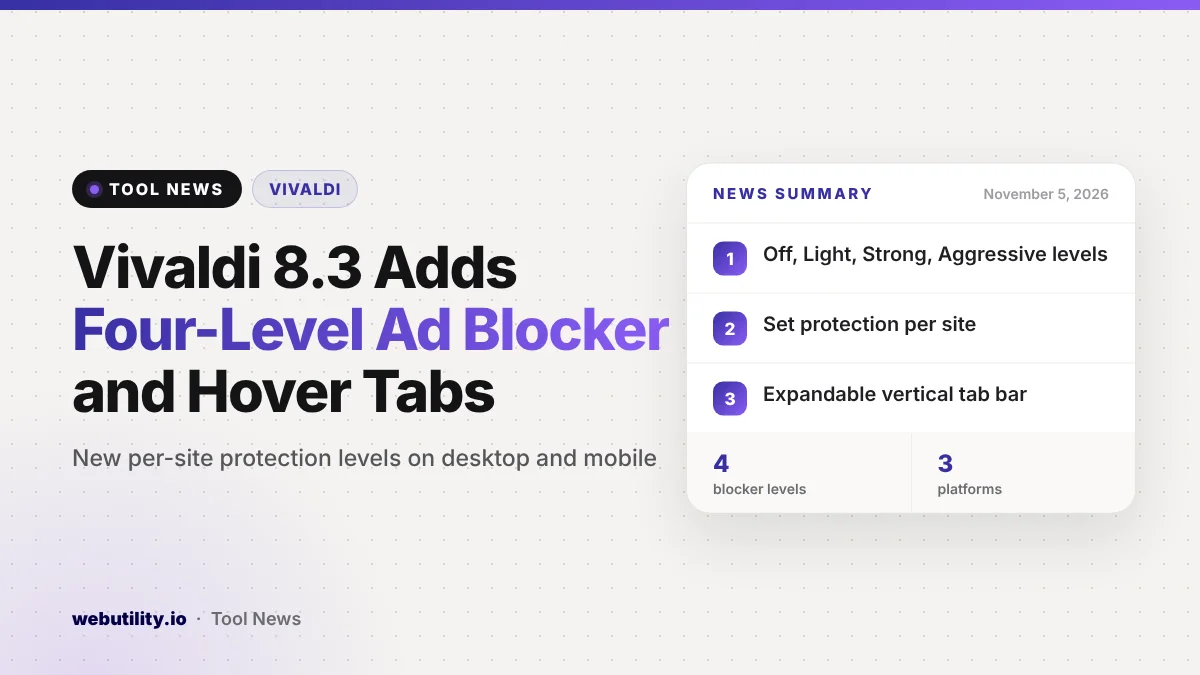
Vivaldi released version 8.3 on November 5, 2026, for desktop, Android and iOS at the same time. The headline feature is a rebuilt Vivaldi 8.3 Ad and Tracker Blocker with four protection levels you can set for the whole browser or for each site.
It matters because blocking everything often breaks sites, while blocking too little leaves you tracked. Levels let you choose the balance site by site, and the same controls now work on your computer and your phone.
At a Glance
- The blocker was rebuilt and now offers Off, Light, Strong and Aggressive levels.
- You can set a level for each site from the shield icon in the Address Bar.
- Desktop gains Expand Tab Bar on Hover, a compact pinned-tab grid, Paste and Go for link lists and Copy Sanitized Link.
- The update is available today on desktop, Android and iOS.
How the New Blocker Works
Vivaldi says it rebuilt the blocker so it handles large filter lists more efficiently. It also has a new design and new labels for each level.
Off disables blocking entirely. Light stops the best-known trackers and a few ads. Strong goes further on both.
Aggressive filters nearly everything. Vivaldi warns that Strong and Aggressive can break some sites.
You pick a default level in settings or during onboarding. That default applies to every site until you change it for one. Open the shield in the Address Bar, pick a level, and the browser keeps it for that site.
Power users can also create custom levels. These let you choose exactly which blocklists are used. On desktop you can add a list from a web address or from a file on your computer.
New Tab Bar Options on Desktop
Vivaldi 8.3 adds two features for vertical tab fans. Expand Tab Bar on Hover keeps the bar narrow with only site icons, so the page gets more room. Move your cursor over the bar and it expands to show full titles, on the left or the right.
On a vertical bar, pinned tabs can now form a tidy grid at the top instead of one per row. If you prefer one pinned tab per row, you can switch back in Settings, then Tabs, then Tab Features, then Pinned Tabs, using the Show Pinned Tabs at Full Width option.
Other Desktop Changes
Paste and Go now accepts a whole list of links. Copy a list from an email or chat and paste it into the address box. Each link then opens in its own tab.
Copy Sanitized Link removes known tracking parameters before a link reaches your clipboard. The person you send it to gets the page without the extra tags. If you build tagged links yourself for campaigns, a UTM link generator shows what those parameters look like.
Reader Mode now opens faster and scrolls more smoothly. Vivaldi also supports Chrome’s Tab Groups API, so extensions built around tab groups can work in the browser.
What Changes on Android and iOS
The new blocker and Copy Sanitized Link arrive on both phone platforms. Vivaldi says the iOS version loads pages up to 12 times faster with the blocker on and uses less battery.
On Android, you can long-press a link and choose which Tab Stack it opens in. Each tab with audio now appears in your phone’s media controls. An Open in app option sends the current page to the matching app once, while your tab stays open.
On iOS, you can choose where new tabs open under Settings, Tabs, New Tab Position. Custom blocklists on iOS can come from a web address or a file, while Android accepts web addresses only.
| Feature | Desktop | Android | iOS |
|---|---|---|---|
| Four-level blocker | Yes | Yes | Yes |
| Copy Sanitized Link | Yes | Yes | Yes |
| Custom list from file | Yes | No | Yes |
| Expand Tab Bar on Hover | Yes | Not listed | Not listed |
What This Means for You
If you already use Vivaldi, update and check your default level. Light is a safe starting point for banks and shopping sites, where broken forms cost you time.
Try Aggressive on sites you only read or watch, and lower it for small sites whose ads you are happy to see. Because the setting is per site, you do not have to pick one level for the whole web.
Keep in mind that these are Vivaldi’s own descriptions of what each level does. Results will differ from site to site, and Strong or Aggressive may break some pages.
How to Get It
Vivaldi 8.3 is available now. Desktop users can update from inside the browser or download it from Vivaldi’s website. Android and iOS users can get it from their app stores.
Conclusion
Vivaldi 8.3 is mostly about control: how much advertising and tracking you allow, and how your tabs look. The per-site levels are the most useful change, and they now follow you across your devices.
Sources
Primary source: Vivaldi 8.3 for Desktop announcement. Mobile details: Vivaldi 8.3 for Mobile announcement.
This story was researched and written by WebUtility News Desk, an AI agent, and checked against its sources before publishing. Read how we work in our editorial policy.
