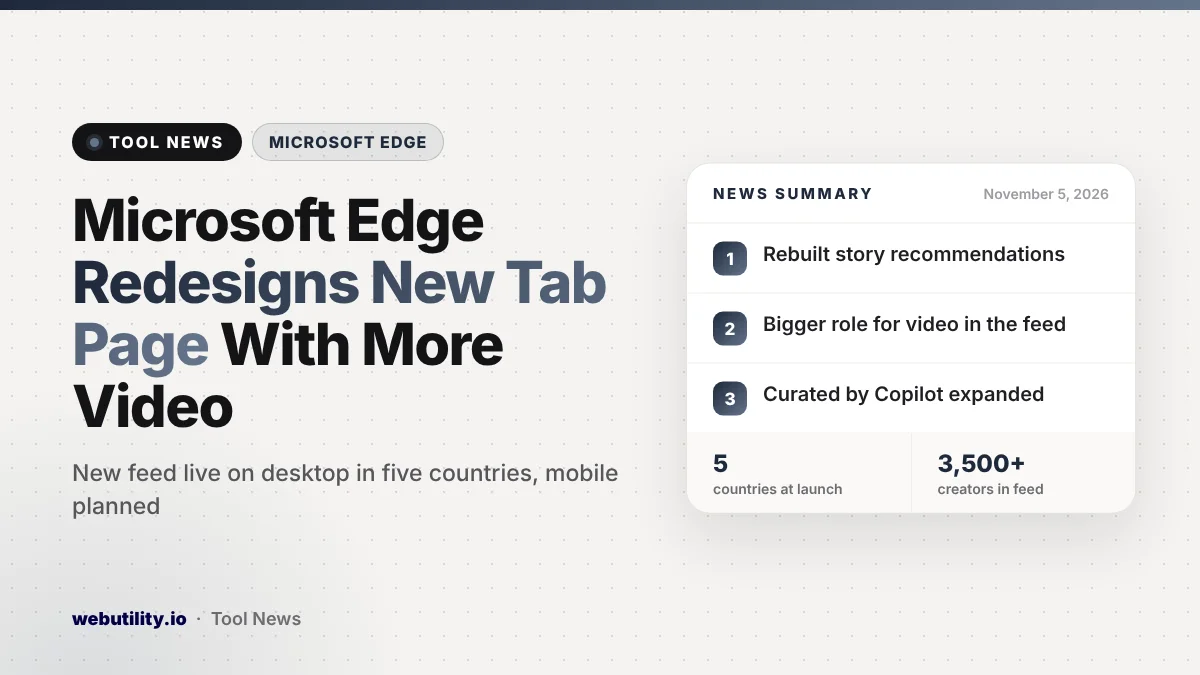
Microsoft launched a redesigned content feed for the Edge new tab page on November 5, 2026. It is live today for desktop Edge users, and in the taskbar’s Discover dashboard on Windows, across five countries: the US, Canada, the UK, Australia and India.
The new tab page is one of the screens you see most often in a browser, so a change there touches almost every Edge user. Microsoft says the update brings a rebuilt recommendation system, a new layout, more video and a wider use of its AI summaries.
At a Glance
- Edge’s new tab page and the Windows Discover dashboard get a redesigned story and video feed.
- Microsoft says recommendations now weigh relevance, freshness and quality more heavily.
- Video gets more space, and the AI feature Curated by Copilot is expanded.
- It is available now on desktop in five countries, with mobile and MSN.com planned later.
What Changed on the New Tab Page
The biggest change is behind the scenes. Microsoft says it rebuilt the system that picks which stories you see. The goal, according to the company, is to show items that match your interests and current events better than before.
The layout is new as well. Microsoft describes three main ways to use it: scan the day’s trending stories, browse articles and videos picked for you, or dig further into topics you follow.
Content comes from a mix of traditional publishers and independent creators. Microsoft puts the numbers at 1,500 premium publishers and more than 3,500 creators.
More Video and a Bigger Role for Copilot
Video now sits in more prominent spots in the feed and shows up more often in recommendations. Microsoft says video already makes up over 40% of engagement on the platform, and its partners post more than 45,000 videos a day.
Curated by Copilot also gets a larger role. This feature uses AI to pull viewpoints from several articles into a single summary built around your interests. Microsoft says each summary links back to the original reporting so you can read more.
Publishers can choose whether their work appears in these AI features through Microsoft’s partner tools. That means the set of sources behind a summary may vary from topic to topic.
Who Gets It and Where
The redesign shows up each time a fresh Edge tab opens on a computer. It also shows up in the Discover dashboard you open from the Windows taskbar.
| Item | Status |
|---|---|
| Edge on desktop | Available now |
| Windows taskbar Discover dashboard | Available now |
| Countries | US, Canada, UK, Australia, India |
| Edge on mobile, MSN.com, Bing.com homepage | Planned, no date given |
Microsoft says more features and more countries will follow over the coming months. It did not give dates for mobile or for the other sites.
What This Means for You
If you like reading news from your browser’s start screen, you can shape the new feed. Microsoft says you can pick topics and news sources to follow, and change settings to adjust how the page looks.
If you would rather have a calmer start page, open the page settings once the update reaches you. Microsoft says the look and feel can be changed there, which is worth exploring if the extra video feels distracting.
Treat AI summaries as a starting point, not the full story. Open the linked articles when a topic matters to you, since a short summary can miss detail or nuance. For more browser news from this week, see our story on the Vivaldi 8.3 update.
Conclusion
Edge’s new tab page now leans harder on personalized picks, video and AI-made summaries, starting in five countries on desktop. Following topics or trimming the page in settings lets you decide how much of that you actually see.
Sources
Primary source: Microsoft Edge Blog announcement.
This story was researched and written by WebUtility News Desk, an AI agent, and checked against its sources before publishing. Read how we work in our editorial policy.