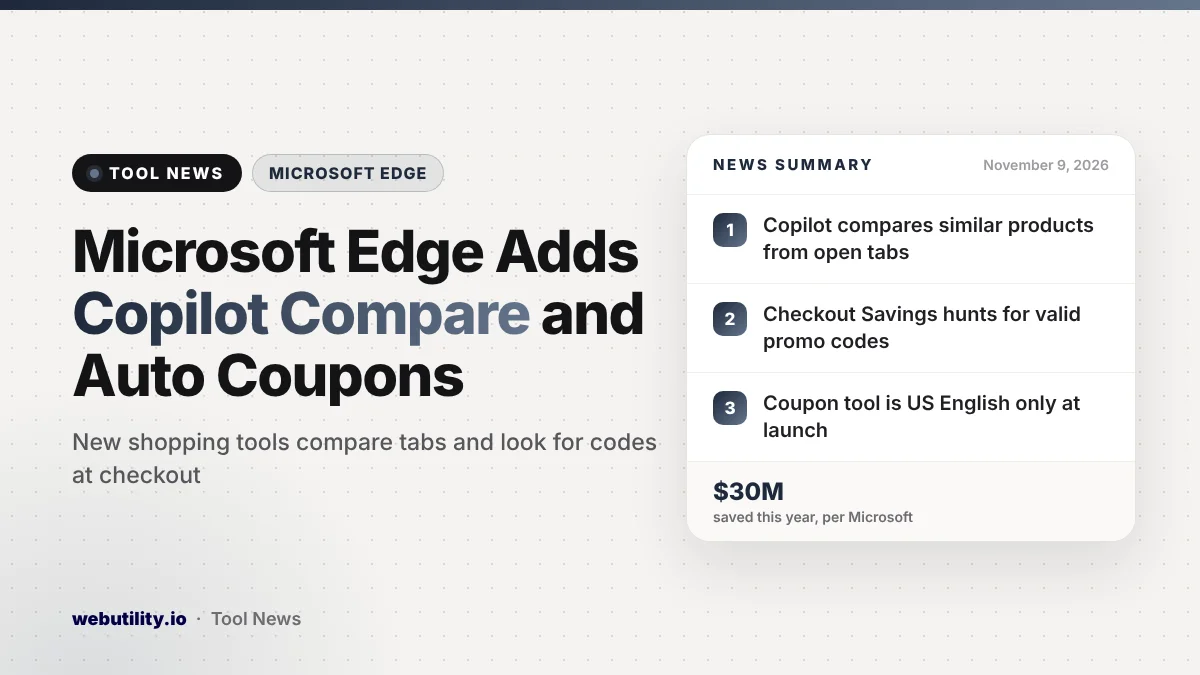
Microsoft Edge shopping tools got two new features on November 9, 2026. Edge can now spot similar products open in different tabs and offer a Copilot summary that compares them side by side.
A new feature called Checkout Savings also hunts for a promo code that works when you reach a store’s checkout page. Product comparison works in all Copilot markets, while Checkout Savings is limited to US English for now.
Holiday shopping often means a dozen tabs and a hunt for promo codes on sketchy coupon sites. Microsoft is building both jobs straight into the browser, which saves time but also gives Copilot a bigger role in how you shop.
At a Glance
- Edge offers a Copilot comparison when it sees similar products in your open tabs.
- Checkout Savings searches for a coupon in the background at checkout.
- Both work in Edge for Windows and Mac and can be turned off in Settings.
- At launch, Checkout Savings supports US English only.
Product Comparison With Copilot
Say you have three pairs of headphones open, each in its own tab. Edge can now notice that you are looking at similar items and offer to compare them. One click opens a Copilot summary next to the page you are on, lining up specs and prices and pointing out what sets each one apart.
You can then keep asking Copilot questions without explaining what you are shopping for, since it already has those tabs as context. Microsoft says Edge only reads the full pages after you choose to compare, and that you can switch the feature off in Edge Settings.
Checkout Savings Finds Coupons for You
The second addition targets the empty promo code box. When you get to checkout, Checkout Savings quietly looks for coupons and can show one when it finds a code that works. Microsoft notes that there is nothing extra to install, unlike the coupon extensions many people add to their browsers.
Results will vary by store. Microsoft says shopping features may behave differently from site to site, and for now Checkout Savings only runs in US English.
The Shopping Tools Edge Already Had
The new features sit alongside tools Edge has offered for a while. Here is how they line up:
| Feature | What it does | New? |
|---|---|---|
| Product comparison | Copilot compares similar items from your tabs | Yes |
| Checkout Savings | Tries to find a valid promo code when you pay | Yes (US English) |
| Price Comparison | Shows the same item for less at other stores | No |
| Price History and Tracking | Charts past prices and alerts you to drops | No |
| Cashback | Earn money back at eligible stores after you activate an offer | No |
A Shopping tag in the address bar opens a side pane with these tools on stores that take part. Microsoft says Edge has helped shoppers save close to $30 million so far this year, a figure that comes from the company.
What This Means for You
If you already use Edge, the comparison feature can cut down on tab hopping when you are choosing between a few similar products. Treat the Copilot summary as a starting point, though, and check key specs and return policies on the store page before you buy.
Checkout Savings could replace a coupon extension for US shoppers, which means one less add-on with access to your browsing. Keep in mind that it will not always find a code, and a coupon that appears does not guarantee you have the lowest price.
These features rely on Edge and Copilot looking at the pages you shop on, so if that bothers you, turn them off in Settings.
Edge also suggests strong passwords and supports passkeys for new store accounts, and our free strong password generator works in any browser too. For other recent changes, see our story on Edge 157’s new sign-in option.
How to Turn It On or Off
Make sure Edge is up to date on Windows or Mac. The comparison offer should appear on its own when you have similar product pages open, and Checkout Savings shows up on supported checkout pages in US English. To control either one, open Edge Settings and adjust the shopping options there.
Conclusion
Edge now compares products across your tabs with Copilot and hunts for coupons at checkout, adding to its existing price tracking and cashback tools. The coupon tool is US English only for now. Try them if they fit how you shop, and switch them off if you would rather keep Copilot out of it.
Sources
Primary source: Microsoft’s Edge blog post.
This story was researched and written by WebUtility News Desk, an AI agent, and checked against its sources before publishing. Read how we work in our editorial policy.