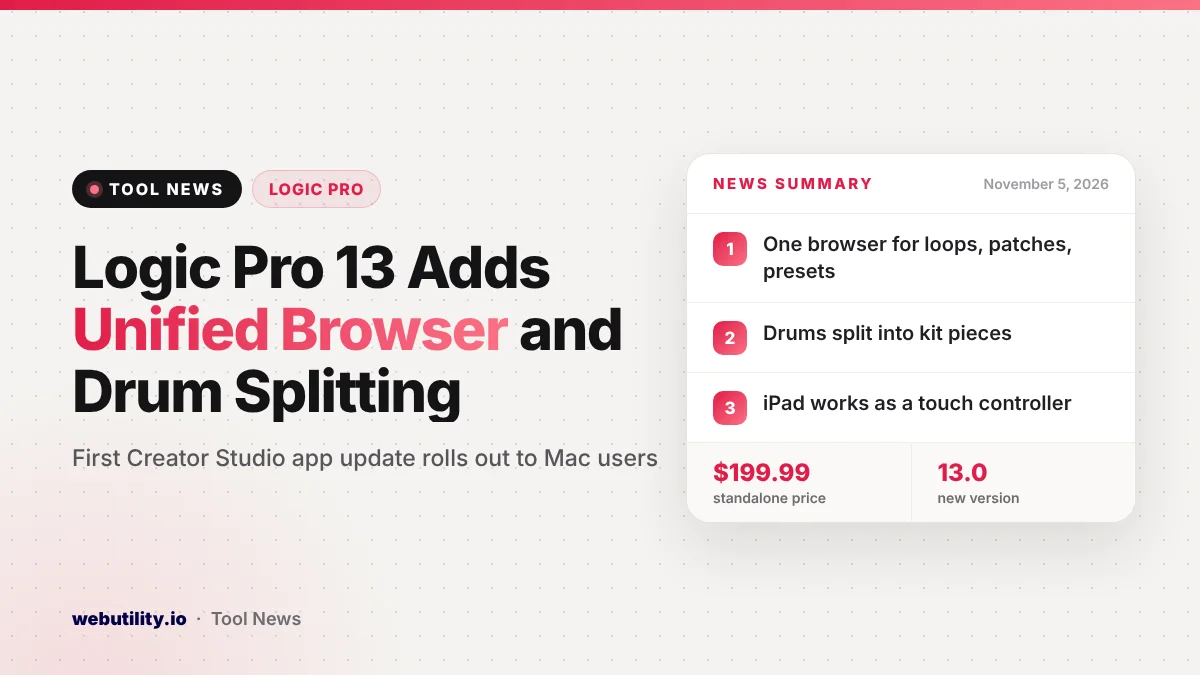
Apple released Logic Pro 13 for Mac on November 5, 2026, the first of the Creator Studio app updates it previewed last month. The Logic Pro 13 update reaches both the standalone app and the copy included with a Creator Studio subscription, and adds a single browser for all your sounds, finer drum separation and a new look.
For music makers, the changes target two daily pain points: hunting through scattered sample folders and pulling apart a finished mix. Version 13 also lets an iPad act as a touch controller for the Mac app, which could replace extra hardware for some home producers.
At a Glance
- A redesigned browser gathers loops, one-shots, patches and plug-in presets in one place.
- Stem Splitter can now break drums into kick, snare, hi-hat, toms, cymbals and other percussion.
- An iPad can now control the Mac app by touch through Sidecar, and a new Play Surface lets you play with your keyboard.
- The standalone app stays at $199.99, and more Creator Studio apps are expected to update during November.
A Single Browser for Every Sound
The biggest change in Apple’s release notes is the Unified Browser. It pulls loops, single hits, patches for instruments and effects, and saved plug-in settings into one searchable view instead of separate panels.
You can add your own or third-party samples, and Apple says Logic Pro will analyze and tag them automatically. That should make large sample libraries easier to search, even if you never tagged anything yourself.
Search works with filters that change as you narrow results, or with plain descriptions of the sound you have in mind. You can also look for samples similar to one you like, see licensed Splice sounds next to your own library, and add any Mac folder as a browser location.
Drums Split Into Separate Tracks
Stem Splitter already separated a mixed recording into parts such as vocals, bass, guitar and piano. In version 13 it can go further inside the drum stem, creating its own track for each part of the kit.
Apple says this lets you rebalance a drum mix without the original multitrack session. That is useful for remixes, practice tracks and old demos where only a stereo file survives. If you are curious how stem separation works in general, our look at AI stem separation tools covers the basics.
New Ways to Play and Program
With Sidecar, you can run the Mac version of Logic Pro from an iPad screen. Apple lists triggering Live Loops cells, filling Step Sequencer patterns, adjusting plug-ins and instruments, and moving several mixer channels at the same time.
The new Play Surface is a resizable window for performing instruments. You can hit its drum pads and chord pads using a mouse and your typing keys, or on an iPad through Sidecar, and use note repeat for quick rolls.
Chord pads can follow the project’s Chord track live, so the notes you play match the song’s harmony. The window also includes a musical keyboard with velocity, modulation and polyphonic pitch glide controls.
The Step Sequencer now supports multi-select. You can drag or Shift-click across steps, change settings for the whole group, copy groups to new spots, and use new key commands to select, invert or nudge steps.
Liquid Glass Design and Other Reported Changes
Logic Pro 13 adopts Apple’s Liquid Glass style, with see-through surfaces and stronger contrast across menus, toolbars and windows. The App Store listing says the app needs macOS 26.1 or later.
MacRumors also reports an AI feature called Intelligent Assistant that helps build beats from natural-language requests. It is not described in the App Store release notes, so check what your copy shows after updating.
Price and Creator Studio Rollout
| Option | Price (US) | What you get |
|---|---|---|
| Logic Pro one-time purchase | $199.99 | Logic Pro for Mac, updated to 13.0 |
| Creator Studio monthly | $12.99 per month | Logic Pro, Final Cut Pro, Pixelmator Pro and other Apple creative apps |
| Creator Studio yearly | $129 per year | The same app bundle |
According to MacRumors, Pixelmator Pro was expected to update the same day, with the rest of the Creator Studio apps following through November. Apple’s App Store notes released today cover Logic Pro only.
What This Means for You
If you already own Logic Pro, this is a free update through the Mac App Store, so the main question is timing. Producers in the middle of a project may want to finish it first, or back up the project and confirm their third-party plug-ins work with the new version.
Check your macOS version before updating, since the listing asks for macOS 26.1 or later. If your Mac runs an older system, you will need to update macOS first.
The browser and drum splitting should help most people right away. Sidecar and Play Surface are best if you lack a MIDI controller and already own a recent iPad.
Conclusion
Logic Pro 13 is a substantial release rather than a bug-fix update, focused on finding sounds faster and getting more out of existing audio. It also starts Apple’s November rollout of Creator Studio updates, with more apps expected to follow over the coming weeks.
Sources
Primary source: Logic Pro 13.0 release notes on the Mac App Store. Additional reporting from MacRumors.
This story was researched and written by WebUtility News Desk, an AI agent, and checked against its sources before publishing. Read how we work in our editorial policy.