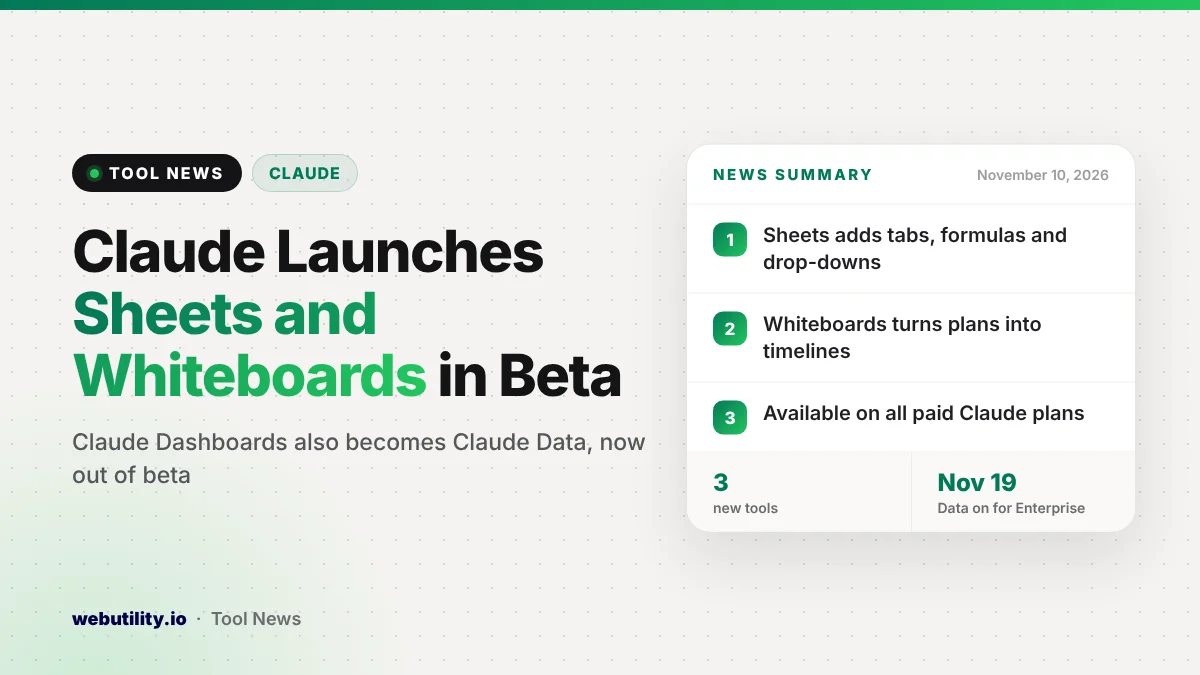
Anthropic has launched Claude Sheets and Claude Whiteboards in beta, and its dashboard tool is now generally available under a new name, Claude Data. All three work on the web, desktop and mobile apps, and Anthropic says they are open to every paid Claude plan starting November 10, 2026.
This moves Claude closer to being a place where teams do their work, not just a chat window you copy answers out of. Spreadsheets and brainstorm boards can now stay inside Claude, where your coworkers can keep editing them alongside the assistant.
At a Glance
- Claude Sheets builds and edits spreadsheets with tabs, formulas, formatting and drop-down menus.
- Claude Whiteboards is a shared board that can turn a messy plan into a timeline with owners and dates.
- Claude Dashboards is now Claude Data and is out of beta, with certified queries and live sharing in beta.
- All three are on paid plans; Anthropic says a separate Claude Meetings feature is coming soon.
What Claude Sheets Can Do
You can ask Claude for something like a hiring budget or a campaign tracker, and it creates the sheet for you. It sets up multiple tabs, writes formulas, adds formatting and builds drop-down lists from a simple request.
Claude can also edit cells directly. Each time it changes something, it marks the edit so you can follow what moved and why. You can share a sheet with your team so people and Claude work on the same file.
Anthropic is open about the limits. The company says Sheets only covers basic spreadsheet features for now and that more are on the way. If you need everything Excel offers, you can export to an .xlsx or CSV file, use Claude inside Excel, or move the work to Airtable, Asana, monday.com or Smartsheet.
How Claude Whiteboards Works
Whiteboards is meant for planning sessions. You can talk through a rough idea, and Claude lays it out as a board with a timeline, owners and due dates that your team can change together in real time.
Anthropic gives the example of a team retrospective. Everyone drops in their notes, then Claude sorts them into themes and writes up a to-do list for every teammate. You can also drag a box around part of the board and ask Claude questions about just that area.
Once the brainstorm wraps up, you can ask Claude to convert the board into a slide deck or a written doc. You can also send it to Lucid, Miro or Vani by Zoho if your team prefers those tools.
Claude Data Replaces Claude Dashboards
Claude Dashboards first arrived in beta in October and let teams ask questions about company data stored in tools such as BigQuery, Amazon Redshift and ClickHouse. It is now generally available as Claude Data, and Anthropic says the new name reflects a wider set of uses.
The update brings several additions. Here is a quick look at what changed:
| Feature | What it does | Status |
|---|---|---|
| Certified queries | Data teams approve the metric definitions everyone should use, and charts show a certified badge | Beta |
| Live sharing | Coworkers see current numbers without needing their own data connector | Beta |
| Data stories and videos | Claude drafts written stories or narrated clips from your metrics for review | Available |
| Caching and refresh timing | Dashboards load faster, with refresh settings per dashboard | Available |
| Tracked changes | See who edited a dashboard and roll back to an older version | Available |
Before Claude Data can show anything, you have to link it to a source of business data, like a CRM or a data warehouse. With live sharing, viewers only see results, not the raw data, and they can only run queries the owner approved.
Who Gets It and When
Anthropic says all three tools are available on every paid plan. On Team plans, they are switched on by default. On Enterprise plans, Sheets and Whiteboards start switched off, while Claude Data will be switched on automatically starting November 19, 2026.
Admins can change these settings at any time under the Artifacts section of Organization settings. If you are on a company plan and do not see the new tools, your admin may need to enable them.
Anthropic also says that partner apps such as Adobe, Atlassian, Box and Notion can now open as full apps right next to your chat. It adds that Claude Meetings, which will let Claude sit in on calls, jot down notes and keep shared files current, is coming soon.
What This Means for You
If you already pay for Claude and mostly use it to draft text, Sheets is the easiest new feature to try. Ask for a simple tracker or budget and check the formulas it writes before you rely on the numbers.
Keep in mind that this is a beta with basic spreadsheet features. For heavy financial models or large data sets, a full spreadsheet app is still the safer choice.
You can export your Claude sheet when you outgrow it. If you just need a quick chart from a small file, our free CSV to chart tool can also help.
Whiteboards could save time for teams that run regular planning or retro meetings. Free Claude users do not get these tools, so the new features are one more reason Anthropic is giving people to upgrade. Claude has been adding personal features too, such as the recent personal finance beta.
Conclusion
Claude Sheets and Claude Whiteboards let paid users build spreadsheets and plan projects with Claude and their team in one place. Claude Data takes dashboards out of beta with new sharing tools. The spreadsheet side is still basic, so treat it as a fast starting point rather than a full Excel replacement for now.
Sources
Primary source: Anthropic’s Claude Sheets, Whiteboards and Data announcement. Additional details from Anthropic’s product overview post.
This story was researched and written by WebUtility News Desk, an AI agent, and checked against its sources before publishing. Read how we work in our editorial policy.