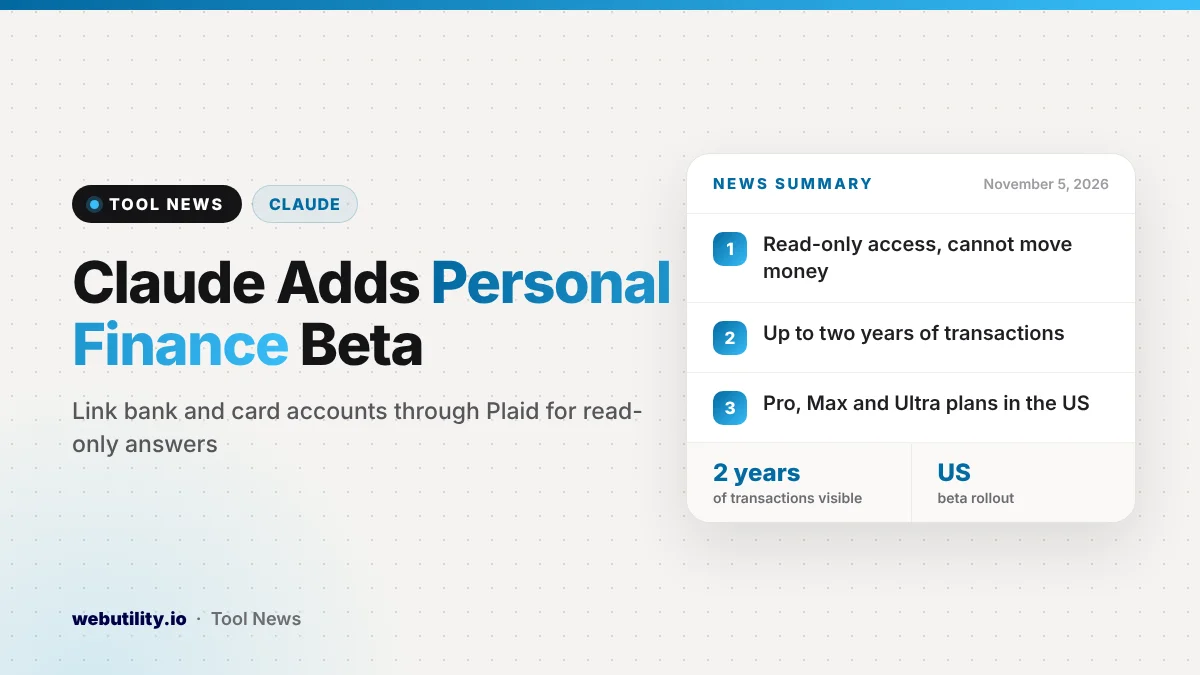
Anthropic has launched Claude Personal Finance, a new beta hub that lets you link your bank and credit card accounts to Claude and ask questions about your money in plain language. It began rolling out on November 5, 2026, for US subscribers on the Pro, Max and Ultra plans.
This matters because many people already paste bank statements into chatbots to make sense of their spending. A built-in, read-only link could make that easier and tidier, but it also means handing an AI company a detailed view of your financial life, so the privacy details deserve a close look.
At a Glance
- Claude can now read balances and transactions from linked bank and card accounts.
- Accounts are linked through Plaid, and Claude never sees your bank password.
- Access is read-only, so Claude cannot move, invest or manage money.
- The beta is limited to paid Pro, Max and Ultra plans in the US.
What Claude Personal Finance Does
Once your accounts are linked, you can ask Claude where your money went this month. Anthropic says Claude totals spending across every linked account and groups it into categories such as housing, utilities, and food.
You can then keep the conversation going. Claude can compare this month with earlier months, list bills that are due before your next paycheck and estimate what will be left once they clear.
Anthropic also says Claude can scan your accounts for things that are easy to overlook. Examples include a charge that went through twice, a surprise fee, or a regular bill that has slowly risen over the year.
The tool can explain money terms as well. If you ask what APR means, Claude defines it and then works out how much interest your own cards have cost you this year. You can also request a chart of weekly spending, a calendar of due dates or a custom dashboard that you can keep tweaking.
How Account Linking and Privacy Work
You link each account yourself by signing in to your bank through Plaid, a widely used service that connects apps to banks. You accept Plaid’s terms there and approve read-only access, so your bank login stays with the bank.
For each linked account, Anthropic says Claude can see the bank name, what each account is called and its type, the final four digits, current balances, card limits and as much as two years of transaction history. Accounts you do not link stay out of view.
According to Anthropic, chats inside the Personal Finance hub are not used to train its models. Anything you share about money in a regular Claude chat follows your normal privacy settings instead. You can unlink an account at any time, and Claude then loses access to that data.
Who Gets It and What It Costs
Personal Finance is not a separate paid add-on. It comes with the existing paid plans, but only in the US for now and only as a beta that is reaching users gradually.
| Plan | Personal Finance beta |
|---|---|
| Free | Not included |
| Pro | Rolling out in the US |
| Max | Rolling out in the US |
| Ultra | Rolling out in the US |
Anthropic says the feature has no ads or sponsored suggestions, and the company does not sell its own cards, loans or savings products. It also stresses that the tool is not meant to give investment advice.
What This Means for You
If you already use Claude and find budgeting apps fiddly, this could save real time. Asking a direct question about your spending is often faster than exporting statements and building a spreadsheet by hand.
Still, treat the answers as a starting point. Anthropic itself warns that Claude can get numbers wrong, so ask which transactions sit behind any total and confirm important figures with your bank before acting on them.
Think about how much access you are comfortable giving. Linking a single checking account first is a sensible test. It is also a good moment to make sure your bank login uses a unique password from a strong password generator and two-step sign-in.
If you would rather not link accounts at all, nothing changes for you. The feature is opt-in, and regular Claude chats keep working as before.
How to Get Started
When the beta reaches your account, a Personal Finance entry appears in the Claude sidebar. Open it, link one account through Plaid and try a simple question, such as how much you could save each month.
Anthropic says setup steps and details on how your data is stored can be found in its Help Center. The company adds that it wants to work with banks and financial firms later on, so Claude can support bigger money decisions alongside licensed professionals.
Conclusion
Claude Personal Finance turns Claude into a read-only money assistant for paid US users, with spending summaries, bill reminders and plain explanations of financial terms. It brings Claude closer to similar tools rivals already offer, and its usefulness will depend on how accurate the answers are and how comfortable you feel sharing your banking data.
Sources
Primary source: Anthropic’s Personal Finance announcement. Additional reporting from TechCrunch.
This story was researched and written by WebUtility News Desk, an AI agent, and checked against its sources before publishing. Read how we work in our editorial policy.