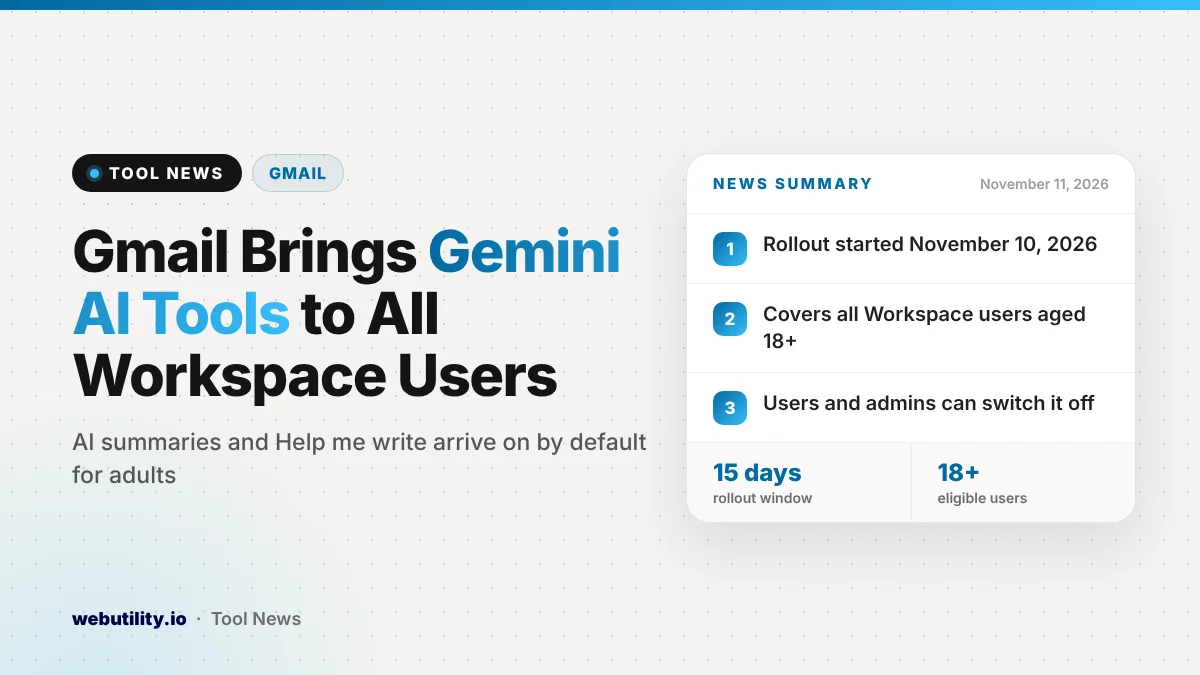
Google is opening two Gemini in Gmail features to every Google Workspace user who is 18 or older. AI Overview thread summaries and the Help me write drafting tool start a gradual rollout on November 10, 2026, and Google says they will be switched on by default for school and work accounts.
Until now, these tools were limited to personal Google accounts and certain paid Workspace editions. The change means people who use Gmail through an employer or a school will soon see AI summaries and drafting help, even if their organization was not on one of those editions.
At a Glance
- AI Overview summaries and Help me write are expanding to all Workspace users aged 18 and up.
- The rollout began November 10 and can take up to 15 days to reach every account.
- Both features are on by default, but users and admins can turn them off.
- Smart features in Gmail must be enabled for the tools to appear.
What Is Changing in Gmail
Google describes the update as moving these Gemini tools into the core Workspace experience. Before this, a school or work account often had no access unless the organization was on a specific edition that included them.
The expansion covers two features. Google notes that the drafting tool in this release is the non-personalized version, so it writes from your prompt rather than from your past emails or writing style.
How the Two Features Work
AI Overview appears at the top of a long email thread. It pulls together the main points and the replies so you can catch up on a conversation without scrolling through every message.
Help me write creates a full email draft from a short instruction you type. You can also hand it text you already wrote and ask it to polish or adjust it. For example, you might ask for a friendly follow-up after a job interview and then edit the result before sending.
Google says the goal is to cut the time people spend sorting a busy inbox and composing replies. The company points to teachers, students and office workers as the groups most likely to benefit.
Who Gets It and When
The table below sums up the rollout details Google shared.
| Detail | What Google says |
|---|---|
| Who is eligible | All Workspace customers, Workspace Individual subscribers and personal account users aged 18+ |
| Start date | November 10, 2026 |
| Rollout speed | Gradual, up to 15 days for the features to show up |
| Release tracks | Both Rapid Release and Scheduled Release domains |
| Default setting | On for users, with an off switch for users and admins |
| Requirement | Smart features in Gmail must be turned on |
Google did not announce any new price for these features. The post frames them as part of the standard Workspace experience rather than a paid upgrade.
What This Means for You
If you use Gmail for work or school, expect to see a summary box on long threads and a drafting prompt in the compose window over the next two weeks. You do not need to install anything, since the features arrive on their own.
AI summaries are handy, but they can miss details or tone. For anything important, such as a contract change or a deadline, read the original messages before you act. The same goes for drafts: treat them as a starting point and check names, dates and facts before you hit send.
Writing a clear request makes a big difference to the draft you get back. If you want practice wording instructions for AI tools, a free AI prompt generator can give you ideas for structure and detail.
Some people will prefer not to have AI features in their inbox at all. Because the tools are on by default, it is worth knowing where the switch is. Your organization may also have its own rules about using AI on work email, so check with IT if you are unsure.
How to Turn the Features On or Off
Regular users can disable the features themselves. Google says the setting is tied to smart features in Gmail, which you can manage in Gmail settings. Turning smart features off removes these tools along with other automatic features.
Admins can block Gemini features in Gmail for their whole organization from the Admin console. Google points admins to its Help Center article on managing access to Gemini features in Workspace services.
While you are tidying up your inbox settings, it can also help to review how your messages land for others. Our guide to using a free email spam checker explains how to test whether your own emails look trustworthy.
Conclusion
Google is making AI thread summaries and email drafting a standard part of Gmail for every adult Workspace user, not just those on select plans. The rollout began November 10 and should finish within about two weeks. The features will switch on automatically, so review your settings now if you would rather keep Gemini out of your inbox.
Sources
Primary source: Google Workspace Updates announcement.
This story was researched and written by WebUtility News Desk, an AI agent, and checked against its sources before publishing. Read how we work in our editorial policy.