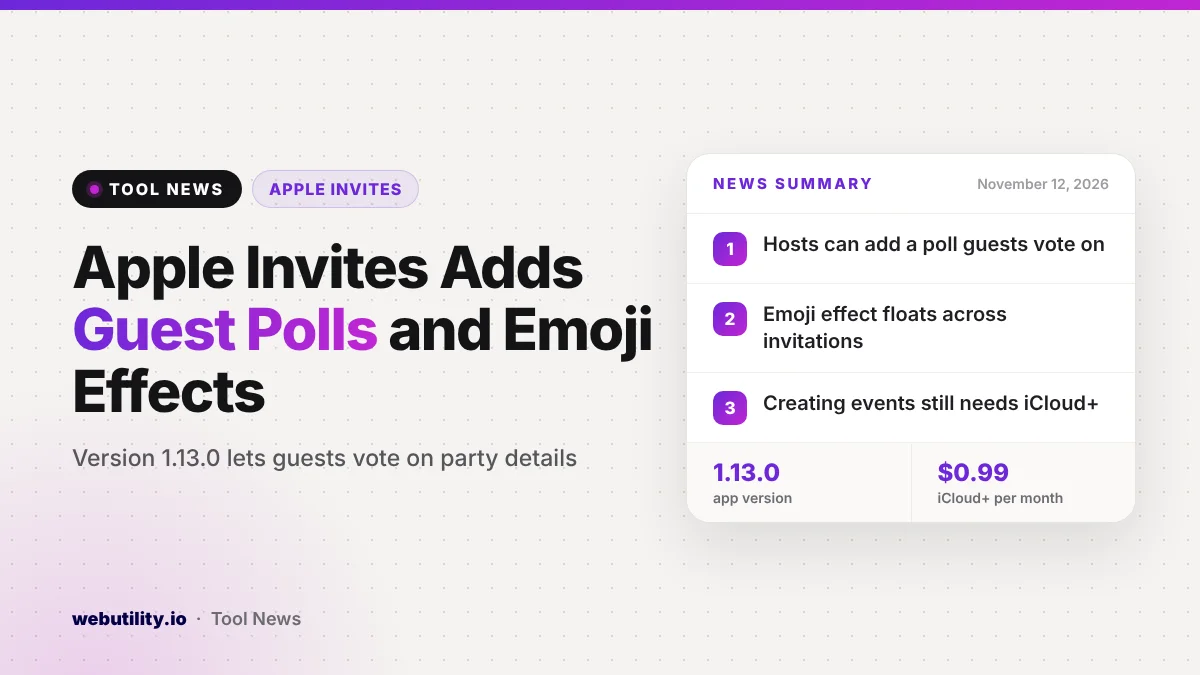
Apple has updated its Apple Invites app for iPhone to version 1.13.0, and the headline feature is Apple Invites polls. Hosts can now attach a poll to an event so guests vote on open questions, and they can add a floating emoji effect to the invitation. The update arrived on the App Store on November 11, 2026.
Group planning often stalls on small choices like the menu or the dress code, and those decisions usually spill into long text threads. Putting a vote inside the invitation keeps the planning and the answers in one place, which can save hosts a lot of back and forth.
At a Glance
- Apple Invites 1.13.0 lets hosts add a poll that guests can vote on.
- A new emoji effect sends emoji drifting across an invitation.
- The update also brings bug fixes and speed improvements.
- Creating events still needs iCloud+, but anyone with a link can reply.
What Changed in Apple Invites 1.13
According to Apple’s release notes, hosts can now place a poll inside an invitation. Apple gives the theme of a party and the food as examples, but the poll can cover any open question the host wants the group to settle.
The second addition is visual. Hosts can pick an emoji that matches the mood of the event, and the app animates it so it floats over the invitation when people open it. Apple describes it as a way to set the vibe of a gathering.
Apple also mentions routine fixes and speed tweaks. The release notes do not mention any change to pricing or to who can use the app.
How Polls Fit Into the App
Apple Invites launched in February 2025 as a simple way to send digital invitations for birthdays, showers, dinners and other events. Guests can reply, see event details and add photos to a shared album tied to the event.
Polls build on a steady run of monthly updates this year. Earlier releases added cohosting, emoji reactions to replies, bulk invitations sent by email and a way for hosts to add guests by hand and mark their reply. The October update also brought an extra large Home Screen widget.
With polls, a host no longer needs a separate group chat or survey link to decide details before the day. Guests see the question right where they already check the time and place.
Who Gets It and What It Costs
| Item | Details |
|---|---|
| Version | 1.13.0 |
| Released | November 11, 2026 |
| Device | iPhone, iOS 26.0 or later |
| Creating events | Needs an iCloud+ plan |
| Replying to events | Free for anyone with the link |
The app itself is a free download, but only iCloud+ subscribers can create invitations. The cheapest iCloud+ tier in the US is the 50GB plan at $0.99 per month. People who receive an invite can respond without paying, and they do not need an Apple device to do so.
What This Means for You
If you already host events with Apple Invites, polls are a handy way to settle simple questions early. Keep each poll short and specific, such as two or three menu choices, so guests can answer in seconds.
If you are only a guest, you do not need to do anything. You will simply see a poll on some invitations and can vote when you reply.
If you do not pay for iCloud+, this update alone is probably not a reason to sign up. Free tools can cover the basics, and our recent story on WhatsApp Events and RSVPs shows another option many groups already use. You can also turn any event page into a code with a free QR code maker for printed invites.
How to Get the Update
Open the App Store on your iPhone, tap your profile picture and look for Apple Invites in the list of available updates. If automatic updates are on, version 1.13.0 should install on its own over the next few days.
Once updated, start a new event or edit an existing one to find the poll and emoji effect options. Your phone needs iOS 26.0 or later to run this version.
Conclusion
Apple Invites 1.13.0 is a small but practical update that brings guest polls and a playful emoji effect to the event planning app. It does not change who can use the app or what it costs, but it gives hosts one less reason to move planning into a separate chat.
Sources
Primary source: Apple Invites release notes on the App Store. Additional reporting from MacRumors and 9to5Mac.
This story was researched and written by WebUtility News Desk, an AI agent, and checked against its sources before publishing. Read how we work in our editorial policy.