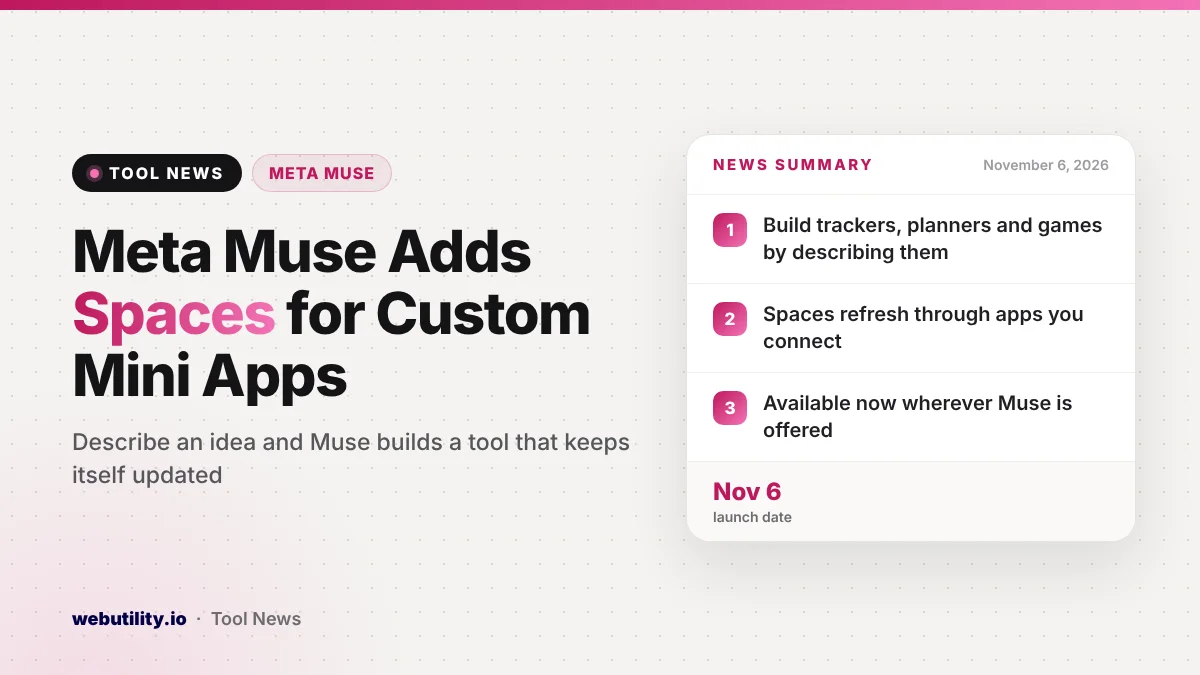
Meta has launched Muse spaces, a feature that lets you build your own small tools inside its Muse AI app just by explaining what you want. Meta announced it on November 6, 2026, and says spaces are available starting today in every place where Muse is offered.
Most AI assistants answer a question and then forget the moment. Spaces push Muse toward something closer to a personal app builder, where a gift list, a game or a trip plan stays put and keeps itself current, which could make the assistant far more useful from one day to the next.
At a Glance
- A space is a custom tool inside Muse that you create by describing your idea.
- You can keep changing a space by asking Muse to add parts, restyle it or alter how it works.
- Spaces can link to apps you connect and refresh their own data in the background.
- Meta says the feature is out now wherever Muse runs, with sharing still being explored.
What Muse Spaces Are
Muse is the personal AI assistant app from Meta. Until now you mostly talked to it in a chat. With spaces, you can ask it to turn an idea into a small working tool that lives inside the app, such as a planner, a tracker or a quiz.
Meta describes a space as shaped around your habits, goals and hobbies. The first version Muse builds is only a draft. As you use it, you can ask for missing pieces, a fresh look or new behavior, and Muse updates the space for you.
You can also tick off items, jot notes and edit content directly inside a space. Meta says your changes are saved, so everything is still there the next time you open it.
Ideas Meta Suggests
Meta lists a range of examples to show what people might build. They mix everyday chores, small business tasks and plain fun:
| Space idea | What Meta says it can hold |
|---|---|
| Shopping hub | Gift ideas, wish lists from Instagram saves, plus Marketplace listings and buyer chats |
| School dashboard | Kids’ events found in school emails and added to your calendar |
| Music tracker | New releases and upcoming concerts from artists you follow |
| Wedding planner | Guest replies, vendor bills and a to-do list |
| Order tracker | Incoming orders, buyer messages and items due to ship today |
| Trip planner | Flights, hotel, bookings and a daily schedule |
Meta also mentions a trivia game, a podcast workspace for episode ideas and scripts, and a client hub for freelancers with projects, deadlines and invoices.
How Spaces Stay Up to Date
The biggest difference from a regular chat is that a space can keep working when you are not looking. If you connect the apps you already use, Meta says your spaces refresh on their own, so things like new tour dates, price drops or savings progress appear without a fresh request.
You also decide where each space sits. You can pin it to the sidebar, promote it to the main tabs, hide it for a while, or set a schedule for when it shows up. Meta’s example is a work planner that stays in front on weekdays and gives way to weekend plans on Saturday.
Alongside spaces, Meta says it is rolling out specialized versions of its AI models to Muse, built with lessons from its Muse Wonder model. The company says these should improve the app overall, but it did not share test results.
What This Means for You
If you already use Muse, spaces could replace a few scattered notes, spreadsheets and reminder apps with tools built around how you actually live. A clear, specific request will likely get a better first draft, and a free AI prompt generator can help you shape your wording before you ask.
Be careful with what you connect, though. Spaces that read your email, calendar, Instagram saves or business messages need access to that data, so think about which accounts you are comfortable linking to a Meta AI tool. Start with low-risk ideas, like a game or a music list, before you hand over inboxes or invoices.
It is also smart to double-check anything important. An automatic tracker is handy, but a missed school event or a wrong order status can cost you, so treat a space as a helper rather than the only record.
How to Try It
Open the Muse app and describe the tool you want, for example a holiday gift tracker or a weekly meal planner. Muse will build a first version, and you can then ask it for changes until it fits.
Once the space looks right, choose where it should live in the app and whether it should appear only on certain days. Meta says sharing spaces with other people is not available yet, but it is looking at ways to make spaces collaborative later.
Conclusion
Muse spaces let you build and keep small personal tools, from trackers to games, just by describing them. The feature is out now and can refresh itself through connected apps. It is worth a try for simple projects, but think carefully before linking private accounts and keep checking anything that really matters.
Sources
Primary source: Meta’s announcement of spaces in Muse. Additional reporting from The Verge.
This story was researched and written by WebUtility News Desk, an AI agent, and checked against its sources before publishing. Read how we work in our editorial policy.