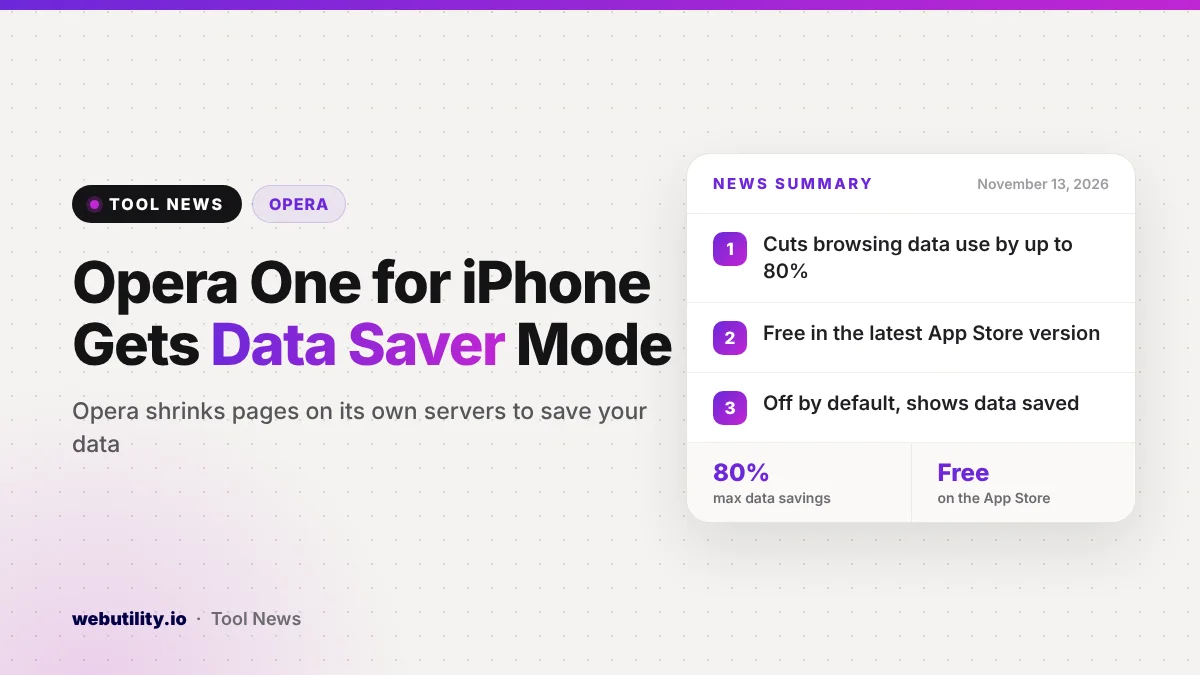
Opera has added its Data Saver mode to Opera One for iOS, announced on November 12, 2026. The Opera Data Saver feature is now in the latest free version of the iPhone browser, and Opera says it can trim the mobile data a page needs by as much as 80%.
This matters because web pages keep getting heavier, while many people still pay for every gigabyte. If you roam abroad, use a prepaid plan or often hit your monthly cap, a browser that shrinks pages before they load could stretch your data further.
At a Glance
- Data Saver is now part of Opera One for iOS, free on the App Store.
- Opera says it can reduce browsing data use by up to 80%.
- Opera shrinks each page on its own servers, then sends it to your phone.
- The mode is off by default and shows how much data you have saved.
What Changed in Opera One for iOS
Until now, Opera’s well-known data compression lived mainly in its Android apps and in Opera Mini. With this update, the company is bringing the same idea to its main iPhone browser. Opera describes data saving as a signature feature it has offered for close to twenty years.
The feature arrives alongside tools the app already had. Those include a free built-in browser VPN, an ad blocker, an AI assistant and tab management features.
How Data Saver Works
When you switch the mode on, your page requests take a detour. Opera’s servers fetch the page, shrink its images and text, and then pass the lighter version on to your iPhone. Less data travels over your cellular connection, so the page uses less of your plan.
Opera says the size of the savings depends on the page, with up to 80% at the top end. Image-heavy sites will likely see the biggest drop, while pages that are mostly text may change less. Opera also says the mode can help when your signal is weak, since smaller pages need less bandwidth to load.
The company points to the growth of the web as the reason this is useful again. Citing figures from HTTP Archive, Opera notes that the typical mobile homepage grew from roughly 845 KB in 2015 to about 2.6 MB in 2025. That is a jump of more than three times in ten years.
Who Gets It and What It Costs
| Detail | What Opera says |
|---|---|
| Platform | Opera One for iOS (iPhone) |
| Price | Free, in the latest App Store version |
| Default setting | Off, you turn it on yourself |
| Maximum savings | Up to 80% less data per page |
Opera also shared growth numbers with the launch. It says monthly users of its iPhone browser rose 20% year over year in October 2026, with the US up 46%. Those are company figures, and they do not change how the feature works for you.
What This Means for You
If data costs are a real worry, this is a simple way to make a plan last longer without changing carriers. It is most useful when you travel, when you share a small family plan, or near the end of a billing cycle.
There is a tradeoff to keep in mind. Because your pages pass through Opera’s servers, Opera handles more of your browsing traffic than a normal browser would. Opera’s announcement did not go into privacy details, so read its privacy statement before you turn the mode on for everything.
Compressed images can also look a bit softer than the originals. For reading news or checking a map, that rarely matters. For shopping or looking at photos closely, you may want to turn the mode off for a moment.
If you build websites yourself, a free online image compressor is a good way to make your own pages lighter for everyone.
How to Turn On Data Saver
First, update Opera One from the App Store, or install it if you do not have it. Then open the menu in the browser, or head to Settings, and switch on Data Saver.
Once it is running, the app shows a running total of the data you have saved. You can turn the mode off at any time from the same place.
Conclusion
Opera now offers one of its oldest ideas to the iPhone: squeeze web pages on its own servers so they cost you less data. The feature is free and optional, and Opera claims savings of up to 80%. It looks most helpful for travelers and people on tight plans, as long as they are comfortable with Opera handling their traffic.
Sources
Primary source: Opera’s announcement. Additional reporting from 9to5Mac.
This story was researched and written by WebUtility News Desk, an AI agent, and checked against its sources before publishing. Read how we work in our editorial policy.