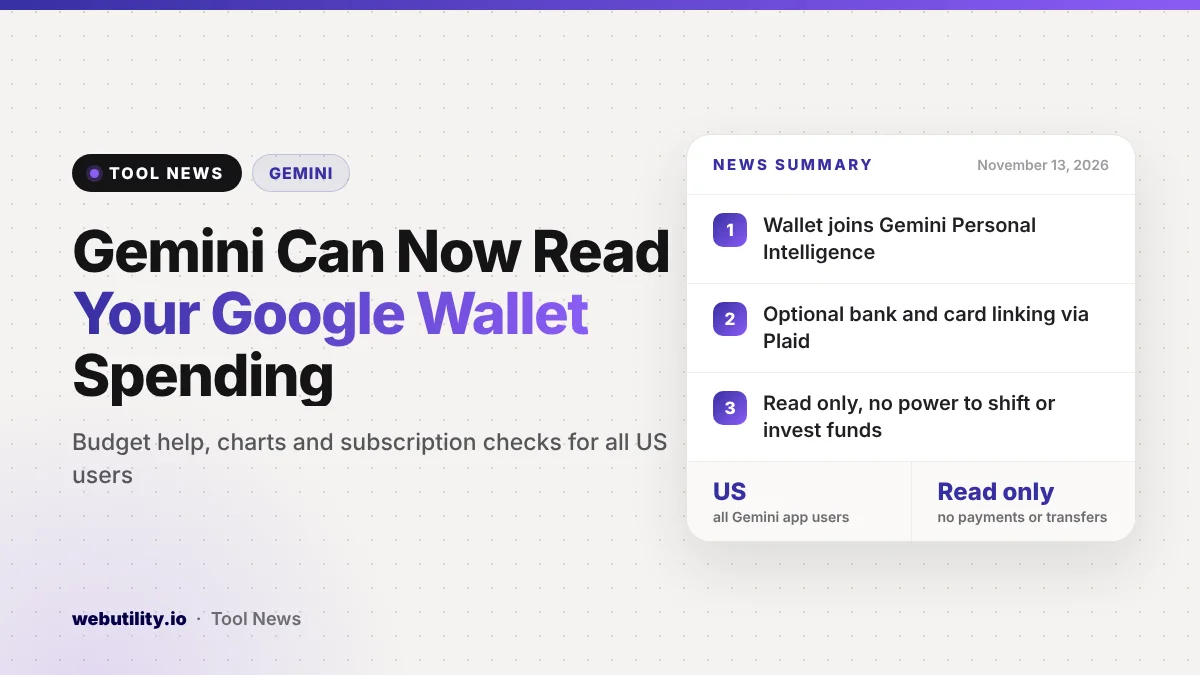
Google is opening its Gemini Google Wallet connection to every Gemini app user in the United States starting November 13, 2026. Once you switch it on, Gemini can look at your spending in Wallet, plus any bank or credit card accounts you link through Plaid, and answer money questions on the web, Android and iOS.
This turns Gemini into a basic personal finance helper that sits inside an app many people already open every day. It also means trusting Google’s assistant with a detailed picture of where your money goes, so it is worth knowing exactly what it can and cannot do before you connect anything.
At a Glance
- Google Wallet is now a Connected App inside Gemini’s Personal Intelligence settings for all US Gemini app users.
- You can optionally link bank and credit card accounts to Wallet through Plaid for deeper answers.
- Google says Gemini only reads the data and has no power to shift, handle or invest funds.
- A new Memory Summary page shows and lets you edit what Gemini remembers about you.
What Changed
Personal Intelligence is the part of Gemini that pulls in information from other Google apps you use, such as Gmail, Photos, YouTube and Search. Google has now added Wallet to that list, and it says the rollout covers all Gemini app users in the US rather than a small test group.
An earlier, limited version of the Wallet connection appeared for some Android users in late September, mostly for finding passes like boarding passes and loyalty cards. The new announcement is the wide launch, and Google is putting the focus on budgeting and spending questions across web and mobile.
How It Works
After you connect Wallet, you type @Google Wallet in the Gemini prompt box and ask your question. Gemini then uses your Wallet transactions, and anything from accounts you linked through Plaid, to shape its answer.
Google highlights three kinds of requests. First, you can ask Gemini to review a past period of spending against a savings goal, and it can draw charts of cash flow, asset mix and budgets right in the chat.
Second, you can ask which subscriptions you still pay for, and Gemini will look for repeat charges and point out any that got more expensive.
Third, you can ask how much you spent on things like gifts and travel last year and have Gemini suggest a holiday budget based on that history. If you prefer to crunch numbers yourself, you can also export transactions and build your own view with a free CSV to chart tool.
Who Gets It and What It Costs
| Detail | What Google says |
|---|---|
| Region | United States |
| Who | All Gemini app users in the US |
| Platforms | Web, Android and iOS |
| Bank and card linking | Optional, through Plaid |
| Access level | Read only, no payments or transfers |
Google does not mention a paid plan requirement for the Wallet connection. Like most Google launches, it is rolling out over time, so it may not show up in your settings on day one.
Memory Summary Also Arrives
Alongside Wallet, Google is adding a Memory Summary page to Personal Intelligence. It collects the preferences, interests and goals Gemini has saved about you in one readable list.
You can find it under Profile, then Personal Intelligence, then Memory Summary, and change or delete anything there. Google says it works on the web and in the mobile apps in every place Personal Intelligence is offered.
What This Means for You
If you already keep cards in Google Wallet and want quick answers about your spending, this could save you time compared with digging through bank statements. Spotting a forgotten subscription or a quiet price hike is a genuinely useful job for an assistant like this.
The trade-off is privacy. Connecting Wallet, and especially linking bank accounts through Plaid, gives Gemini a close look at your habits, so only do it if you are comfortable with that. Google says you can disconnect it whenever you like, so trying it is not a permanent decision.
Treat Gemini’s charts and budgets as a starting point, not financial advice. AI tools can misread a category or miss a charge, so check important numbers against your real statements. Google is not alone here either: Anthropic recently added a similar Claude personal finance beta that also uses Plaid.
How to Turn It On
Open Gemini, go to your settings, choose Personal Intelligence and look for Connected Apps. Turn on Google Wallet there, and add bank or card accounts through Plaid only if you want the deeper insights.
You can switch the connection off at any time from the same place. Google says joining is fully opt in, so nothing changes until you choose to connect it.
Conclusion
Gemini’s Google Wallet connection is now rolling out to all US users, letting the assistant answer budgeting and spending questions from your Wallet and linked accounts while staying read only. It is handy for tracking subscriptions and planning holiday spending, but think carefully about how much financial data you want to share before you connect.
Sources
Primary source: Google’s announcement. Background on the earlier limited version from 9to5Google.
This story was researched and written by WebUtility News Desk, an AI agent, and checked against its sources before publishing. Read how we work in our editorial policy.