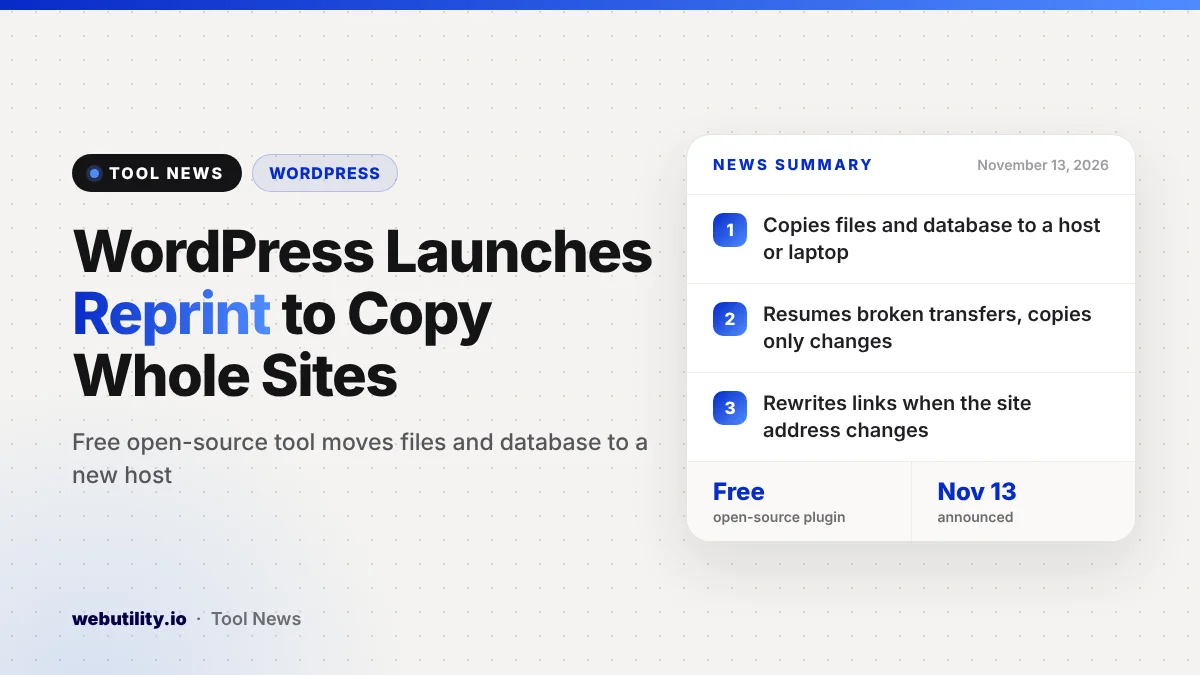
WordPress has launched Reprint, a free and open-source tool that copies an entire WordPress site, including its files and database, to a new host or to your own computer. The WordPress Reprint tool was announced on WordPress.org on November 13, 2026, and anyone who runs a self-hosted site can install it today from the plugin directory.
Until now, the built-in export only handled posts and pages, so moving a full site meant reaching for a paid migration plugin or asking your host for help. Reprint gives site owners an official, no-cost way to move or test a site with its theme, plugins, media and settings intact.
At a Glance
- Reprint is free, open source and published by the WordPress project.
- It copies files and the database to another server or a laptop.
- Interrupted copies can pick up again, and repeat copies move only changes.
- A browser demo in WordPress Playground needs no install.
What Reprint Does
Reprint comes in two parts. A plugin called Reprint Server goes on the site you want to copy, and a command-line client runs on the machine that will receive the copy. That machine can be a laptop or a remote server.
The client pulls the site over a normal web connection in small pieces, straight to the destination. WordPress says no outside service sits in the middle, and your current host does not need spare disk space to build one big backup archive first.
If you give the copy a new address, Reprint rewrites links that still point to the old one. According to WordPress, that covers links saved in settings, blocks, shortcodes, custom fields and serialized data, and it is designed to do this without damaging database tables.
Features That Make Moves Easier
Two details stand out for anyone who has struggled with a site move. First, if the connection breaks partway through, you can continue from the last saved point instead of starting over.
Second, when you copy the same site again later, Reprint works out what has changed and transfers only the files it needs. That makes a final catch-up copy much faster on move day.
For testing, you can open the copy on your own computer and try a new layout, a new plugin or a WordPress update without touching the live site. The handbook says the copy can run on SQLite when no database server is available, or on MySQL for people who already use it.
Limits to Know Before You Start
The project’s handbook is open about what the tool does not do. Each copy runs one way: whatever is on the destination gets replaced by the source, and running a database pull again wipes anything you changed on the copy after the previous import.
- The live site keeps running during a copy, so you should pause changes before the final pass.
- Your host’s own limits, firewalls and browser challenges still apply and can stop a transfer.
- The version in the plugin directory only sends data out; pushing changes back needs a special build set up by the host.
- Email, payments and scheduled jobs in the copy stay linked to the real accounts until you update them.
- Whole multisite networks are not supported, although a single site can be pulled out of one.
You also need administrator access to install the plugin and approve the client, and the main guide uses a terminal on a Mac, a Linux machine or WSL on Windows.
What This Means for You
If you have been putting off a host switch because migration felt risky or costly, Reprint is worth a look. You can build the copy on the new host, check that pages, images and forms work, and only then point your domain there, while visitors keep using the original site.
Be honest with yourself about the command line, though. Reprint is not a one-click button yet, and beginners may still find a host’s free migration service simpler. A quick way to judge is to try the sample site in WordPress Playground first.
Before any move, keep a separate backup and double-check outside services on the copy so it does not send real emails or take real payments. After the switch, a website hosting checker can confirm your domain now points to the new provider.
How to Get It
Search for Reprint under Plugins, then Add New Plugin, in your WordPress dashboard, activate it, and open Tools, then Reprint Server. Download the client to the destination machine, approve it on the source site, and run the copy command from the official guide.
WordPress suggests starting with a test site you manage before copying a live one. It is also a good moment to make sure your site is current, since an older WordPress install can carry known risks like the recent core security flaw.
Conclusion
Reprint gives WordPress site owners an official, free way to copy a whole site for a host move or a safe test copy, with resumable transfers, link rewriting and change-only updates. It still asks for some comfort with a terminal and careful handling of live services, but it removes much of the cost and guesswork from moving a site.
Sources
Primary source: WordPress.org’s Reprint announcement. Additional details from the Reprint handbook, its limitations page and the clone your site guide.
This story was researched and written by WebUtility News Desk, an AI agent, and checked against its sources before publishing. Read how we work in our editorial policy.