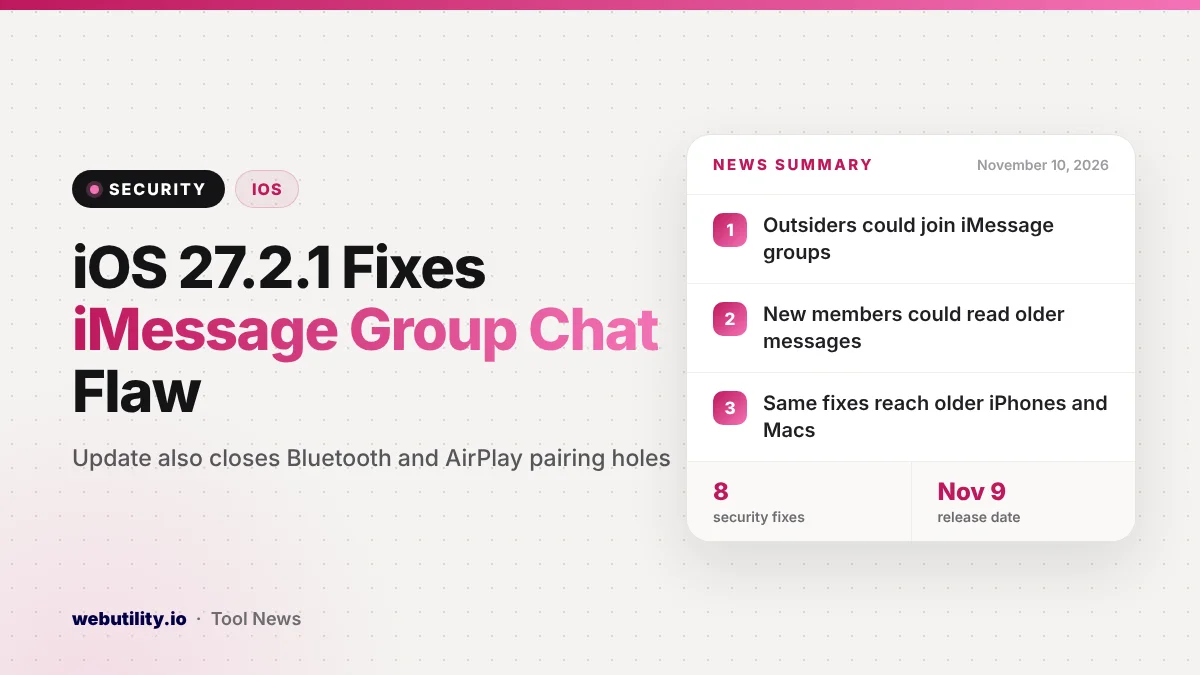
Apple released iOS 27.2.1 and iPadOS 27.2.1 on November 9, 2026, and the iOS 27.2.1 security update closes two holes in the Messages app around iMessage group chats. It also patches several Bluetooth and AirPlay pairing bugs. The update covers the iPhone 11 and newer, with matching fixes for older iPhones, Macs, Apple Watch and Vision Pro.
Group chats are where many people share family plans, work details and photos. Apple says one of the bugs could let a remote attacker slip into an iMessage group and read what is posted there, so this is an update worth installing soon rather than whenever you get around to it.
At a Glance
- iOS 27.2.1 and iPadOS 27.2.1 arrived on November 9 with eight security fixes.
- Two fixes target iMessage groups, including one where an uninvited attacker could join.
- Other fixes cover Bluetooth pairing, AirPlay pairing codes and app access to private data.
- Older devices get the same Messages fixes in iOS 26.7.3 and iOS 18.7.12.
What Apple Fixed in Messages
According to Apple’s security notes, the first Messages bug was an authorization problem. A remote attacker might have been able to add themselves to an iMessage group conversation and then receive the messages sent in it. Apple says it fixed this with better validation.
The second Messages bug affected people who were legitimately added to a group. Apple says such a newcomer might have been able to see messages posted before they joined. Apple removed the code that caused it, and both bugs came from researchers who chose to stay anonymous.
Apple’s notes do not say that either flaw was used in real attacks. Still, group chats often hold private details, so the safest choice is to update.
The Bluetooth and AirPlay Fixes
Most of the remaining fixes deal with how an iPhone pairs with nearby devices. Apple lists these issues:
- A person within Bluetooth range could get around the limit on how many pairing codes they can try, and in one case pair with your device without you doing anything.
- A rogue Bluetooth accessory could set up a pairing without your input.
- A Bluetooth bug could let a nearby attacker damage memory used by a running process.
- Someone on the same network could keep guessing AirPlay pairing codes past the normal limit.
Two other fixes round out the list. One stops an app from reaching sensitive user data through App Intents, the system that lets apps offer actions to Siri and Shortcuts. The other fixes a memory bug in brotli, a compression library, that crafted input could trigger.
Which Devices Get the Update
Apple shipped fixes for several product lines on the same day. Many of these updates carry the same Messages and Bluetooth patches, since Apple’s systems share a lot of code.
| Update | Devices |
|---|---|
| iOS and iPadOS 27.2.1 | iPhone 11 and later, recent iPad models |
| iOS and iPadOS 26.7.3 | iPhone 11 and later, plus some older iPads |
| iOS and iPadOS 18.7.12 | iPhone XS, XS Max, XR and iPad 7th generation |
| macOS Golden Gate 27.2.1, Tahoe 26.7.3, Sequoia 15.8.3 | Macs on those versions |
| watchOS 27.2.1 and 26.6.1, visionOS 27.2.1 | Apple Watch and Apple Vision Pro |
What This Means for You
If you use iMessage groups, this update matters more than a typical point release. The group chat bug could expose conversations to someone who was never invited, and you would have little reason to notice.
The Bluetooth fixes are a reminder that being near a stranger can carry some risk. Until you update, it is sensible to switch off Bluetooth in crowded public places when you are not using headphones or a watch.
Your Mac needs attention too. The same Messages fixes appear in the new macOS releases, so update every device that signs in to iMessage with your Apple Account.
How to Update Now
On an iPhone or iPad, open Settings, tap General, then Software Update, and install iOS 27.2.1 or the version offered for your device. Plug in and connect to Wi-Fi first, since the download can take a few minutes. If storage is tight, our iPhone storage helper can point out what to clear.
On a Mac, open System Settings, choose General, then Software Update. While you are tidying up your security, it is also a good time to replace weak logins using a strong password generator.
Conclusion
iOS 27.2.1 is a small update with a meaningful fix: it stops outsiders from quietly joining iMessage groups and blocks new members from reading old messages. Together with the Bluetooth and AirPlay pairing fixes, it is worth installing on your iPhone, iPad and Mac today.
Sources
Primary source: Apple’s security notes for iOS 27.2.1 and iPadOS 27.2.1. Additional reporting from 9to5Mac.
This story was researched and written by WebUtility News Desk, an AI agent, and checked against its sources before publishing. Read how we work in our editorial policy.