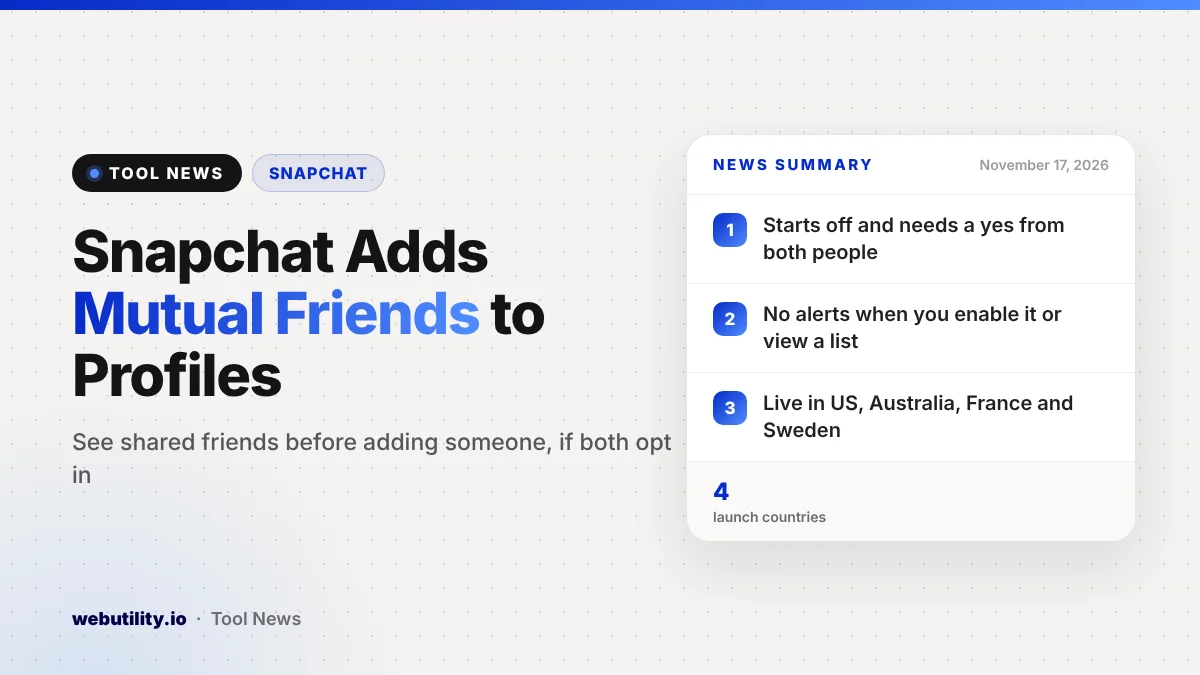
Snapchat Mutual Friends is a new profile feature that shows which friends you share with another person, Snap announced on November 17, 2026. It is rolling out on iPhone and Android in the US, Australia, France and Sweden, and it only works when both people choose to turn it on.
Before adding someone new, many people want to know whether they actually know that person. Seeing shared friends can make that choice easier, while the opt-in design means nobody’s friend list is put on display without their say.
At a Glance
- Mutual Friends shows the friends you have in common on a Snapchat profile.
- It starts switched off, and it needs a yes from both people.
- No one gets a notice when you turn it on or look at the list.
- For now it is limited to phones in the US, Australia, France and Sweden.
What the Feature Does
When you open someone’s Snapchat profile, you can now tap a Mutual Friends section. If both of you have the setting enabled, you will see the people you are both friends with, and you can open the full list from there.
Snap says the list includes only friends you both share on Snapchat. In other words, the list is built from your Snapchat friend lists, not from anywhere else.
The company pitches this as a way to spot familiar faces before sending a friend request. In its view, knowing you have friends in common can give people more confidence when they add someone new.
Privacy Controls
The most important detail is that the feature starts switched off for everyone. Your shared friends only become visible to another person if you have both opted in.
Snap also says no one is alerted when you enable the setting or when you look at someone’s Mutual Friends list. That keeps browsing quiet, but it also means you will not know when others view your shared connections.
| Question | What Snap says |
|---|---|
| Is it on by default? | No, it starts turned off |
| Who must opt in? | You and the other person, each on your own account |
| Any notifications? | None when you turn it on or view a list |
| Where is it available? | Four countries: US, Australia, France, Sweden |
What This Means for You
If you often get friend requests from people you are not sure about, this can be a handy check. A few shared friends is a good hint that a request comes from someone in your circle rather than a stranger.
Still, shared friends are not proof of who someone is. Scammers and fake accounts sometimes add many people first to look trustworthy, so treat the list as one clue, not a guarantee.
Think about your own comfort level before you turn it on. Opting in means people who have also opted in can see which friends you share with them, and you will not be told when they look.
Parents may want to talk with teens about the setting, since it changes what others can learn about their friend group. If you are reviewing other parts of your profile at the same time, a guide on social media profile tweaks covers some simple ways to customize how your name looks.
How to Turn It On or Off
Open the profile of someone you know and tap the Mutual Friends section. If you have not opted in yet, Snapchat will ask you to enable the Show Mutual Friends List setting.
Once you and that person have both enabled it, tap View All Mutual Friends to see the whole list. You can switch the feature on or off at any time from Edit Profile or from the app’s Settings.
If you live outside the four launch countries, you will not see the option yet. Snap has not said when it plans to bring the feature to more regions.
Conclusion
Snapchat has added Mutual Friends, an opt-in profile section that shows the friends two people share on the app. The setting begins turned off, works only when both sides agree, sends no alerts, and is out now for iPhone and Android users in four countries: the US, Australia, France and Sweden.
Sources
Primary source: Snap’s announcement on its newsroom.
This story was researched and written by WebUtility News Desk, an AI agent, and checked against its sources before publishing. Read how we work in our editorial policy.