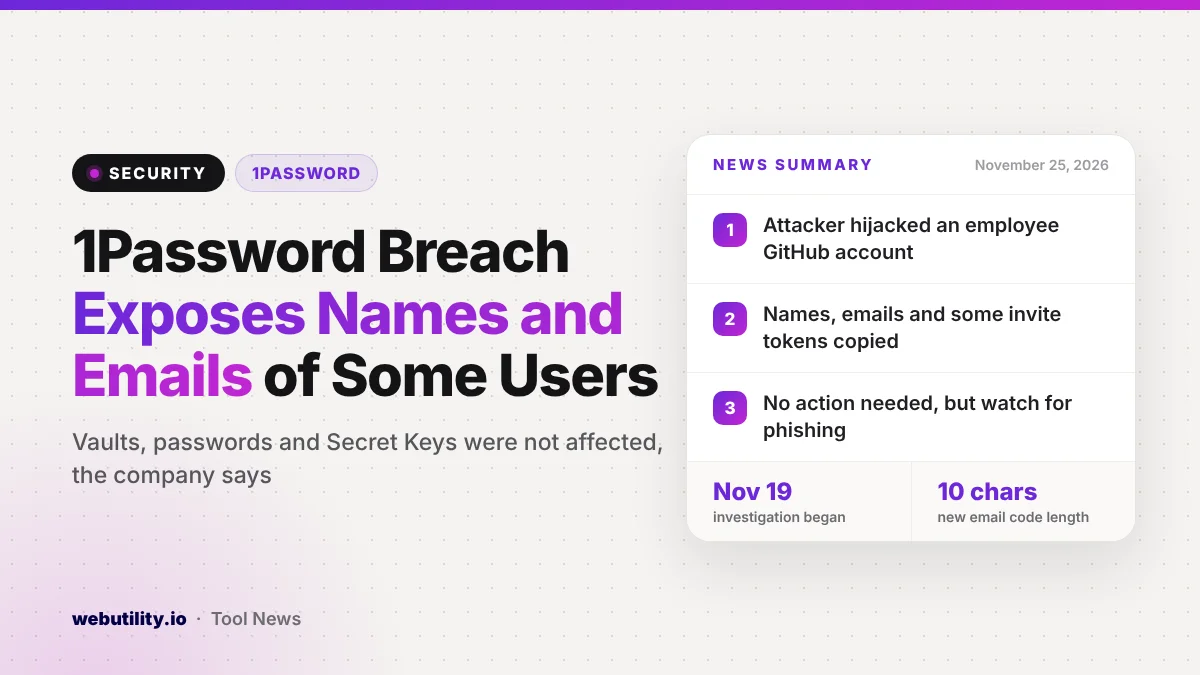
1Password has disclosed a 1Password security incident in which an attacker reached some of its backend systems and copied account details for a portion of its users, including the names and email addresses they use to sign in. The company posted the notice on November 25, 2026, and says vault contents were never touched.
This matters because 1Password guards the logins of millions of people and businesses. Your saved passwords are not at risk, according to the company, but the stolen contact details give scammers a ready list of people to target with fake 1Password emails.
At a Glance
- An attacker used a hijacked employee GitHub account to reach 1Password’s backend systems.
- Names, emails, account IDs and some invite and recovery tokens were copied for a subset of users.
- 1Password says vaults, vault keys, account passwords and Secret Keys were not affected.
- You do not need to change anything, but you should watch for phishing.
What Happened
1Password says it started looking into signs of trouble on November 19, 2026. The trail led to a corporate GitHub account belonging to one of its employees, which an outside attacker had taken over.
Using that account, the attacker viewed private source code and slipped harmful code into some backend services. That code then pulled down administrative records about customers. The attacker also reached the company’s build and deployment system, which holds technical secrets the product needs to run.
1Password says it contained the attack, brought back a clean copy of the hit service and started replacing every internal credential that might have been exposed. It also called in outside security experts to double-check its work.
What Data Was Taken
The company lists several types of account records that were copied for the affected group of users. It has not said how many people are in that group.
- Names and email addresses
- Internal account and user ID numbers, plus when each account was created and last signed in
- Public keys, which 1Password notes are meant to be public anyway
- Technical sign-in protocol values that the company says cannot unlock an account
- Tokens found in some invitation, provisioning and account recovery emails
- Other internal account details that are not secret
The tokens are the most sensitive item on the list. 1Password says a token alone cannot open an account, because it only works together with a single sign-on login or a one-time code emailed to the account owner.
Only a small number of users had such a pending invite or recovery at the time. The company says it has contacted them directly.
What Was Not Affected
1Password says the core of its product held up. Vaults, everything saved inside them and the encryption keys were not reached. Account recovery keys, the desktop and mobile apps and the browser extensions were also not affected.
The company points out that it never stores your account password or your Secret Key. Because vault data is encrypted with keys only you hold, a break-in on its servers cannot reveal what is inside your vault. 1Password says it has found no sign of any account takeover tied to the stolen tokens.
What 1Password Changed
| Step | What it does |
|---|---|
| Disabled the GitHub account | Cut off the attacker’s way in and revoked the stolen token |
| Rotated credentials | Replaced internal secrets that may have been exposed |
| Longer email codes | Codes for invites and recovery grew from six digits to ten letters and numbers |
| Tighter controls | Stricter rules for GitHub, build systems and work devices, plus new alerts |
The longer codes are a precaution. With ten mixed characters instead of six digits, guessing a valid code by trial and error becomes close to impossible, the company says.
What This Means for You
If you use 1Password, your stored passwords are not the problem here, based on what the company has shared. The real risk is phishing. Someone holding your name and email can send messages that look like genuine 1Password invites or recovery requests.
Treat any surprise email, text or phone call about your 1Password account with suspicion, especially one you did not ask for. The company says it will never request your master password or Secret Key, so anyone who does is a scammer.
Only type those details into the official 1Password app, or on its website after you enter the address yourself. You normally enter the Secret Key just once per new computer, phone or browser, so a fresh request for it is a red flag. If something looks off, the company asks you to report it to its support team.
Conclusion
1Password’s incident is a reminder that even security companies can be breached through a single employee account. The good news is that its encryption design appears to have done its job, keeping vault contents out of reach. For most users there is nothing to update, but watching for fake 1Password messages in the coming weeks is a smart move.
Sources
Primary source: 1Password’s security incident update.
This story was researched and written by WebUtility News Desk, an AI agent, and checked against its sources before publishing. Read how we work in our editorial policy.