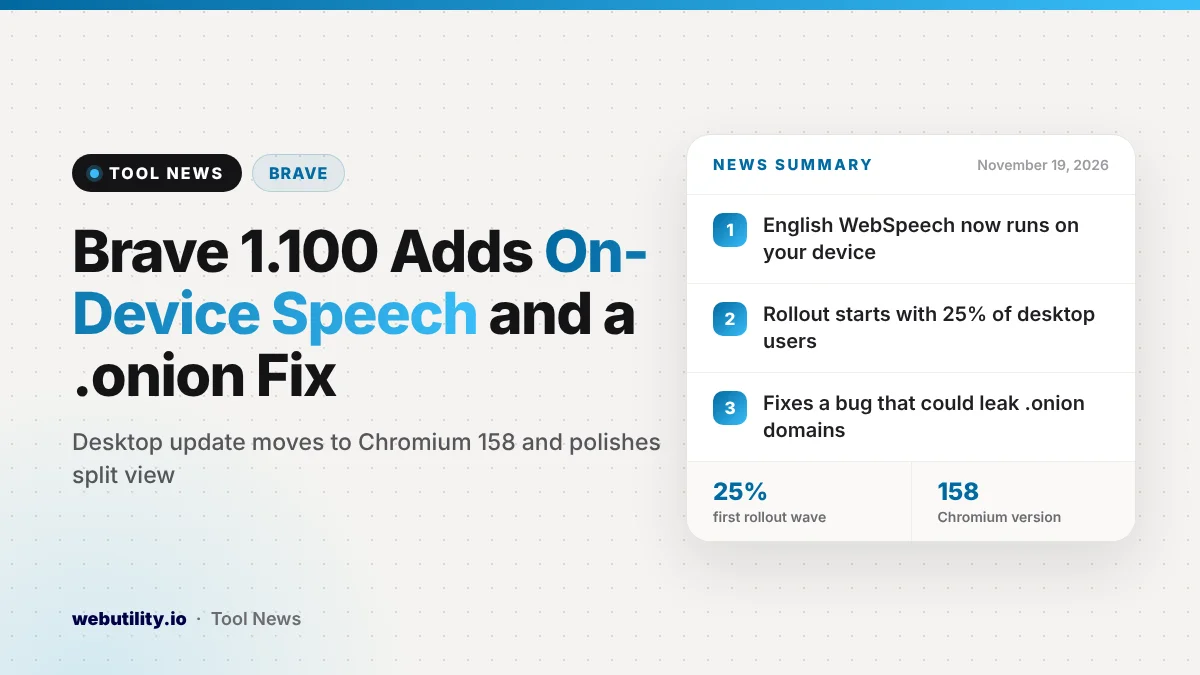
Brave has released version 1.100.58 of its desktop browser, dated November 18, 2026. The headline change is Brave on-device speech recognition: websites that use the WebSpeech API for English can now have your voice turned into text on your own computer. Brave is turning this on in stages, starting with about a quarter of desktop users.
The same update fixes a bug that could leak the .onion addresses you visit, moves the browser to Chromium 158 and tidies up split view. If you care about privacy or browse Tor sites in Brave, this is an update worth installing today.
At a Glance
- Brave desktop 1.100.58 came out on November 18, 2026.
- English speech-to-text for websites can now run on your device, rolling out to 25% of users first.
- A bug that could leak .onion domains is fixed, along with a sync security change.
- The browser now runs on Chromium 158.0.8127.42.
What Changed in Brave 1.100
The WebSpeech API is a browser feature that lets websites listen to your microphone and turn speech into text. Voice search boxes, dictation tools and language apps often rely on it. With this release, Brave can handle that English speech processing locally on your machine.
Brave says the feature is being rolled out in phases. It starts at 25% of desktop users and should widen over time, so you may not see it right away even after updating. The release notes only mention English, so other languages are not covered yet.
Brave also says it has updated the models behind its AI Chat assistant. The notes do not say which models changed or what is different for users.
Security and Privacy Fixes
The most important fix closes a hole where .onion domains could be leaked. These are the addresses of sites on the Tor network, which you can open in Brave’s private windows with Tor. A leak of those addresses could reveal which hidden sites a person visited, which defeats much of the point of using Tor.
Brave says the issue was reported through its HackerOne bug bounty program. The release notes do not say how the leak happened or whether anyone abused it. Brave also lists a security change that marks several kinds of sync data as types that can be encrypted.
The move to Chromium 158 matters too, because Brave is built on the same open-source engine as Chrome. Google’s Chrome 158 release fixed a large batch of security bugs, and you can read more in our story on the Chrome 158 security update. Moving to the new engine is how Brave picks up those fixes.
Other Updates and Bug Fixes
The rest of the release is smaller polish and repairs. Here is what Brave lists for desktop:
| Area | Change in 1.100.58 |
|---|---|
| Split view | New look for the stacked layout |
| Split view and containers | Adding a tab from a container to a new split view now keeps it in that container |
| Design | Cleaner icons, colors and spacing |
| Linux | Fixed a crash when an admin policy blocks setting Brave as the default browser |
| Websites | Fixed sites such as Xbox cloud gaming that failed to load because they need viewport size headers |
The release notes also list a separate Brave Origin build, which gets most of the same fixes. Its notes include the sync change, the split view work, the Linux crash fix and the Chromium 158 upgrade, but not the speech feature or the .onion fix.
What This Means for You
For most people, the security side is the real reason to update now. The Chromium 158 engine and the .onion fix protect you whether or not you ever use voice features. If you open Tor windows in Brave, treat this update as urgent.
The speech change is good news for privacy, but keep your expectations modest. It only covers English, it is reaching a limited group of users first, and it only applies to websites that use the standard WebSpeech API. Apps with their own speech services may still send your voice to their servers.
If you dictate often, it is worth trying a voice tool in Brave once the feature reaches you. Our guide to dictation online covers how speech-to-text tools work in the browser. You can also see how Brave has handled other privacy changes in our story on Brave stripping hidden photo IDs.
How to Update Brave
Brave usually updates itself in the background. To check by hand, open the menu, go to Help and choose About Brave, or type brave://settings/help in the address bar. The browser will download version 1.100.58 if it is available and ask you to relaunch.
After the restart, the About page should show the new version and the Chromium 158 engine. The on-device speech feature turns on from Brave’s side, so there is no setting you need to change to join the rollout.
Conclusion
Brave 1.100.58 is a solid update that mixes a privacy upgrade with needed security repairs. On-device English speech recognition should reach more users over time, while the .onion leak fix and the Chromium 158 engine are reasons to update today. A quick visit to the About page is all it takes.
Sources
Primary source: Brave’s desktop release notes for version 1.100.58.
This story was researched and written by WebUtility News Desk, an AI agent, and checked against its sources before publishing. Read how we work in our editorial policy.