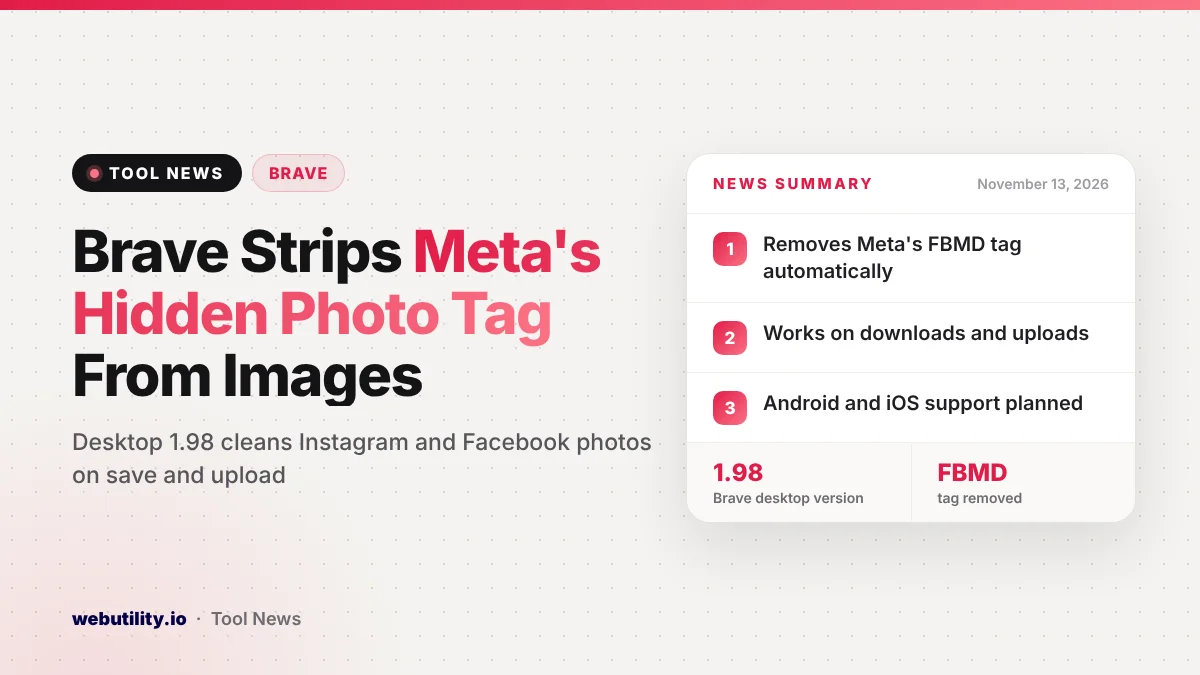
Brave says its desktop browser now deletes a hidden Meta tracking tag from Instagram and Facebook photos, starting with version 1.98. The Brave photo metadata protection works on its own when you save a picture or upload one to a website, and Brave described it in a privacy post on November 12, 2026.
This matters because a single tag buried inside an image file could, in theory, tie together accounts you meant to keep apart. Most people never look at photo metadata, so a browser that cleans it quietly closes a gap many users did not know about.
At a Glance
- Brave desktop 1.98 and later removes Meta’s FBMD photo tag automatically.
- The tag is cleaned when you download an image and when you upload one.
- The original file on your computer is left untouched during uploads.
- Brave plans the same feature for Android and iOS, plus optional location and date removal.
What Brave Changed
Photos carry extra data you cannot see, such as the date, the camera model and sometimes GPS coordinates. Brave says Meta adds one more item to pictures on its platforms: a value in the IPTC Special Instructions field that begins with the letters FBMD and runs on as a long string of characters.
According to Brave, that value survives when someone downloads a Facebook photo and uploads it again elsewhere. The press metadata group IPTC first spotted this behavior years ago, and Brave says its own repeat test in July 2026 showed the tag is still being added.
From version 1.98 on desktop, Brave removes that FBMD value for you. There is no switch to flip, and nothing changes in how photos look or load on Instagram or Facebook.
How the Protection Works
Brave cleans the tag at two moments. The first is when you save an image: the browser takes the identifier out before the download completes, so the file stays clean even if you later post it with a different app or browser.
The second is when you upload a picture to any site. In that case Brave sends a stripped copy, while the picture stored on your device stays exactly as it was. Brave says the stripping code is written in C++ without outside libraries to keep it light, and the work is public on GitHub.
Why a Hidden Photo Tag Is a Privacy Issue
Brave gives a simple example. Picture someone who runs an Instagram account under a nickname and keeps it apart from a real-name Facebook profile, using separate emails and maybe a VPN. If that person saves a photo a friend shared on Facebook and posts it to the nickname account, the matching tag could let Meta connect the two.
Brave is careful to say that Meta has not explained what the tag is for, and that it may not be used for tracking at all. Its point is that, without any public explanation, the safest choice is to remove it. A link like that could also surface later through a leak or a legal request.
What This Means for You
If you already use Brave on a computer, update to version 1.98 or newer and you are covered with no extra steps. If you use Chrome or another browser, photos you save from Facebook or Instagram will usually keep the tag, so it is worth knowing it exists.
Keep in mind what this does not do yet. Location, device, date and time details in photos are not removed today, and phones are not covered. If you keep separate accounts for privacy, avoid reposting the same images across them, since other clues can still connect them.
If you follow browser privacy changes, Brave also recently moved search result clicks to encrypted Go links, which is part of the same push to limit tracking.
How to Check It Yourself
Brave suggests a quick test. Save a Facebook photo using another browser that lacks the feature, Chrome for example, then open the file in a browser-based image metadata viewer and look at the Special Instructions field. You should see a value starting with FBMD.
Next, open that same saved file in the viewer using Brave, or save the photo directly with Brave. Brave says the FBMD value will be gone. You can share feedback through Brave’s support form or its GitHub page.
What Comes Next
Brave says this is a first step. It wants to add optional removal of location, device, date and time data, with user control since some photo apps rely on that information to sort libraries. The company also plans to bring the feature to its Android and iOS apps, though it has not shared a date.
Conclusion
Brave 1.98 for desktop now quietly removes Meta’s FBMD tag from Instagram and Facebook photos when you save or upload them, which makes it harder to link separate accounts through shared images. It is a narrow fix for now, but Brave says broader metadata controls and mobile support are on the way.
Sources
Primary source: Brave’s privacy update post.
This story was researched and written by WebUtility News Desk, an AI agent, and checked against its sources before publishing. Read how we work in our editorial policy.