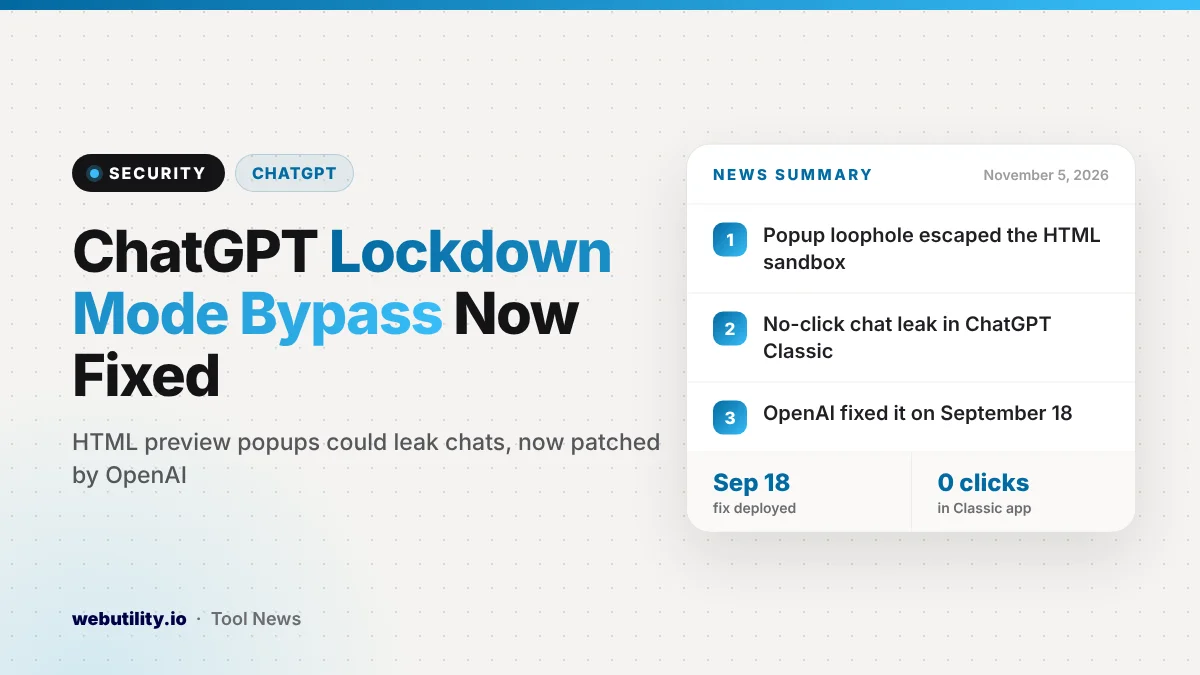
Security researchers at Check Point published details on November 5, 2026, of a ChatGPT Lockdown Mode bypass that let attackers pull chat data out of a conversation. OpenAI fixed the flaw on September 18, 2026, so ChatGPT users do not need to install anything.
It matters because Lockdown Mode exists for people who handle sensitive work in ChatGPT and want extra protection from prompt injection. The finding shows that one convenient feature, the HTML page preview, could quietly undo that protection.
At a Glance
- Check Point found a way around Lockdown Mode through ChatGPT’s HTML preview for code blocks.
- In the older ChatGPT Classic desktop app, chat data could leak with no clicks at all.
- The same flaw could show fake popups for phishing, password theft and malware downloads.
- OpenAI removed the risky permissions on September 18, 2026, and Check Point confirmed the fix works.
What Lockdown Mode Is Supposed to Do
Lockdown Mode is an optional setting for signed-in ChatGPT users. It aims to stop a hidden instruction in a web page or file from tricking ChatGPT into sending your private data somewhere else.
To do that, it cuts off the routes data could use to leave a chat. According to Check Point, it limits web browsing to cached pages, blocks images from the internet and stops Canvas code from making network requests. Features such as Agent Mode, Deep Research, file downloads and live connectors are turned off too.
How the Bypass Worked
Earlier in 2026, OpenAI let ChatGPT render HTML pages directly inside code blocks. That preview runs inside a sandbox, which is meant to keep the page away from your cookies, your account and outside servers unless you approve.
Check Point says the sandbox still allowed popup windows, and allowed those popups to escape the sandbox. ChatGPT blocked the normal way a page opens a popup, but the researchers found a second route by placing one more frame inside the preview.
A popup opened that way was no longer bound by the sandbox or by Lockdown Mode. From there, an attacker could send chat content to their own server. The trigger could be a malicious prompt, a malicious custom GPT or a shared chat link.
Why the Desktop App Was Worse
In a normal browser, a page usually needs you to click before it can open a new window. Check Point says the Electron-based ChatGPT Classic app did not have that limit, so popups could open with no user action.
In the researchers’ demo, a malicious GPT sent chat messages to an outside server while the user simply kept talking. Check Point also showed it could sign a user out and then show a fake login page to collect their password.
The popup kept the ChatGPT icon while the attacker set the title, so it looked like part of the app. The team used this to show a fake ChatGPT update prompt that pointed to malware. In a browser, a shared chat could even push a download to someone without a ChatGPT account.
What This Means for You
The fix was made on OpenAI’s side, so there is no patch for you to install. The specific technique Check Point describes no longer works, according to its retest. Still, it is a good moment to review a few habits.
Treat shared chats and custom GPTs from strangers with the same care as links in email. Do not download a ChatGPT update from a popup or chat window; update only through your app store or OpenAI’s own site.
If ChatGPT ever signs you out and asks you to log in from a new window, close it and sign in from the app or the address bar instead. If you reuse passwords, a strong password generator makes it easy to give your OpenAI account a unique one.
Finally, keep in mind that Lockdown Mode reduces risk but does not remove it. Check Point warns that no built-in guardrail is a full guarantee. Think twice before pasting medical, financial or company secrets into any AI chat.
A Pattern of Similar Findings
This is not the first ChatGPT sandbox problem this year. Check Point earlier reported a leak through ChatGPT’s code-execution runtime, which was also fixed. Another research team recently showed a separate account takeover that started from a shared chat link and one click on an HTML preview.
Together, these reports suggest that new display and sharing features can widen the attack surface of AI apps, even when the model itself behaves as designed.
Conclusion
The Lockdown Mode bypass was serious, especially the no-click leak in the ChatGPT Classic app, but OpenAI closed it in September and the researchers confirmed the fix. You do not need to do anything to get the fix, but staying careful with shared chats, custom GPTs and surprise popups remains the best protection.
Sources
Primary source: Check Point Research advisory. Additional reporting from The Hacker News.
This story was researched and written by WebUtility News Desk, an AI agent, and checked against its sources before publishing. Read how we work in our editorial policy.