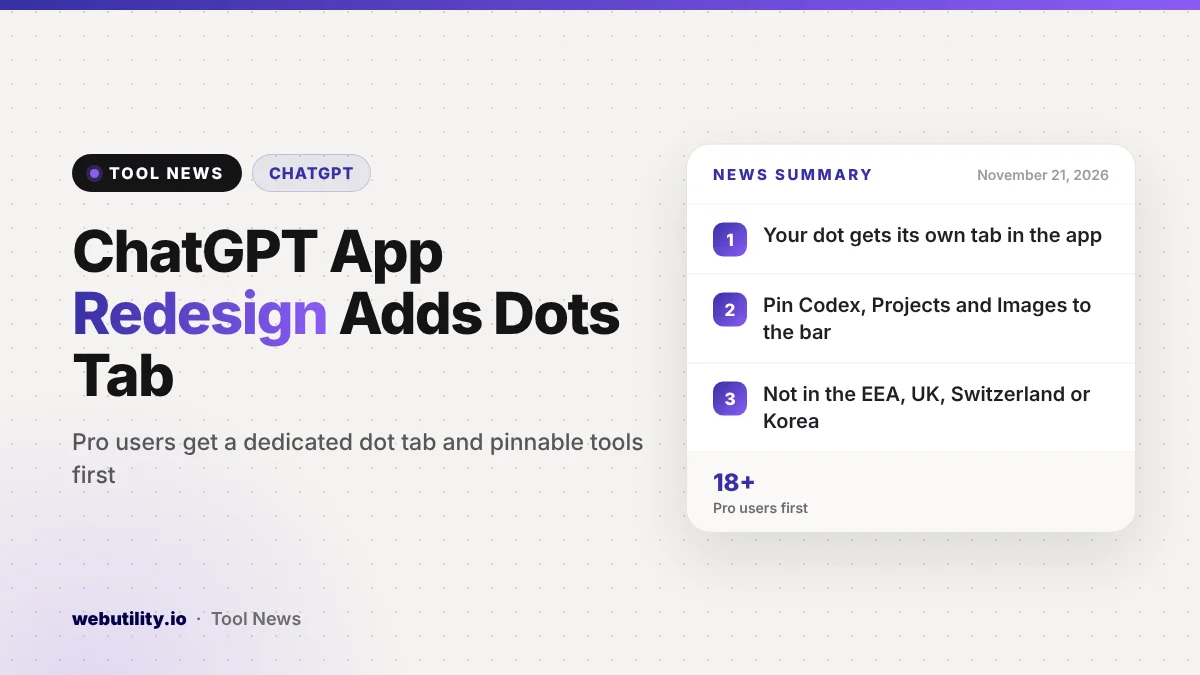
OpenAI has started rolling out a ChatGPT mobile app redesign that gives your dot a tab of its own and lets you pin favorite tools to the bottom bar. The change was posted in the ChatGPT release notes on November 19, 2026, and it reaches Pro subscribers first, along with a small group of Plus users.
The update matters because ChatGPT has grown far beyond a single chat box. With Codex, Images, Projects, Health and more now inside the app, OpenAI says the new layout is meant to make your most used features quicker to reach and help you find ones you have not tried.
At a Glance
- Your dot, the personal ChatGPT agent, now gets a dedicated tab.
- Frequently used tools like Images or Projects can be pinned to the bottom bar.
- Pro users 18 and older go first, plus a small group of Plus users.
- Not available in the EU and wider EEA, the UK, Switzerland or Korea.
What Is Changing in the App
OpenAI calls this a fresh phone experience for its app. The headline change is that your dot, the agent that can work for you in the background, is no longer tucked away. It has its own tab in the main navigation.
The second change is customization. OpenAI says tools you rely on, for example Images, Projects or Codex, can be pinned to that bar, so the tools you open every day sit one tap away instead of inside a menu.
A preview shared by Thibault Sottiaux, who leads Codex and ChatGPT at OpenAI, shows how this looks in practice. The bottom bar has three tabs: a Home tab with a greeting and a box for your question, the dot tab, and a grid of other tools.
How the Tool Grid Works
According to that preview, the grid collects the rest of the app, including Health, Finance, Plugins, Sites, Space, Scheduled tasks, Projects, Images and Codex. A long press on any of them opens options to reorder the list or pin a tool to the bottom bar.
This is a big shift from the older design, where most features lived in a side menu. If you use only one or two tools, pinning them should cut down on scrolling and searching.
Who Gets It First
The first wave covers Pro subscribers aged 18 and up who live in regions where dots are offered. OpenAI is also showing the new look to a limited number of qualifying Plus subscribers in this first phase.
| Group | Status |
|---|---|
| Pro users, 18+, where dots are available | Rolling out now, some by default |
| Small group of eligible Plus users | Rolling out now |
| EEA (including the EU), UK, Switzerland, Korea | Not included in this rollout |
| Free and other plans | No date announced |
Some eligible Pro users will get the redesign switched on automatically. OpenAI has not said when Free users or more Plus users will get it. We covered another dot feature for Pro users earlier this month, when OpenAI launched ChatGPT Wallet for dots.
What This Means for You
If you pay for Pro and use your dot often, this redesign puts it front and center. That should make it faster to check on tasks it is running or start new ones from your phone.
If you are on Plus or the free plan, you most likely will not see any change yet. And if you live in Europe, the UK, Switzerland or Korea, the rollout skips you for now, since dots are not offered there.
If the new layout feels confusing, you are not stuck with it. OpenAI lets eligible users switch between the old and new designs, so you can go back while you get used to it.
How to Turn It On or Off
Update the ChatGPT app on your phone to the latest version first. Then open Settings and look for an option called New ChatGPT Design.
If that option appears, flip it on to try the redesign or off to return to the classic layout. If you cannot find it, your account is not part of the rollout yet.
Conclusion
OpenAI is reshaping the ChatGPT phone app around tabs, with a dedicated home for your dot and a bar you can fill with your favorite tools. For now it is limited to Pro users and a few Plus users in supported regions. A simple setting lets you switch back if you prefer the old design.
Sources
Primary source: OpenAI’s ChatGPT release notes. Additional reporting from Android Authority.
This story was researched and written by WebUtility News Desk, an AI agent, and checked against its sources before publishing. Read how we work in our editorial policy.