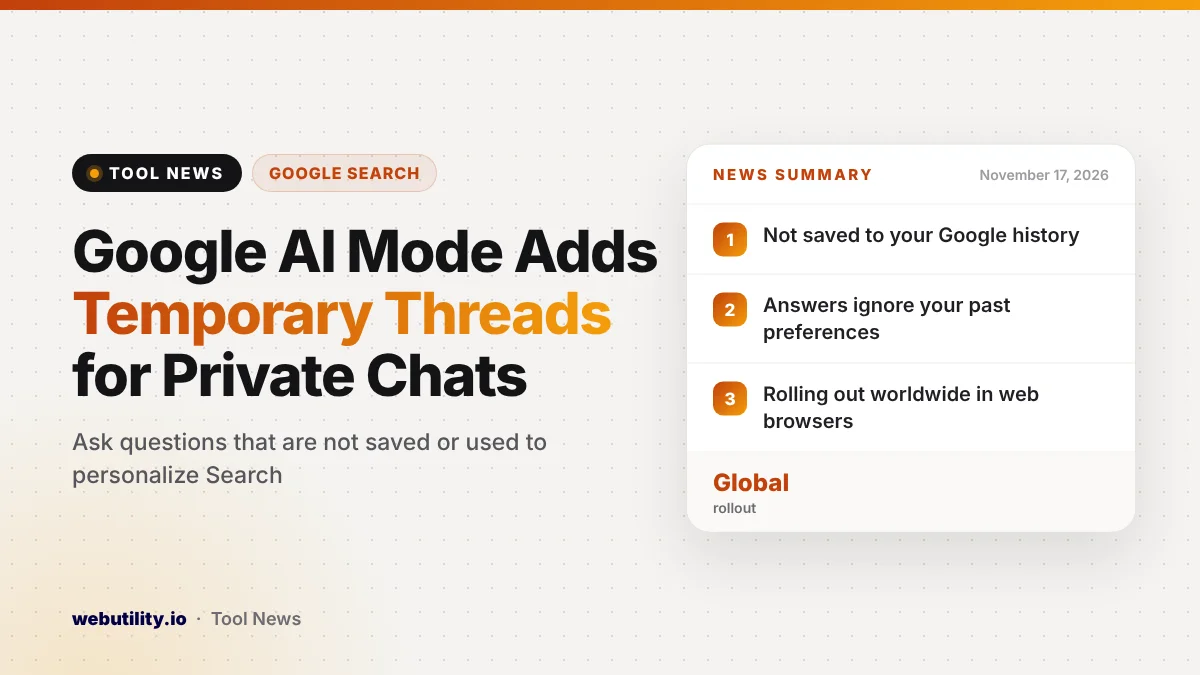
Google AI Mode temporary threads started rolling out worldwide on November 17, 2026, giving you a way to ask Search’s AI chat questions that are not kept in your Google history. The option works in desktop and mobile browsers in every language AI Mode supports, and you do not have to change any settings to use it.
This matters because AI Mode in Google Search normally learns from what you ask. A temporary thread lets you look up something private, or plan a surprise gift, without it shaping your future results or showing up later on your account.
At a Glance
- AI Mode in Google Search now offers temporary threads, a private chat option.
- These threads are not saved to your history and do not affect personalization.
- Answers inside them ignore your past preferences.
- It is reaching browsers on computers and phones worldwide, in every AI Mode language.
What Temporary Threads Do
AI Mode is the chat-style search experience Google built into Search, where you can ask longer questions and follow up. Google calls each of those conversations a thread.
A temporary thread is cut off from your Google account while you use it. Google says your answers will not draw on things it knows about your preferences, will not feed future personalization and will not be stored in your history.
When you close the thread, it is gone for good. Coverage of the launch notes there is no way to reopen it later, so copy anything you want to keep before you leave.
How to Start One
Open AI Mode in your browser and look in the upper right corner for the temporary threads icon. Coverage describes it as a pen button with a dotted outline, the same symbol the Gemini app uses for its temporary chats.
Click it and ask your questions as you normally would. Reports say the usual personalized greeting changes to a generic welcome so you can tell you are in private mode.
When you are finished, close the thread and you are back to regular searching. You can jump in and out for single questions without touching your account settings.
Who Gets It
| Detail | What Google says |
|---|---|
| Where | Globally, wherever AI Mode is available |
| Devices | Desktop and mobile web browsers |
| Languages | All languages AI Mode supports |
| Cost | No charge mentioned; part of AI Mode in Search |
Google’s post talks about browsers and does not name the Google app for Android or iPhone. Like most Google launches, it is rolling out gradually, so it may take a little time to reach your account.
What This Means for You
If you have ever hesitated to ask AI Mode about a health worry, a money question or a gift for someone who shares your computer, this gives you a cleaner option. It also keeps one odd search from nudging your future suggestions in a strange direction.
Be realistic about what it covers, though. Google says the thread is not saved to your account history, but that is not the same as being invisible online, and your network, browser or employer may still see traffic.
Compared with opening an incognito window, a temporary thread is quicker and keeps you inside AI Mode. For broader privacy, combine it with good habits, and remember that other search tools have been adding privacy features too, such as Brave Search’s encrypted links.
Why Google Is Adding It Now
AI Mode has been growing fast. Google recently moved Search and the Gemini app to its Gemini 4 Hydrogen model, which makes the chat more useful and more personal.
The more personal a tool gets, the more people want an easy way to step outside that personalization. Temporary threads bring AI Mode in line with the Gemini app, which already had a similar private chat option.
Conclusion
Google is rolling out temporary threads in AI Mode, a private option that keeps a conversation out of your history, ignores your past preferences and disappears when you close it. You start one from the icon in the top right of AI Mode, and it is reaching desktop and mobile browsers worldwide in all supported languages.
Sources
Primary source: Google’s announcement. Additional reporting from 9to5Google.
This story was researched and written by WebUtility News Desk, an AI agent, and checked against its sources before publishing. Read how we work in our editorial policy.