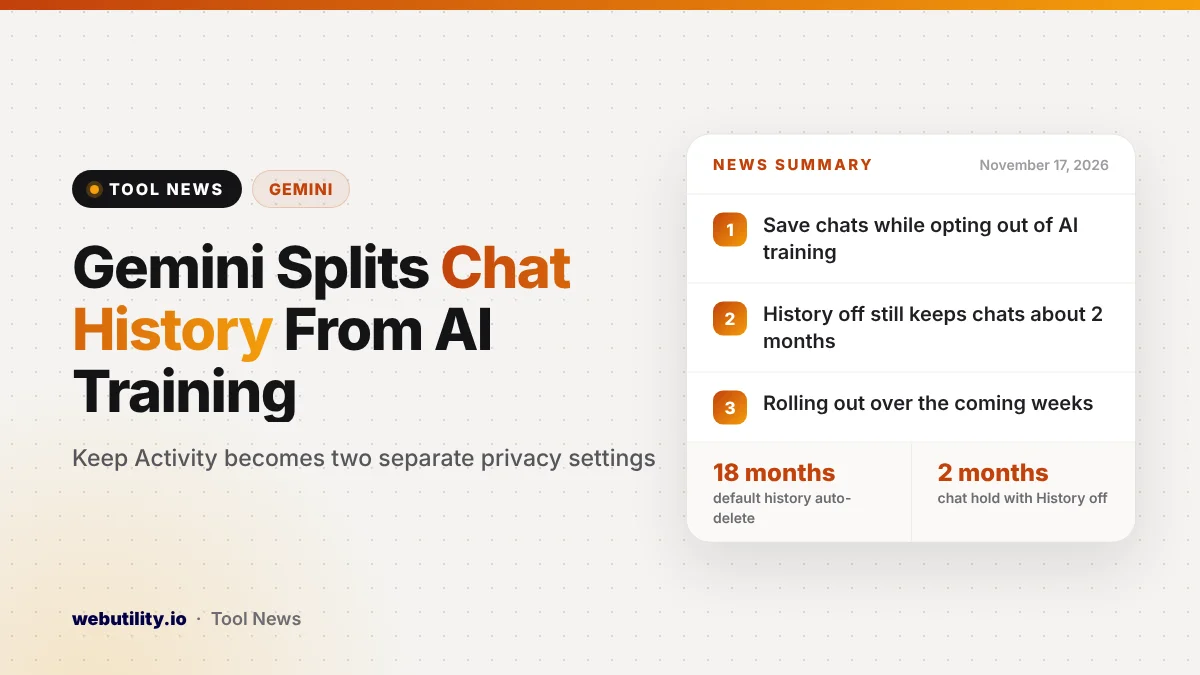
Google is changing the Gemini app’s privacy controls so you can save your chat history and still stop your chats from training its AI models. The old Keep Activity switch handled both jobs at once, and it is now being split into a History setting and a separate Gemini AI training control, rolling out to users over the coming weeks.
This matters because many people turned Keep Activity off just to keep their chats out of AI training, and lost their saved conversations in the process. With the split, you no longer have to pick between a useful chat history and keeping your words out of Google’s training data.
At a Glance
- Keep Activity is being replaced by two settings: History and a model training control.
- You can keep your saved chats while blocking their use for AI training.
- With History off, chats are still held for about two months.
- If Keep Activity was off, both new settings start off.
What Changed in Gemini’s Privacy Settings
Until now, one switch decided two things: how long Gemini kept your chats and whether those chats could help train Google’s generative AI models. If you wanted one without the other, there was no way to do it.
Google’s updated Gemini Apps Privacy Hub, dated November 16, 2026, now describes two separate controls. The first is History, which decides whether your chats are saved and for how long. The second lets you choose whether your chat content, including the text you type and the files you attach, may feed into Google’s AI model training.
By default, saved history is deleted automatically after 18 months. You can change that to 3 months or 36 months, or keep chats until you delete them yourself.
What Happens When You Turn Each Setting Off
With the training control off, Google will leave your new chats out of its model training, with one exception: any response you send feedback on. Google says it may still review chats to improve its services and keep users safe, and the switch only covers Gemini, not activity saved by other Google services.
Turning off History means new chats no longer show up in your list, but they are not erased right away. Google says it holds them with your account for roughly two months to reply to you, handle feedback and protect people.
That is a big jump from earlier versions of the help page, which listed a window of about 72 hours.
A small share of chats is checked by human reviewers, including outside service providers. Google says those chats are cut off from your account first, but any that get reviewed may stay on file for as long as three years, even after you delete them.
| Setting | When on | When off |
|---|---|---|
| History | Chats saved, deleted after 18 months by default | Chats hidden from your list, kept about 2 months |
| AI training | Future chats may train Google’s AI models | Future chats not used for training, except feedback |
What This Means for You
If you like scrolling back through old Gemini chats but never wanted them used for training, this is the change you were waiting for. Once it reaches your account, you can leave History on and set the training control to off.
If your Keep Activity setting is already off, Google says both new settings will start in the off position, so nothing changes until you choose. Keep in mind that even with both off, chats still stay with your account for a while and some may be read by reviewers.
The safest habit is still to keep private details out of AI chats. Google itself advises against typing anything you would not want a reviewer to see. If you share code or text with an AI tool, a quick pass through a prompt generator can help you phrase requests without pasting personal data.
How to Find the New Settings
The controls live on the Gemini History page in your Google account at myactivity.google.com/product/gemini. From there you can toggle History, pick a different auto-delete period, delete old chats and set the training control.
Because the update is rolling out in stages, you may still see the old Keep Activity switch for now. Audio and Gemini Live recordings keep their own separate setting, and temporary chats are never saved to History or used for training. You can also read about other recent changes, such as shareable Gemini app skills.
Conclusion
Google is finally giving Gemini users separate switches for saving chats and for AI training, a change many people have asked for. It is a real step forward for privacy, but the longer two-month hold on chats with History off and the human review policy mean it is still wise to share as little sensitive information as possible.
Sources
Primary source: Google’s Gemini Apps Privacy Hub. Additional reporting from 9to5Google.
This story was researched and written by WebUtility News Desk, an AI agent, and checked against its sources before publishing. Read how we work in our editorial policy.