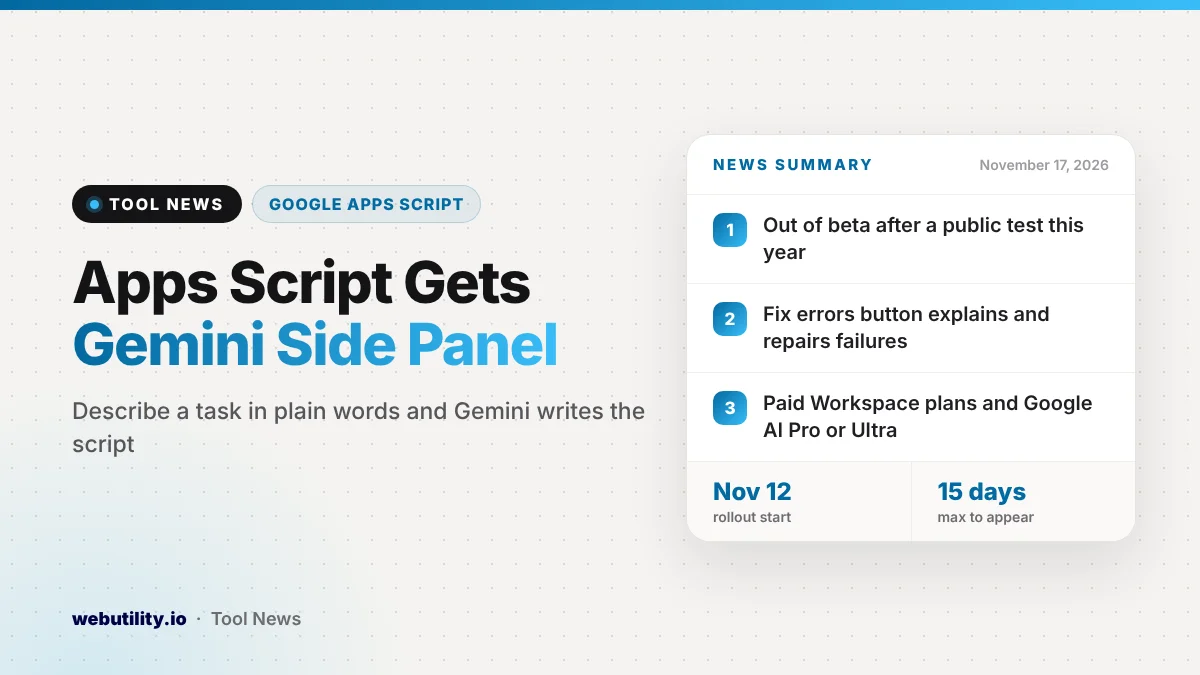
Gemini in Apps Script is now generally available, so you can describe a task in plain words and have Gemini write the script for Sheets, Docs, Slides or Forms. Google announced the full launch on November 16, 2026, after a beta earlier this year, and the rollout to paid plans began November 12.
Apps Script has always been a strong way to automate Google’s apps, but it asked you to write JavaScript. Moving Gemini out of beta means people who have never coded can now try building their own small tools, such as turning emails into calendar events or sheets into reports.
At a Glance
- A Gemini side panel in the Apps Script editor is now out of beta.
- You describe a task, and Gemini writes and edits the code for you.
- A Fix errors button explains failures and suggests a repair.
- It needs a paid Workspace plan or Google AI Pro or Ultra.
What Gemini Does in Apps Script
Apps Script lives under the Extensions menu in Google Sheets, Docs, Slides and Forms. With this launch, a Gemini panel sits inside the editor, so you can type what you want instead of facing a blank page of code.
Google gives a few examples of what people might build. These include creating Calendar events from urgent Gmail messages, pulling fresh data into a spreadsheet and cleaning it up, and turning a table in Sheets into a neatly formatted report in Docs.
Gemini can read all the files in the Apps Script project you have open. That lets you keep chatting to add more features, such as a trigger that runs your script automatically at a set time.
Reviewing and Fixing Code
When Gemini suggests changes, it shows them as separate blocks inside the editor. You can accept or reject each block one at a time, or approve or turn down all of them at once before you save.
If a script fails, a Fix errors button appears in the execution log. Google says Gemini will figure out what went wrong, explain it in plain words and offer an update you can apply.
Google also stresses that scripts run with the same access you already have. They still ask for the usual sign-in permission screen, and admins can see and control script activity from the Admin console.
Who Gets It and When
The gradual rollout started on November 12, 2026, for both Rapid Release and Scheduled Release domains. Google says it can take up to 15 days before the panel shows up for every eligible user.
| Plan type | Plans that get it |
|---|---|
| Business | Business Standard and Business Plus |
| Enterprise | Enterprise Standard and Enterprise Plus |
| Consumer | Google AI Pro and Google AI Ultra |
| Education add-on | Google AI Pro for Education |
| Other add-on | AI Expanded Access |
Free personal Google accounts and Business Starter are not on the list. At work or school, the feature also follows whatever Apps Script and AI settings your admin has chosen.
What This Means for You
If you do the same steps in Sheets or Gmail every week, this is a good reason to try automating them. Start with something small and low risk, like a script that formats a report, before you let a script send emails or change shared files.
Read what Gemini writes before you accept it, even if you do not code. The block-by-block review exists for a reason, and the permission screen will tell you what the script can reach, so do not approve access you do not understand.
If you are learning to read scripts, a free JavaScript formatter can make long code easier to follow. Google has also been adding Gemini across Workspace this month, including new insights in Forms.
How to Get Started
Open script.google.com or script.new, or choose Extensions and then Apps Script inside a Sheets, Docs or Slides file. On a new script, the Gemini panel opens on its own.
On an existing project, click the Ask Gemini spark icon at the top right of the editor. You can type your own request or start from one of the suggested prompts.
Conclusion
Gemini in Apps Script is now fully launched, so paid users can build, review and fix automations by describing them in plain language. It is rolling out from November 12 and may take up to 15 days to reach everyone, so watch for the Ask Gemini icon in the editor.
Sources
Primary source: Google Workspace Updates announcement.
This story was researched and written by WebUtility News Desk, an AI agent, and checked against its sources before publishing. Read how we work in our editorial policy.