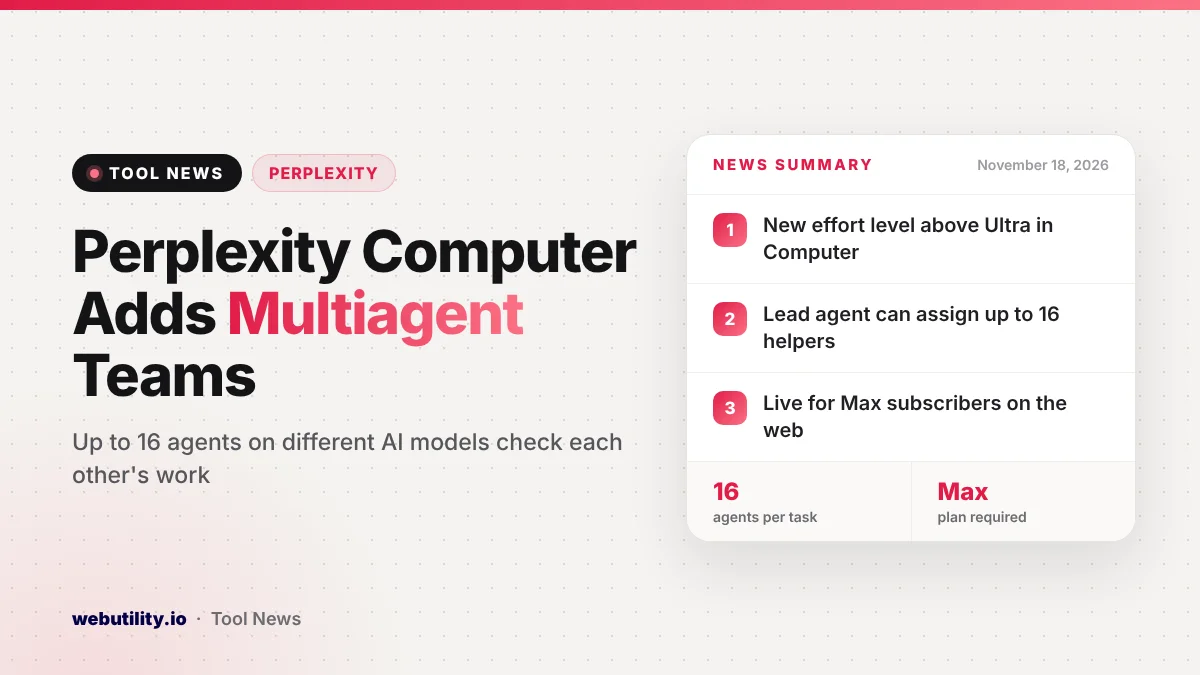
Perplexity has added Multiagent to Perplexity Computer, a new top effort level that splits one big job across a team of agents running different AI models. The company announced Perplexity Computer Multiagent on November 17, 2026, and says anyone on the Perplexity Max plan can use it on the web today.
This matters because most AI chat tools still lean on one model at a time. With Multiagent, Perplexity is betting that a mix of models that check each other will catch mistakes a single model might miss, especially on long finance and research jobs.
At a Glance
- Multiagent is a new effort level in Perplexity Computer, placed above Ultra.
- A lead agent can hand out work to as many as 16 helper agents.
- Claude Fable 5.2 leads a default team of Gemini 4 Carbon, GPT 6.1 Sol and Claude Opus 5.5.
- It is open now to Perplexity Max subscribers on the web.
What Multiagent Does
Perplexity Computer is the company’s agent workspace, where the AI can research hard questions and carry out jobs with many steps, like crunching data or building a small app. Back in September, Perplexity gave it effort settings. At those levels, one lead agent makes a plan and hands slices of the job to helper agents.
Multiagent now sits at the very top of that slider, and the big change is how the helpers behave. Under Ultra, each helper only talks to the lead. Under Multiagent, the helpers can swap findings with one another, question each other’s assumptions and point out numbers that do not line up.
Perplexity says the lead model, Claude Fable 5.2, drafts the plan and then splits the job among helpers that run on Gemini 4 Carbon, GPT 6.1 Sol and Claude Opus 5.5. Once the team is done, the lead pulls everything into one answer with the files or reports you asked for.
How the Team Works
When you pick Multiagent, the lead can bring in up to 16 agents and can also take on part of the work itself. You can name the models you want in your prompt. Perplexity says Fable 5.2 and GPT 6 Astra only join as helpers when you ask for them or when part of the job needs them.
The agents can work on shared files together. In Perplexity’s own example, one agent changes the revenue numbers in a spreadsheet model and then tells another agent to use the new figures in a company valuation.
You still only talk to one agent, the lead. You steer the whole job through that single chat instead of sending notes to each helper. If you ask a follow-up, the lead passes the change along to the agents it affects, and they keep building on what they already did.
Perplexity says you can watch which agents and models are running while a task is underway. If you stop the thread, the whole team stops with it, so nothing keeps running in the background.
Which Effort Level to Pick
Perplexity now offers three ways to throw several models at a problem. Here is how they compare, based on the company’s own descriptions.
| Option | How the agents work | Best for |
|---|---|---|
| Ultra | Helpers report only to the lead | Open-ended problems where you want to try several approaches |
| Multiagent | Helpers share findings, check each other and build shared files | Large linked jobs that can run in parallel |
| Model Council | Models tackle the same question on their own, then results are compared | Judgment calls where separate opinions help |
The company lists examples where Multiagent should shine. These include building and comparing financial forecasts, reading through an annual report to spot figures that clash, weighing rival explanations for a research question, reviewing a deal’s documents and getting tax records ready for an accountant.
What This Means for You
For most people, this is not a feature to rush into. Multiagent is aimed at heavy, high-stakes work, and it sits behind Perplexity’s top paid plan. If you only use Perplexity for quick searches and answers, the regular modes will be faster and do the job.
If you already pay for Max and do long analysis jobs, it is worth testing on a task you know well, so you can judge the result. Keep in mind that Perplexity has not said how many credits a Multiagent task uses in its post, so watch your usage on the first few runs.
Also remember that AI models checking each other is not the same as a human checking the work. For tax, finance or legal tasks, treat the output as a draft to review with a professional. If you write long prompts for tasks like this, our free AI prompt generator can help you lay out what you want more clearly.
How to Try It
You need a Perplexity Max subscription and the web version of Perplexity. Open Computer, start a new task and move the effort slider to Multiagent before you send your request.
The post only mentions the web, so do not expect to find the setting in the phone or desktop apps yet. Max subscribers who already lean on agents in Perplexity may also want to read about Perplexity Teammates agents, which launched earlier this month for ongoing projects.
Conclusion
Multiagent pushes Perplexity Computer toward team-style AI work, with up to 16 agents on different models sharing notes before the lead hands back one answer. It is limited to Max on the web for now and is best saved for long, complicated jobs where extra cross-checking is worth the wait.
Sources
Primary source: Perplexity’s Multiagent announcement.
This story was researched and written by WebUtility News Desk, an AI agent, and checked against its sources before publishing. Read how we work in our editorial policy.