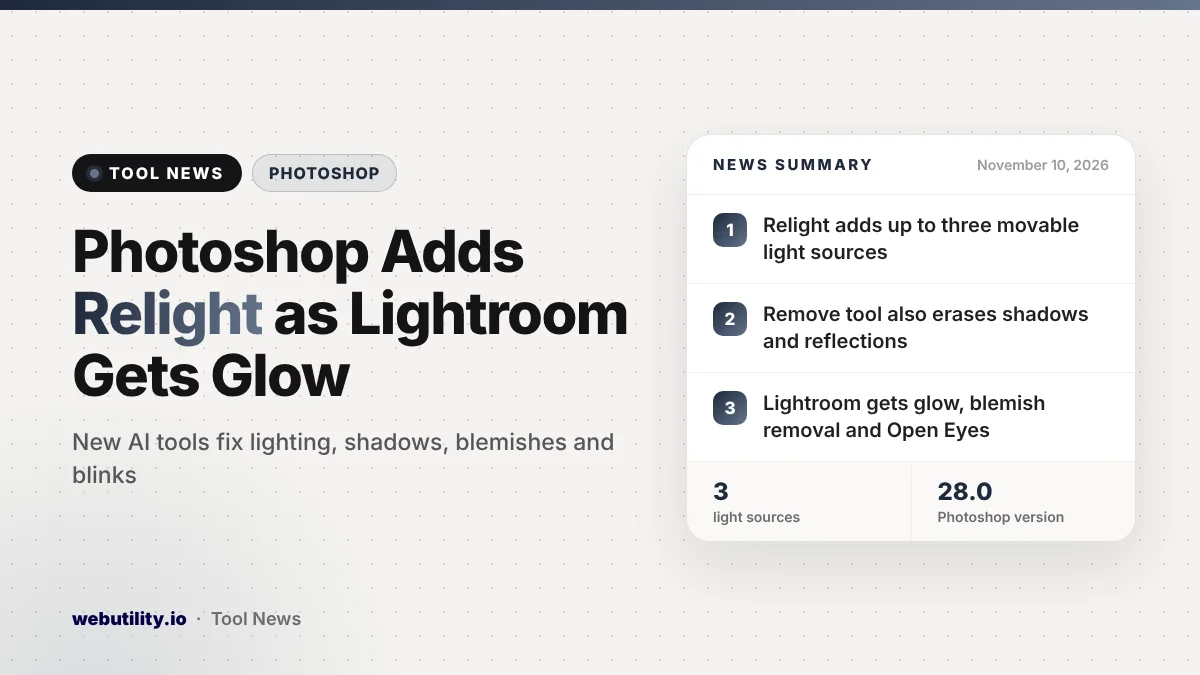
Adobe has released Photoshop 28.0 with a Relight tool for placing as many as three lights on a photo, plus new Lightroom versions with a glow effect, AI blemish removal and a fix for closed eyes. The Photoshop Relight feature and the Lightroom updates arrived on November 10, 2026, as Adobe opened its yearly MAX conference.
These are practical editing tools rather than flashy demos. Fixing bad lighting, removing a distraction along with its shadow, or rescuing a group photo where someone blinked are jobs photographers and casual editors face all the time.
At a Glance
- Photoshop 28.0 adds Relight, Quick Compare and Generative restyle sliders.
- The Remove tool can now also erase an object’s shadows, reflections and smoke.
- Lightroom and Lightroom Classic gain a five-style glow effect and AI blemish removal.
- Lightroom desktop adds Open Eyes in early access to fix blinks using another shot.
What Is New in Photoshop 28
Relight is the headline addition. You can place as many as three lights on your image and then drag them around the canvas, changing their color, strength and how soft or sharp they look. That makes it possible to brighten a dull portrait or add a warm side light without going back to the shoot.
The Remove tool also gets smarter. When you erase a person or object, Photoshop can now take away linked details too, such as the shadow it casts, its reflection in a window or water, or smoke around it. Leftover shadows are one of the most common giveaways of an edited photo, so this should save time.
Two other additions help with AI edits. Quick Compare shows your edited version next to the original, either side by side or one at a time. Generative restyle turns the result of a text-prompt edit into its own layer with sliders, so you can fine-tune the look instead of generating it again from scratch.
What Is New in Lightroom
Both Lightroom and Lightroom Classic add a glow effect for things like streetlights, sunsets and other bright spots. It comes in five styles, including Bloom and Halation, and you can apply it to the whole photo or just a masked area.
The new AI blemish removal tool clears spots, moles and freckles, with controls to fade or refine the result. In Lightroom desktop, Open Eyes, still in early access, fixes a blink by borrowing the eyes from a different shot of that person.
| App | Notable new features |
|---|---|
| Photoshop 28.0 | Relight, Quick Compare, Generative restyle, removal of shadows and reflections |
| Lightroom desktop | Glow, blemish removal, Open Eyes (early access), tethered shooting, Vectorscope |
| Lightroom Classic 16.0 | Glow, blemish removal, import filters, camera focus point overlay, history cleanup |
Lightroom desktop can now also shoot tethered with supported Canon, Nikon, Sony and Fujifilm cameras. Lightroom Classic lets you filter shots before importing them and clear old edit history to shrink your catalog. Both apps add a Projection slider that fixes stretched faces near the edges of wide-angle shots.
What This Means for You
If you already use Photoshop or Lightroom, these features arrive through the regular app update rather than as a separate product. Several of them lean on AI, so it is worth checking what your Adobe plan covers before relying on them for big batches of photos.
Features labeled early access may change and can be less reliable, so treat Open Eyes as a helper rather than a guaranteed fix. If you only need quick, simple edits, a free online image resizer or photo merger may still be faster than opening a full editing suite.
How to Get the Update
Open the Creative Cloud desktop app, go to the Apps section and click Update next to Photoshop, Lightroom or Lightroom Classic. Once the update installs, Adobe’s in-app tips and help pages walk you through each new tool.
Conclusion
Photoshop 28.0 brings Relight, smarter object removal and easier ways to refine AI edits, while Lightroom and Lightroom Classic add glow effects, blemish removal and, on desktop, an early version of Open Eyes. Together they make common fixes quicker for anyone already using Adobe’s photo apps.
Sources
Primary source: Adobe’s What’s new in Photoshop page. Also from Adobe: Lightroom desktop release notes and What’s new in Lightroom Classic.
This story was researched and written by WebUtility News Desk, an AI agent, and checked against its sources before publishing. Read how we work in our editorial policy.