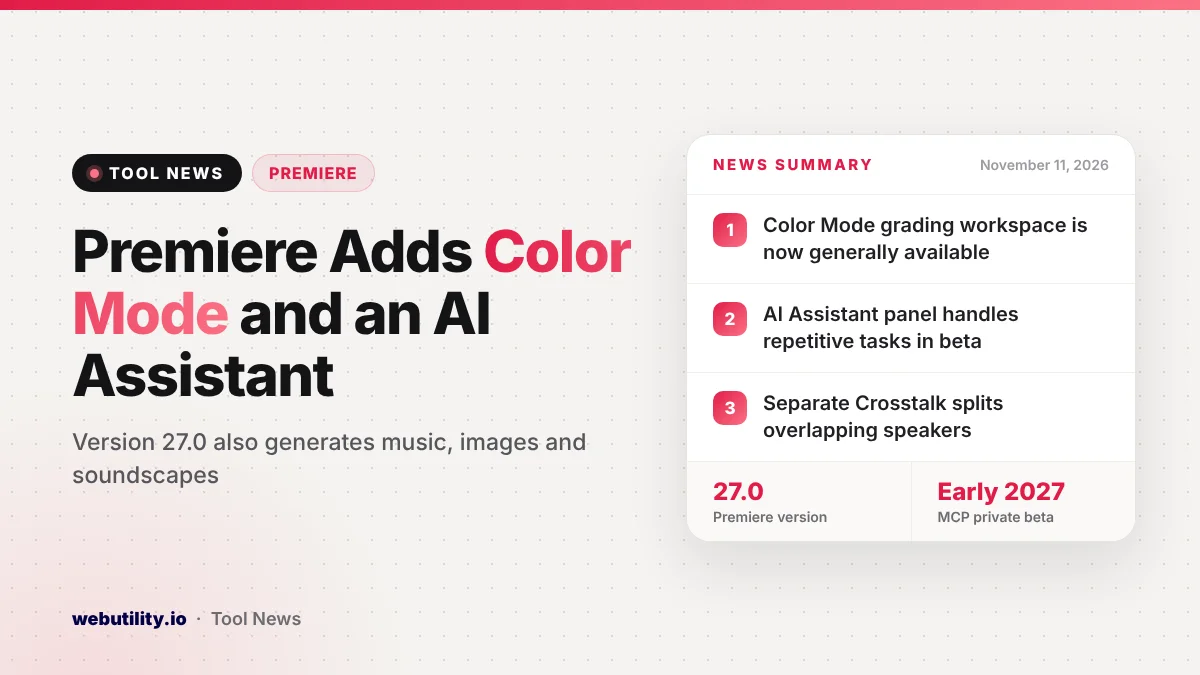
Adobe released Premiere 27.0 on November 10, 2026, and its biggest addition is Premiere Color Mode, a grading workspace next to your edit that is now out of beta. Anyone with Premiere in their Creative Cloud plan also gets a beta AI Assistant, new music, soundscape and image generators, and better audio cleanup.
For many video editors, color work and audio repair have meant jumping to other apps or fighting with older panels. This release pulls more of that work into the main editing screen, and it also shows where Adobe is heading next: letting AI helpers, including ones made by other companies, operate its creative apps for you.
At a Glance
- Color Mode, a grading workspace built for editors, is now generally available in Premiere 27.0.
- A new AI Assistant panel (beta) can handle complex or repetitive tasks inside your project.
- The Generative Media Tool now makes music, soundscapes and images, not just video and sound effects.
- Adobe plans a private beta of local MCP links for outside AI helpers in early 2027.
Color Grading Moves Next to Your Edit
Color Mode is a separate workspace for grading that stays close to the timeline, so you can go from cutting to color and back without a long detour. Adobe says it covers both quick fixes and more advanced grades while keeping the video front and center on screen.
A new HSL masking option works well alongside it. It lets you pick out a color by hue, saturation and brightness, then adjust only that area, which is handy for things like warming skin tones or calming a bright sky.
New AI Tools for Video and Sound
The Generative Media Tool first appeared in September with video and sound effect generation. In version 27.0 it can also create images, music and soundscapes. You drag across a region of a video or audio track, type a prompt, and the result lands in your sequence as a clip you can keep editing.
According to Adobe, you can choose between its own Firefly models and partner models from Google, Kling, Runway and Luma. Generate Soundscape goes a step further by studying your footage and building matching background ambience and effect layers on its own.
Audio gets several upgrades too:
- Enhance Audio has better controls for splitting dialogue, music, ambience and effects so you can mix each one separately.
- Separate Crosstalk pulls two people talking over each other on one track into their own stems.
- Separate Sound Source helps clean noisy dialogue by breaking audio into individual parts.
- Auto Ducking now refreshes its keyframes by itself whenever clips are added, shortened or muted.
Adobe also lists a Generative Remove tool in beta for taking boom mics, logos or other distractions out of a shot. You draw a mask, let Premiere follow the object, then press Remove to fill the spot.
If you only need a quick fix outside Premiere, a browser tool such as our remove text from video page can handle simple overlays.
The AI Assistant and What Comes Next
The AI Assistant panel, powered by what Adobe calls its Creative Agent, reads your Premiere project and carries out multi-step jobs from a plain request. Adobe says it can apply an effect to every clip in a sequence, track a masked subject across frames, or change color and exposure for a whole sequence at once.
The assistant is in beta, and Adobe is rolling the same idea out to Illustrator, InDesign, After Effects and Frame.io. In Photoshop, the assistant is only in the separate Photoshop beta app for now.
Adobe also previewed local MCP integrations. These would let an outside assistant you already rely on drive Premiere, Photoshop, Illustrator and After Effects on your own computer, working in the real project files so layers and sequences stay editable. That feature is not here yet; Adobe says a private beta is planned for early 2027.
Other Changes Worth Knowing
| Feature | What it does | Status |
|---|---|---|
| Color Mode | Grading workspace next to the edit | Available now |
| AI Assistant | Runs complex or repetitive tasks | Beta |
| Generative Media Tool | Adds images, music and soundscapes | Available now |
| Generative Remove | Erases unwanted objects in a clip | Beta |
| Local MCP integrations | Outside agents control Adobe apps | Private beta, early 2027 |
Smaller additions include eight new effects such as Radial Blur and Bevel and Emboss, preview videos in the Effects panel, effects shown as simple cards in the Properties panel and Generative Extend making extra frames when a transition runs short. Windows on ARM PCs with the NVIDIA RTX Spark chip also get native support.
What This Means for You
If you already edit in Premiere, Color Mode and the audio cleanup tools are the parts most likely to save time right away, since they replace steps many people did in other apps. Try them on a copy of a project first, because new workflows can feel unfamiliar for the first few edits.
Treat the AI Assistant and Generative Remove as beta tools and check their work closely. Generated clips and music depend on the model you pick, so read the usage terms before using them in paid work.
For short social clips you can also turn finished footage into a loop with an MP4 to GIF converter.
How to Get the Update
Open the Creative Cloud desktop app, go to Apps and choose Update next to Premiere. After it installs, Adobe’s What’s new page in Premiere’s help section links to guides for each feature.
Conclusion
Premiere 27.0 makes color grading a full part of the editor, widens AI generation to music, images and ambience, and adds a beta assistant for repetitive jobs. Adobe’s planned support for outside AI assistants is still months away, but the tools in this release are ready to try today.
Sources
Primary source: Adobe’s What’s new in Premiere page. Also from Adobe: Adobe’s Creative Cloud blog post and Adobe’s press release.
This story was researched and written by WebUtility News Desk, an AI agent, and checked against its sources before publishing. Read how we work in our editorial policy.