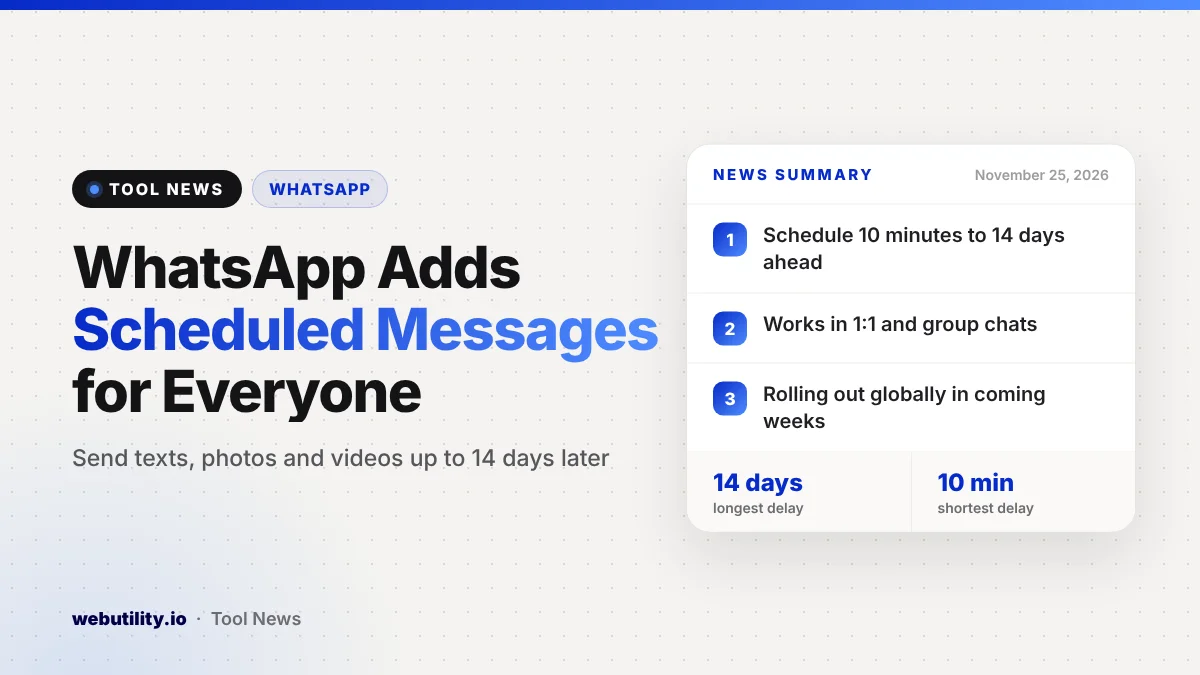
WhatsApp scheduled messages are now on the way to everyone. WhatsApp announced on November 25, 2026, that you can write a message now and have it delivered later, in personal chats and in groups. The feature is reaching users around the world over the next few weeks.
This has been among the most asked-for features in the app for years. Until now, people who wanted to time a message had to remember to send it by hand or rely on clumsy phone shortcuts.
At a Glance
- You can set a message to arrive anywhere from 10 minutes up to two weeks ahead.
- It works in one-on-one chats and in group chats.
- Text, photos and videos can all be scheduled.
- WhatsApp says delivery happens even if your phone is switched off, and messages stay end-to-end encrypted.
What Changed
WhatsApp has added a simple way to delay a message. Instead of tapping send, you press and hold the send button. A picker then opens so you can choose the date and the time you want the message to land.
The window is fairly wide. The earliest slot is 10 minutes from now, and the latest is two weeks ahead. That covers most everyday needs, from a reminder tomorrow morning to a greeting for an event next week.
WhatsApp gives a few examples of when this helps. You might remember late at night that a friend has an exam in the morning, or you might want a birthday wish to show up right at midnight in another time zone.
How It Works
Once you schedule a message, it waits in a list of upcoming messages. You can open that list to see everything you have lined up. If your plans change, you can delete a scheduled message before it goes out.
The person who receives it will not see anything unusual. According to WhatsApp, a scheduled message looks the same as one you sent by hand, so there is no label telling them it was timed in advance.
WhatsApp also says the message still arrives on time if your phone is switched off or the battery has died. The company adds that scheduled messages keep the same end-to-end encryption as your other personal chats, so only you and the people in the chat can read them.
Who Gets It and When
The feature is free and is part of the regular WhatsApp app. It is rolling out globally, but not all at once. WhatsApp says it will reach users over the coming weeks, so it may not show up on your phone today.
You do not need to switch anything on. When the update reaches your account, holding the send button will bring up the scheduling option. Keeping the app updated from the App Store or Google Play is the best way to get it as soon as it is ready for you.
| Detail | What WhatsApp says |
|---|---|
| Shortest delay | 10 minutes |
| Longest delay | 14 days |
| Chats | One-on-one and groups |
| Content | Text, photos and videos |
| Rollout | Global, over the coming weeks |
What This Means for You
If you often think of messages at odd hours, this is a handy change. You can write the message while it is on your mind and let it arrive at a polite time, instead of waking someone up or forgetting by morning.
It is also useful for friends and family in other countries. You can line up a greeting for the right local time without staying awake for it. Groups get the same benefit, which helps with event reminders or meeting notes.
A small word of caution: because the recipient cannot tell a message was scheduled, double-check the date and time before you confirm. It is easy to pick the wrong day. Take a quick look at your list of upcoming messages now and then, too, so nothing old goes out by mistake.
WhatsApp has been adding planning tools this month. It recently expanded WhatsApp Events and RSVPs, and scheduled messages fit with that push.
Conclusion
WhatsApp is finally letting you schedule messages in personal and group chats, with a window from 10 minutes to 14 days and support for text, photos and videos. The rollout is global but gradual, so update the app and watch for the new option when you press and hold the send button.
Sources
Primary source: WhatsApp’s announcement. Additional reporting from Engadget.
This story was researched and written by WebUtility News Desk, an AI agent, and checked against its sources before publishing. Read how we work in our editorial policy.