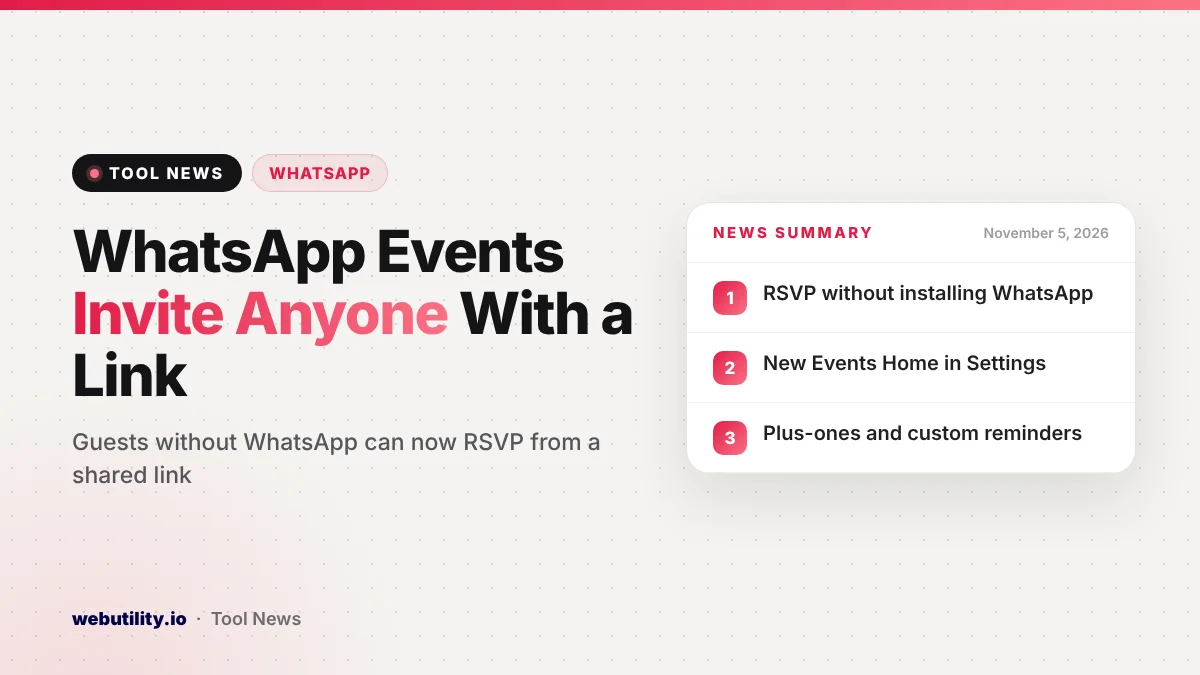
Meta announced on November 5, 2026, that WhatsApp Events invites can now go to anyone, including friends who have never installed WhatsApp. The update also brings a new Events Home, plus-ones and custom reminders, and Meta says it will reach all users over the next few weeks.
Until now, events lived inside WhatsApp groups and chats, so a guest without the app was left out. A simple link changes that, which makes WhatsApp a more practical choice for birthdays, dinners and holiday get-togethers where not every guest uses the same messenger.
At a Glance
- Hosts can share an event link that works for people who do not have a WhatsApp account.
- Guests without the app can view the details and RSVP without downloading anything.
- A new Events Home under Settings lists every past and upcoming event in one place.
- Hosts get cover photos, custom reminders and an option to allow a plus-one.
What Changed in WhatsApp Events
The biggest change is the shareable invite. According to Meta, you set up the event, give it a cover image, and then send out a link. Anyone who opens that link can read the event details and say whether they are coming, with no download required.
That means you can post one link in a text message, an email or another chat app and still collect answers in WhatsApp. Meta pitches the timing at holiday season, when family groups often mix people who use different apps.
Hosts also get more control over the guest list. You can set custom reminders so people do not forget the date, and you can decide whether guests may bring someone along as a plus-one.
The New Events Home
Meta describes Events Home as a single spot for building customized invites, sending them and tracking who has replied. To find it, open Settings in WhatsApp and choose Events.
The screen collects both the events you organized and the ones you were invited to. It also keeps older events, so you can look back at past gatherings as well as see what is coming up next.
Privacy Details
Meta says invites were designed to protect hosts and guests. Your phone number stays hidden from guests you do not already know, which matters when a link gets passed around among friends of friends.
People who join through the link without a WhatsApp account only see the venue address once they have replied. Meta adds that personal chats and calls remain covered by end-to-end encryption, as before.
| Feature | Guests on WhatsApp | Guests without WhatsApp |
|---|---|---|
| See event details | Yes | Yes, through the link |
| Send an RSVP | Yes | Yes, no download needed |
| See the address | Yes | Only after they RSVP |
| See the host’s phone number | Not shown to strangers | Not shown to strangers |
What This Means for You
If you plan get-togethers for a mixed crowd, you may no longer need a separate invitation service. One WhatsApp link can reach your cousin on iMessage and your coworker who only uses email, and their replies land in the same list.
Be careful where you post the link, though. Anyone who has it can view the event and reply, so share it in private messages rather than on public profiles. You can also turn a link into a scannable code with a URL to QR code tool for a printed card or flyer.
Keep in mind that the privacy promises here are Meta’s own description. The hidden address helps, but it still appears to anyone who replies, so think twice before sharing a home address widely. For direct one-to-one chats, a WhatsApp link generator remains a quick way to let people message you.
When You Will Get It
Meta says the updated Events feature is rolling out gradually to everyone over the coming weeks. If Events does not show up in Settings yet, keep WhatsApp updated from your app store and check again later.
Conclusion
This update turns WhatsApp Events from a group chat extra into a real invitation tool. Link-based RSVPs for people without the app, a central Events Home and plus-one controls make it easier to plan in-person meetups, provided you share those links with some care.
Sources
Primary source: Meta’s announcement of the updated WhatsApp Events.
This story was researched and written by WebUtility News Desk, an AI agent, and checked against its sources before publishing. Read how we work in our editorial policy.