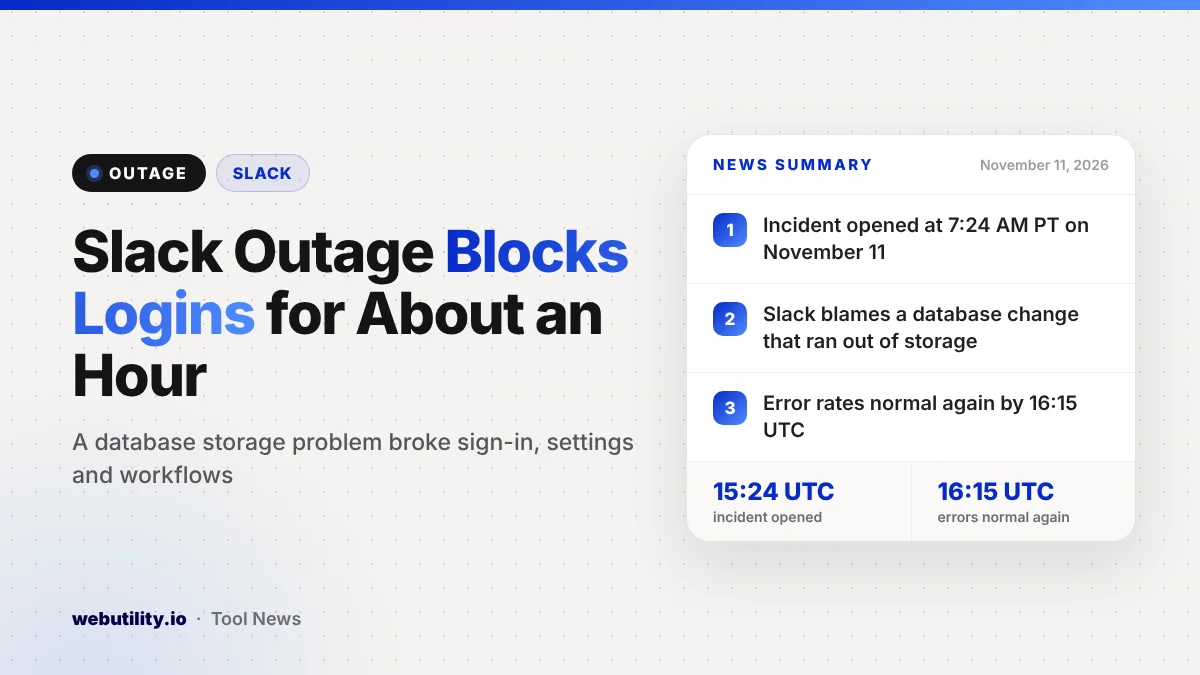
Slack went through a Slack outage on Wednesday, November 11, that left some people unable to open the app, sign in or save changes. The company opened an incident at 7:24 AM Pacific time and says error rates were back to normal by 16:15 UTC, roughly an hour later.
Slack is where many teams talk all day, so even a short break can stall work, approvals and automated workflows. The company also named a likely cause, which is rarer than you might expect during a live incident.
At a Glance
- Slack opened the incident at 7:24 AM PT (15:24 UTC) on November 11.
- Some users could not load Slack, log in, save settings or create channels.
- Slack points to a recent database change that led to a storage capacity problem.
- Errors were at normal levels by 16:15 UTC, and Slack is still monitoring.
What Broke
The first note on the Slack status page warned that some users might see delays when opening the app or using its features. A few minutes later, the company listed specific errors, including trouble loading Slack, saving preferences or profile edits, and deactivating members.
By about 8:16 AM PT, the list had grown. Slack said some people could also fail to sign in, make new channels, install apps or publish workflows built in Workflow Builder.
The incident page tags four parts of the service as affected: connectivity, messaging, apps and integrations, and workspace administration. Slack has not said how many workspaces or people were hit.
What Slack Says Caused It
In its update at 8:16 AM PT, Slack said it was looking into a recent change to one of its databases as the probable trigger. According to the company, that change caused a database to run short of storage space.
Engineers responded by clearing space and pulling unhealthy database servers out of service. Slack also said it was working to keep related databases from hitting the same limit.
Timeline of the Incident
| Time (UTC) | What Slack reported |
|---|---|
| 15:24 | Incident opened for slow loading and feature errors |
| 15:51 | Errors started to drop, per a later update |
| 16:15 | Error rates back at normal levels |
| 16:16 | Login, channel, app and workflow errors listed; database change named |
| 17:31 | Still monitoring; errors have not returned |
In its latest note, Slack says it is still restoring full database redundancy and making configuration changes so the problem does not happen again. The incident remains open while that work continues.
What This Means for You
If Slack failed to load or would not let you sign in this morning in the US, the problem was on Slack’s side, not your computer or phone. Now that errors are back to normal, a simple restart of the app should be enough for most people.
Look back at anything you changed during the outage window. A new status, notification setting, profile edit or channel may not have saved, so it is worth checking that it stuck.
Workspace owners should check any workflows they tried to publish and any apps they tried to install during the incident. Those actions were on the list of things that could fail, so they may need a second try.
What to Do Next Time
When a work tool stops loading, first check whether the problem is on your end or the service’s end. The official Slack status page is the best place to start, and a quick website up or down checker can also tell you whether a site is reachable at all.
It also helps to agree on a backup channel with your team, such as email or a phone group, for urgent messages. Big services do go down now and then, as the recent iCloud outage showed.
Conclusion
Slack had a roughly one-hour outage on November 11 that stopped some users from loading the app, signing in and saving changes. The company blames a database change that ran a database out of storage, says errors are back to normal and is still working on fixes to prevent a repeat.
Sources
Primary source: Slack’s status page incident report.
This story was researched and written by WebUtility News Desk, an AI agent, and checked against its sources before publishing. Read how we work in our editorial policy.