Mozilla has released Firefox 160 for Windows, Mac and Linux, and its headline additions are a new Mini Window mode and a playback speed setting in Picture-in-Picture. According to Mozilla’s release notes, the update started reaching regular users on November 10, 2026, so most desktop users will be prompted to update over the next few days.
None of the changes is huge on its own, but together they make everyday browsing smoother. Watching videos while you work, reopening pages from your history and stopping pushy sites from taking over your email links all get a little easier.
At a Glance
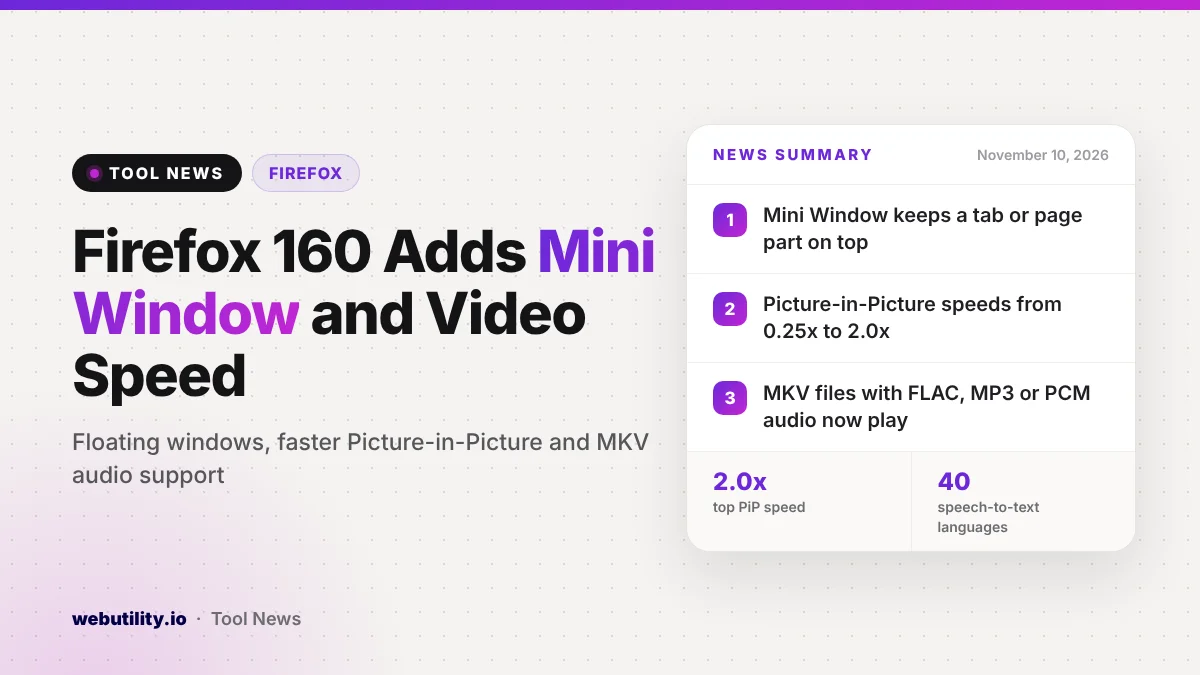
- Mini Window keeps a tab, or part of a page, floating above other windows.
- Picture-in-Picture now offers speeds from 0.25x up to 2.0x.
- Firefox can now play MKV files that use FLAC, MP3 or PCM audio.
- A new Never allow button blocks sites that keep asking to handle mailto links.
Mini Window and Faster Video Controls
The biggest new feature is Mini Window. It lets you pull a whole tab, or just a section of a page you select, into a small window that stays on top of everything else. That could be handy for keeping a live score, a chat or a recipe in view while you work in another app.
Mozilla describes Mini Window as an early version and is asking for feedback on its Mozilla Connect forum. Expect it to change over the next few releases, and do not be surprised if it feels a little rough at first.
Picture-in-Picture, the floating video player Firefox has offered for years, also gets a speed setting. You can choose anything from a quarter of normal speed up to double speed. You will only see the option when the floating player is at least medium in size.
Other Changes in This Release
Several smaller tweaks target daily habits. You can now drag an entry from the history sidebar straight onto the tab strip to open it in a new tab. When the text you copied looks like a search term instead of a web address, the right-click menu in the address bar swaps the Paste and Go option for Paste and Search.
Websites that keep asking to become your handler for email links can now be stopped with a Never allow button. You can review the sites you blocked later in Settings. On the media side, Firefox can now play Matroska (MKV) video files with FLAC, MP3 or PCM audio tracks.
Mac users get WebGL graphics drawn through Apple’s Metal system, which Mozilla says can speed up some sites. Pages saved as PDF also keep math formulas readable for screen readers, and the Organize Tabs feature in Smart Window now works in French.
| Area | What changed in Firefox 160 |
|---|---|
| Windows | New always-on-top Mini Window for a tab or part of a page |
| Video | Picture-in-Picture speed from 0.25x to 2.0x, MKV with FLAC, MP3 or PCM audio |
| Tabs and history | Drag history items from the sidebar onto the tab strip |
| Site permissions | Never allow button for repeated mailto and link handler requests |
| Web developers | On-device speech-to-text through the Web Speech API in 40 languages |
Fixes and Security
The release also fixes a bug where the first letter you typed into the address bar could vanish if you typed quickly after clicking it. The domain name in the address bar now stands out more, so it is easier to see which site you are actually on.
Mac users get a batch of fixes for downloads that opened in the wrong app, several downloads that never finished, and links from other apps that pulled Firefox to the front. Mozilla also lists various security fixes, which is reason enough to update even if the new features do not interest you.
What This Means for You
If you watch lectures, tutorials or long videos in a floating player, the new speed control alone is worth the update. Mini Window is worth a try too, but treat it as a preview that may still change.
The MKV support helps if you download or record videos in that format, though some files with other audio types may still not play. For those, a free online video trimmer or converter can help you get a format that works everywhere. Some features roll out gradually, so you may not see every change right away.
How to Update Firefox
Firefox normally updates itself. To check right now, open the menu, choose Help, then About Firefox. Firefox will download version 160 if it is available and ask you to restart to finish the update.
Conclusion
Firefox 160 is a solid everyday update rather than a dramatic one. It brings a floating Mini Window, speed control for Picture-in-Picture, broader MKV audio support and a way to silence pushy link handler requests, plus a set of security fixes that make updating a good idea.
Sources
Primary source: Mozilla’s Firefox 160.0 release notes.
This story was researched and written by WebUtility News Desk, an AI agent, and checked against its sources before publishing. Read how we work in our editorial policy.