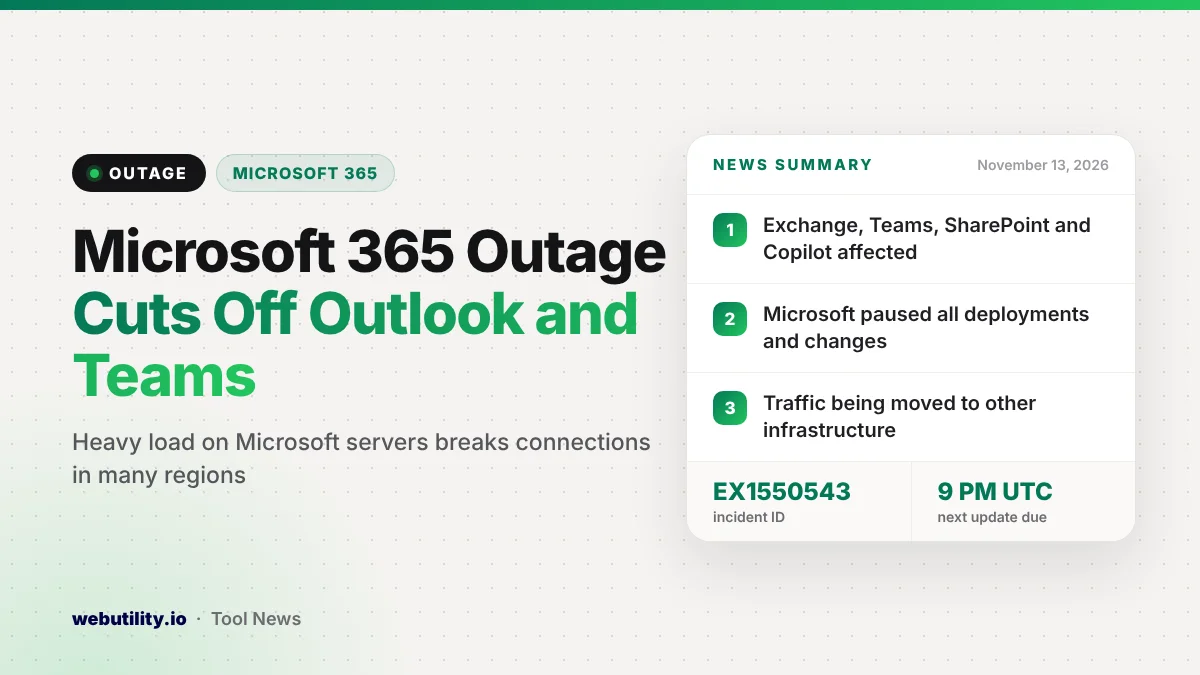
A large Microsoft 365 outage on Thursday, November 12, left many people unable to open Outlook email, Teams, SharePoint and Microsoft 365 Copilot. Trouble started around 1 PM Eastern time, and Microsoft says users in any region can be affected while it works on a fix.
This matters because Microsoft 365 runs the inbox, calendar and chat for millions of offices and schools. When it stalls, meetings, file sharing and email all stall with it, and there is little you can do on your own device to get around it.
At a Glance
- Microsoft lists Exchange Online, Teams, SharePoint Online, Microsoft 365 Copilot and Defender XDR as possibly affected.
- The company points to heavy load on part of its infrastructure in several regions.
- Microsoft has frozen all deployments and configuration changes while it checks recent changes.
- The incident was still open at the time of writing, with the next official update due by 9:00 PM UTC.
What Happened
Reports of Outlook failing to load on the web and in the apps began piling up shortly before 1 PM ET (about 18:00 UTC). Many people saw connection errors, empty inboxes or messages that would not send.
Microsoft opened an incident on its official service health page warning that people might not be able to reach several Microsoft 365 apps at once. The page marks the issue as a service degradation and tracks it in the admin center under incident EX1550543.
The status entry names five services that may be hit: Exchange Online, which powers business Outlook email, plus Microsoft Teams, SharePoint Online, Microsoft 365 Copilot and Microsoft Defender XDR. Some news reports said OneDrive also misbehaved for some users.
What Microsoft Says Caused It
In an earlier update, Microsoft said a portion of its infrastructure was under unusually high load across several regions. The company believes that extra load is likely behind the connection errors people are seeing.
Microsoft says it is restarting and repairing the affected servers to bring capacity back. It is also looking at a sudden jump in one specific type of traffic to learn whether that traffic is real demand or a change in how requests are being routed.
In its latest update, Microsoft says it is pursuing every option to reduce the impact. As a precaution it has put every deployment and settings change on hold, and it is moving traffic for some services onto other infrastructure to ease the pressure.
Who Is Affected
The official incident is filed under the business and enterprise side of Microsoft 365, so work and school accounts are the main group hit. Microsoft says the problem may reach users in any region, not just the US.
People with personal accounts also reported trouble, even though Microsoft’s consumer status list still showed Outlook.com as working when we checked. Results are mixed, so some people can use Outlook and Teams normally while their coworkers cannot.
Even Microsoft’s own status pages were slow or hard to load for many users during the busiest part of the outage. That is a common side effect when huge numbers of people check at the same moment.
What This Means for You
If Outlook or Teams will not connect right now, the problem is almost certainly on Microsoft’s side. Resetting your password, reinstalling Office or changing your network settings is unlikely to help and can create new headaches later.
Emails you send during the outage may sit in your outbox or arrive late. Once service returns, check your Sent folder and resend anything important that did not go out, and ask key contacts whether they got your messages.
For urgent work, switch to a backup channel such as a phone call, text or a personal email address your team agreed on in advance. Big outages happen to every service now and then, as the recent Slack outage showed earlier this week.
How to Check the Status
The fastest place to look is the Microsoft service health page, which lists open incidents for Microsoft 365. IT admins can follow incident EX1550543 inside the Microsoft 365 admin center for more detail.
If you want to know whether a site responds at all from outside your network, a free website up or down checker can help. It will not fix the outage, but it can confirm the problem is not your own connection.
Once Microsoft marks the incident as resolved, fully close and reopen Outlook and Teams. On the web, a hard refresh of the page is usually enough to reconnect.
Conclusion
Microsoft 365 users across many regions lost access to Outlook email, Teams, SharePoint and Copilot on November 12. Microsoft blames heavy load on part of its infrastructure, has paused all changes, is moving traffic to other servers and has promised another update by 9:00 PM UTC.
Sources
Primary source: Microsoft’s service health status page. Additional reporting from Engadget, The Verge and Windows Central.
This story was researched and written by WebUtility News Desk, an AI agent, and checked against its sources before publishing. Read how we work in our editorial policy.