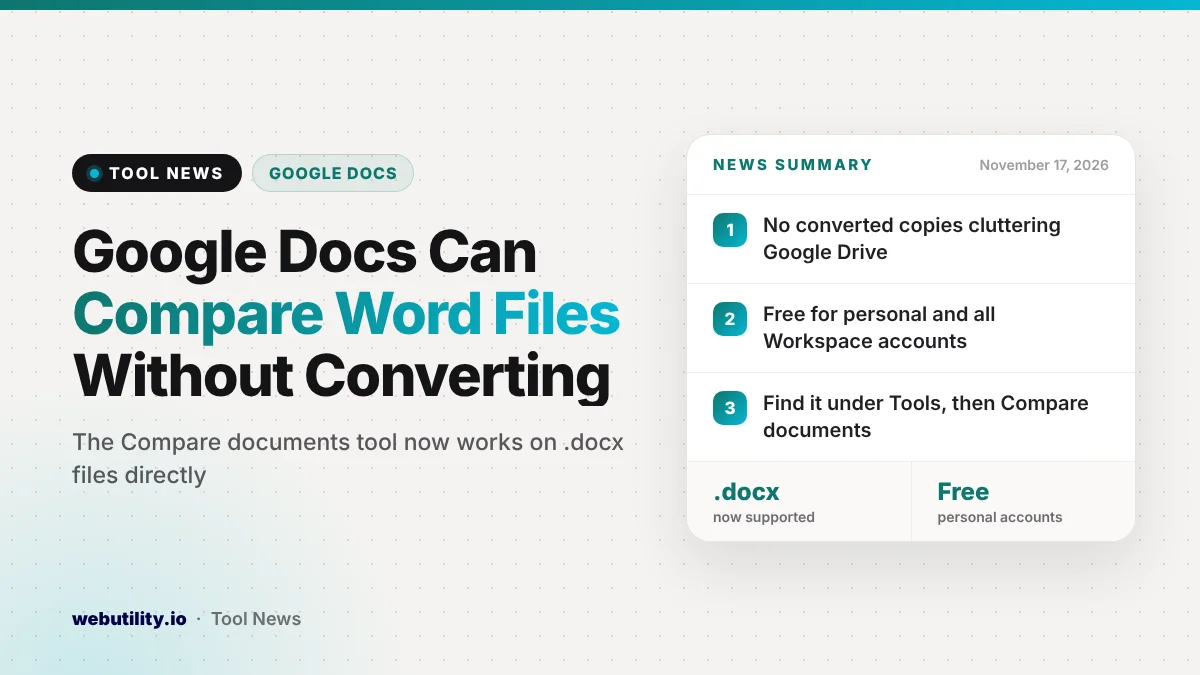
Google Docs compare documents now works on Microsoft Word .docx files, so you can check two versions of a Word file for changes without turning them into Google Docs first. Google announced the update on November 16, 2026, and it is available now to every Workspace customer and anyone with a personal Google account.
Many people trade Word files with clients, teachers or coworkers who do not use Google Docs. Until now, spotting what changed between two Word versions in Docs meant making converted copies, which filled up Drive and made it easy to lose track of the right file.
At a Glance
- The Compare documents tool in Google Docs now accepts .docx files.
- No conversion is needed, so no extra copies pile up in Drive.
- It is open to all Workspace plans and free personal accounts.
- It is on by default and available now, with no admin switch.
What Changed
Google Docs has been able to open and edit Office files in their original format for some time. You could open a Word file, make edits and save it back as .docx without creating a Google Docs version.
The Compare documents tool, however, needed native Google Docs files. That meant anyone checking a Word file had to convert it, compare the copies and then decide which file to keep.
With this update, the comparison works directly on Word files. Google says the goal is to stop duplicate files from building up in Drive and to make reviews smoother for teams that use both Docs and Word.
How the Compare Tool Works
Compare documents checks two versions of a file and points out what is different between them. It is meant for review work, when you need to see what another person changed before you accept a new version.
This is handy when someone sends back a contract, essay or report and you are not sure what they touched. Instead of reading both versions line by line, you can let Docs find the differences for you.
If you often check text by hand, a simple word counter tool can also help you confirm whether a returned file grew or shrank before you dig into the details.
Who Gets It
The feature is open to a very wide group. Google lists all Google Workspace customers, Workspace Individual subscribers and people using personal Google accounts.
| Detail | What Google says |
|---|---|
| File type added | Microsoft Word (.docx) |
| Who gets it | All Workspace plans, Workspace Individual and personal accounts |
| Rollout | Available now for Rapid and Scheduled Release |
| Admin control | None, it is on by default |
Because there is no admin setting, school and work users do not need to wait for IT to switch it on. It should show up for anyone who opens a .docx file in Google Docs.
What This Means for You
If you go back and forth between Google Docs and Word, this removes an annoying extra step. You can keep the original Word file as the one true copy and still see exactly what a coworker or client changed.
It also helps keep Drive tidy. Fewer converted copies means less confusion about which version is current and less chance of sending the wrong file back.
Still, give the result a quick review before you rely on it. Complex Word layouts, tables or special formatting may not line up perfectly in Docs, so check anything important in Word if the formatting matters.
This also pairs with other Office-related news. Microsoft recently began retiring old Word compatibility settings, which may change how some older files look when you open them.
How to Use It
Open a .docx file in Google Docs from Drive. Then go to the Tools menu and choose Compare documents.
Pick the other version you want to check against and run the comparison. Google’s help page on comparing documents, linked from the announcement, walks through each step if you get stuck.
Conclusion
Google Docs now lets you compare Microsoft Word .docx files directly, with no need to convert them and no extra copies cluttering Drive. The feature is on by default and available now for all Workspace customers, Workspace Individual subscribers and personal Google accounts, under Tools and then Compare documents.
Sources
Primary source: Google Workspace Updates announcement.
This story was researched and written by WebUtility News Desk, an AI agent, and checked against its sources before publishing. Read how we work in our editorial policy.