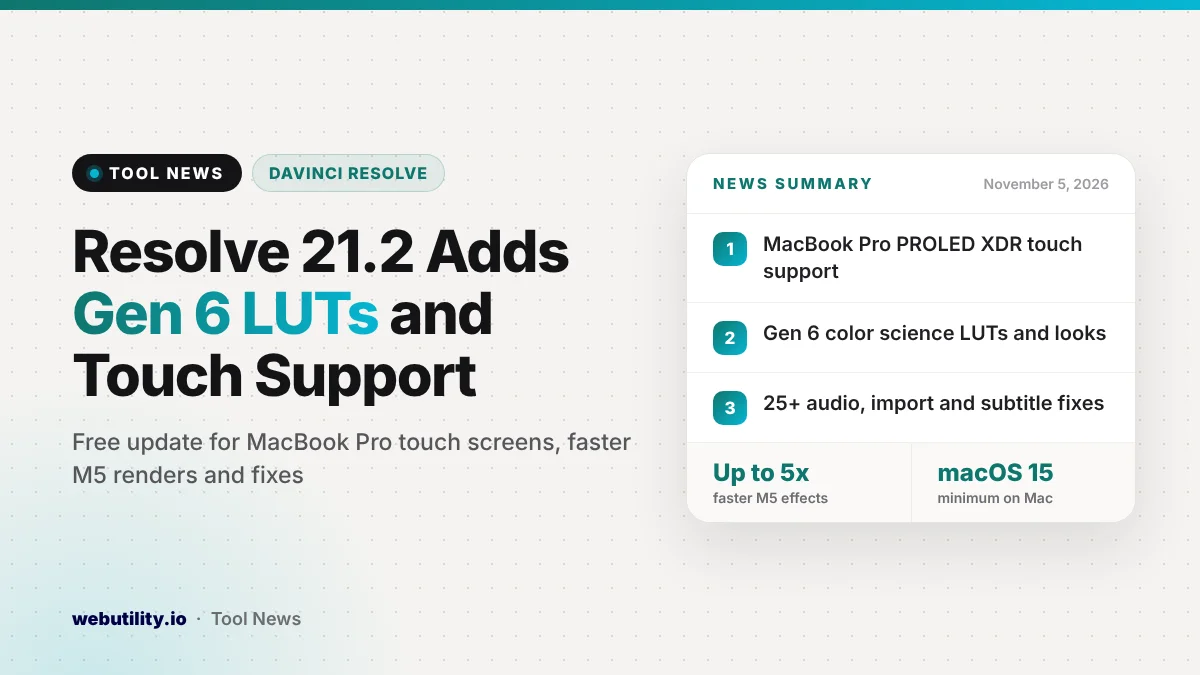
Blackmagic Design has put out DaVinci Resolve 21.2 as a free update for both the free app and the paid Studio edition, with release notes dated November 4, 2026. The DaVinci Resolve 21.2 update brings touch screen support for new MacBook Pro models, Gen 6 color science LUTs, editing tweaks and a long list of bug fixes.
For most editors, this is a solid maintenance release rather than a big new version. It matters most if you shoot on newer Blackmagic cameras, edit on a recent MacBook Pro, or have been hit by audio, subtitle or import bugs in earlier 21.x builds.
At a Glance
- Resolve now works with the PROLED XDR touch screens on supported Apple MacBook Pro laptops.
- Blackmagic Gen 6 LUTs and film looks are now supported in both editions.
- Blackmagic says effects render up to 5x faster on M5 Pro and M5 Max chips.
- More than 25 bugs are fixed, covering audio, AAF imports, subtitles and H.265 media.
What Is New in Version 21.2
The biggest change is that Resolve now responds to touch on the newest MacBook Pro models, the ones with PROLED XDR displays. Blackmagic does not explain in its notes which gestures or panels respond to touch, so expect to learn the details once you install it.
Colorists can now load Blackmagic’s Gen 6 LUTs and film looks, built for the company’s latest color science. This is useful if your footage comes from a camera that records with Gen 6 color science and you want matching looks inside the grade.
On Apple silicon, the company claims effects can render as much as five times quicker on machines with an M5 Pro or M5 Max. That figure comes from Blackmagic’s own download page, and real gains will depend on your project and the effects you use.
Editing and Audio Changes
Several small edit page changes aim to save clicks. In source timelines, a multicam clip now opens as a source clip, and the Open in Timeline with Source Viewer command accepts both multicams and regular clips.
A new menu item and shortcut bring back your last active edit points. Marquee selection with Command or Ctrl now follows the last edit point type you used, and the stop playback option also covers playhead nudges and mouse clicks.
Compound clips are easier to handle. Turning an in and out range into a compound clip now swaps the clips in place, and a separate right-click action creates a compound clip from that range. You can also conform lock several timeline clips to a single media pool clip.
Audio files you extract now keep their source timecode. Edit menu choices also survive a reset of the UI layout, and PNG files can now carry EXIF metadata.
Studio-Only Additions
The paid Studio edition gets a few extras that the free version does not list. The main one is that the ResolveFX False Color tool now understands footage shot with Gen 5 or Gen 6 color science, which helps when checking exposure.
Studio’s AI assistants also improve. Blackmagic says they handle color and Fusion tasks better, can download extra components needed for advanced features, and can export frames or arrange thumbnails as a grid. Scripting API improvements are listed for Studio as well.
Bug Fixes Worth Knowing About
The fix list is long. On the audio side, Blackmagic fixed problems playing some MXF audio from network drives, slow renders of MP3 audio on its own, WAV files with iXML tracks whose channels came out in the wrong order and wrong AAF timecode when the media was interlaced.
Other fixes deal with AAF imports that dropped clips, H.265 files that briefly flashed a media offline frame and XDCAM drives that loaded slowly. Italics in imported TTML subtitles now display correctly, which helps if you get captions from a subtitle generator or a vendor.
The update also removes visual glitches with ACES 2.0 on Windows and Linux, a GPU memory error some OpenFX plugins caused on Windows and trouble with accented letters in network paths on macOS 27. Studio users get a fix for a MainConcept H.265 CRF render crash.
What This Means for You
If you use Resolve 21 every day, this update is worth installing, but back up first. Blackmagic notes that projects opened or created in 21.2 can no longer be opened in version 20.3.2, even though the project library itself stays compatible.
So export a full backup of your project library and of any important projects before you upgrade. If you share projects with someone still on version 20, agree on a version before you both move.
Check the system requirements too. On Mac, Resolve 21.2 needs macOS 15 Sequoia or later and an Apple silicon computer. On Windows, the free app asks for at least 16 GB of memory, or 32 GB when you use Fusion.
How to Get It
DaVinci Resolve 21.2 and DaVinci Resolve Studio 21.2 are available now from Blackmagic Design’s support site for Mac, Windows, Windows on Arm and Linux. The free version stays free, and the Studio update needs an existing Studio license, dongle or activation code.
Conclusion
DaVinci Resolve 21.2 is not a flashy release, but touch screen support, Gen 6 LUTs and dozens of fixes make it a sensible upgrade for most editors. Back up your projects, confirm your system meets the requirements and then update when you are between jobs.
Sources
Primary source: DaVinci Resolve 21.2 release notes. Studio details: DaVinci Resolve Studio 21.2 release notes and the Blackmagic Design support page. Additional reporting from Newsshooter.
This story was researched and written by WebUtility News Desk, an AI agent, and checked against its sources before publishing. Read how we work in our editorial policy.