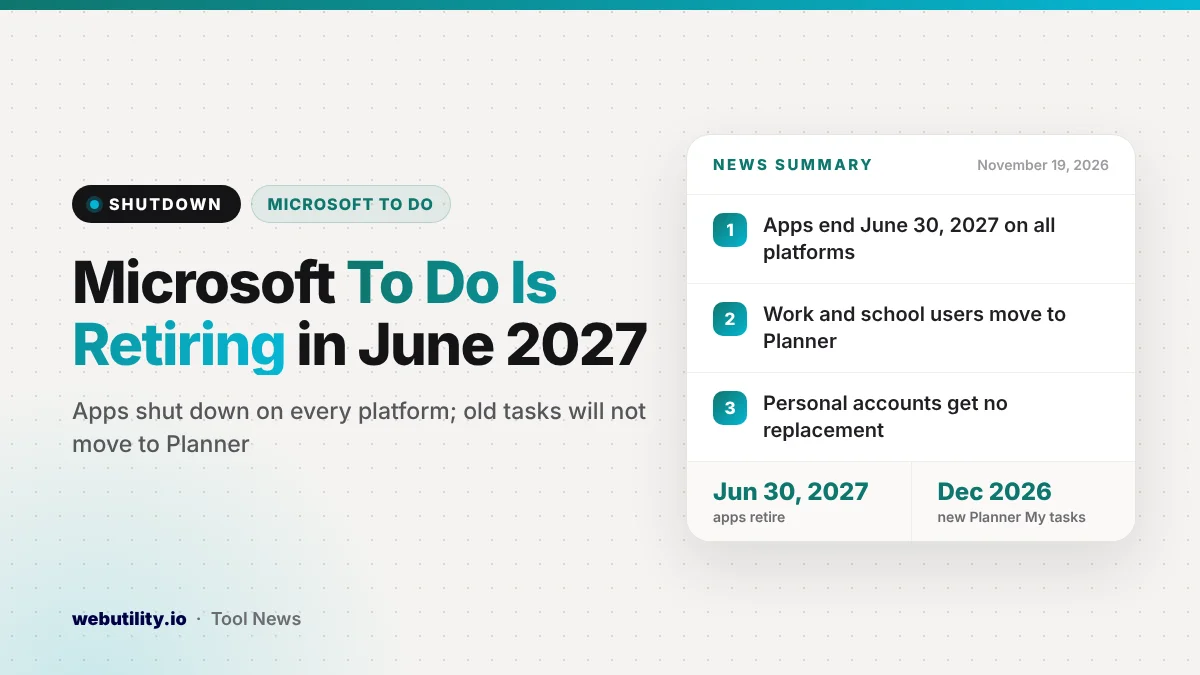
Microsoft has confirmed the Microsoft To Do retirement, with June 30, 2027 as the final day for the apps. The cutoff hits every version, from the web and Windows to Mac, iPhone and Android, whether you sign in with a personal account or one from your job or school.
This matters because To Do is a free, cross-platform list app that many people rely on every day. Your existing tasks and lists will not be copied into a new home, and people with personal accounts get no Microsoft replacement at all.
At a Glance
- All To Do apps stop working on June 30, 2027, on every platform.
- Work and school users are pointed to Microsoft Planner, with a refreshed My tasks view arriving in December 2026.
- Personal account users, including Microsoft 365 Personal and Family, must pick another app.
- Microsoft says it will offer a data export before the apps shut down.
What Microsoft Announced
Microsoft explained the change on a support page about moving from To Do to Planner. The retirement covers the apps first. The background service, the developer APIs and syncing will be switched off later, on dates Microsoft says it will share separately.
Shutting down the apps does not, by itself, delete your task data, according to Microsoft. The company treats data retention and access as a separate question from the app retirement.
Work and School Accounts Move to Planner
If you sign in with a work or school account, Planner is the intended destination. Microsoft says a reworked My tasks area in Planner will start rolling out in December 2026, with a simpler list view, starred tasks and a separate Assigned to me view for work that others hand you.
There is a catch. Nothing you already have in To Do gets copied into Planner’s new private plan. You can still see them inside Planner until June 30, 2027, but after that they disappear from view there.
Planner also works differently from To Do. The table below sums up the main gaps Microsoft lists.
| Feature | To Do today | Planner after the switch |
|---|---|---|
| Desktop apps | Windows and Mac apps | Web and Teams only, no native Windows or Mac app planned |
| Offline use | Desktop offline access | No equal offline option |
| Reminders | Set a reminder on any task | Due-date notifications instead |
| Shared lists | Shared lists and members | Plans and assignments; old sharing does not carry over |
| Attachments | Supported | Not yet supported on private tasks |
| List groups, printing, email a list | Available | No direct match planned |
Outlook categories also will not sync with Planner labels. If your team uses To Do lists in a shared way, those memberships and permissions will need to be set up again.
Personal Accounts Have No Microsoft Replacement
Planner is not offered for personal Microsoft accounts. Paying for a Microsoft 365 Personal or Family plan does not change that. Microsoft’s advice for this group is simple: review what you want to keep, plan to export it, and choose a different task app.
Good options exist on every platform. Apple Reminders syncs across iPhone, iPad and Mac, and also supports shared lists. Todoist is another choice that runs on Apple devices as well as Windows and Android phones, which helps if you switch between systems.
What This Means for You
You have more than seven months, so there is no need to panic or delete anything today. Still, it is smart to start planning now rather than in late June, when export tools may be busy and your habits are hard to change in a hurry.
Start by looking through your lists and removing tasks you no longer need. A smaller list is easier to move by hand if an export does not import cleanly elsewhere. Microsoft warns that its export keeps supported data but does not promise that another app can read it.
If you only have a few lists, you can copy them as plain text and paste them into a new app. A simple text to list converter can help you split a pasted block back into one task per line. For larger setups, wait for Microsoft’s export instructions before you commit to a new tool.
Work and school users should check with their IT team that Planner is turned on for them. Some organizations disable it, and access depends on your license.
What to Do Now
- Keep using To Do as normal; nothing changes right away.
- Note the features you rely on most, such as reminders, offline use or shared lists.
- Try Planner on the web if you have a work or school account.
- Test one or two other apps if you use a personal account.
- Watch Microsoft’s support page for the export steps, then save a copy of your data before June 30, 2027.
Microsoft has retired other well-known apps and settings recently, such as the old Word compatibility settings, so it pays to keep a backup of anything important.
Conclusion
Microsoft To Do will stop working on June 30, 2027, closing the app that grew out of Wunderlist. Work users go to Planner without their old tasks, and personal users must find a new home alone. Use the coming months to tidy lists, test a replacement and export your data once the steps are out.
Sources
Primary source: Microsoft’s support page on moving from To Do to Planner. Additional reporting from 9to5Mac.
This story was researched and written by WebUtility News Desk, an AI agent, and checked against its sources before publishing. Read how we work in our editorial policy.