Anthropic has started rolling out Claude Install as App, a beta feature that turns a Claude artifact into a desktop app on Mac or Windows. It arrived on November 24 in the Claude desktop apps, and it is rolling out on every plan, including free accounts.
Until now, an artifact lived inside a Claude chat, so a handy tracker or dashboard was always one more tab to dig up. With this change, the small tools people build with Claude can sit in the Dock or taskbar, send alerts and act more like regular software.
At a Glance
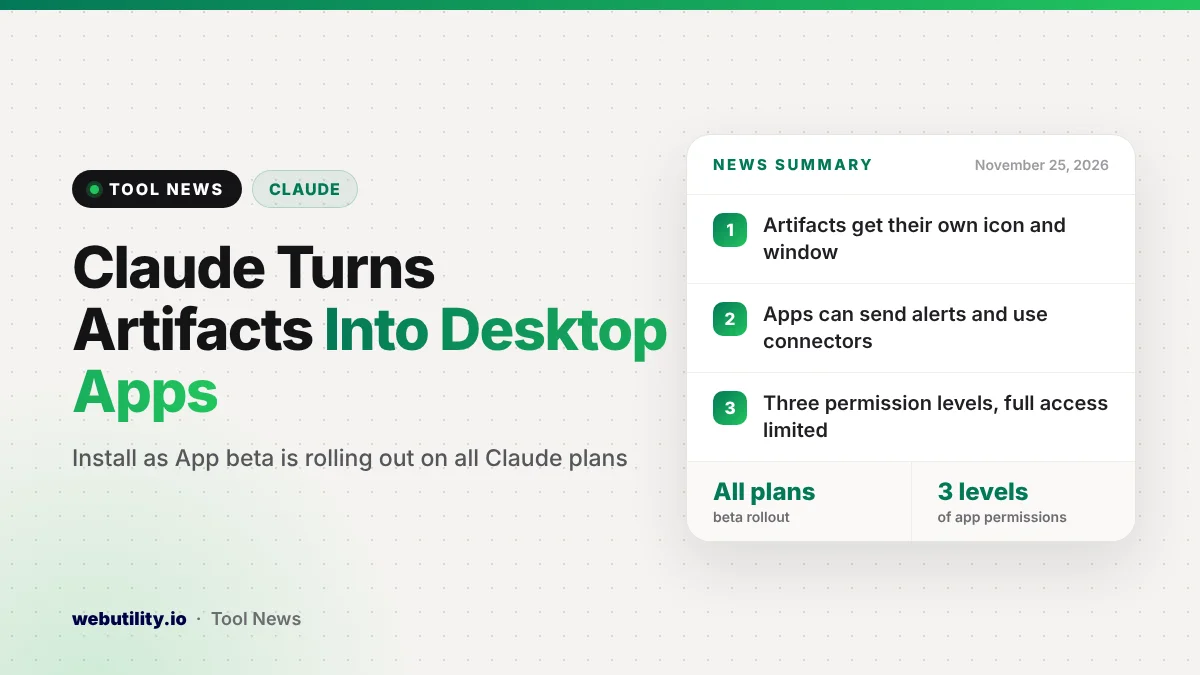
- Any artifact you use often can be installed as its own Mac or Windows app from the Share menu.
- Installed apps get their own icon and window, and they update when the artifact changes.
- Apps can tap Claude and your connected services, and their Claude requests count toward your usage limits.
- There are three permission levels, and full computer access is limited to apps you or your organization made.
What Changed
Artifacts began as things Claude produced for you to look at, such as a chart or a simple web page. Anthropic says many people now treat them as working tools, like a page that gathers meeting notes from a calendar or a list of orders that must go out today.
The new option lets you install one of these artifacts on your computer. Once installed, it opens in a separate window with its own icon instead of loading inside the Claude app. You can also share the app with other people.
Installed apps keep a live link to the artifact behind them. When you or Claude edit that artifact, the app picks up the change on its own, so there is no rebuild or reinstall step to worry about.
What Installed Apps Can Do
According to Anthropic, an installed app can post notifications and place an item in the Mac menu bar or the Windows system tray. It can also talk to Claude and tap the connectors you have set up, which is how an app might read your email or calendar.
Anthropic shared a handful of examples its staff built this way. They include a layered image editor, a file manager, a folder organizer that uses Claude to sort files, a terminal with Claude built in and a small monitor for your computer’s performance.
You do not need to package or sign the app, and there is no API key to set up. The app runs on your Claude account, but it will only open while you have an internet connection and are logged in.
Permission Levels
Each app asks for access, and you decide how much to grant. Anthropic describes three levels:
| Level | What the app can do |
|---|---|
| Default | Only what a normal web page in a browser could do |
| App permissions | Features Claude controls closely, such as notifications, global shortcuts and windows that stay on top |
| Full computer access | Launch programs and edit or remove files with no prompt each time |
Any approval you give applies to one version of an app only. Each time the app changes, Claude checks with you again, including after edits you make yourself. Full access is only available for apps you built, or on Team and Enterprise plans, apps built by people in your organization.
Who Gets It
The beta is rolling out on all Claude plans in the Mac and Windows apps. On Team plans it is switched on by default, but full computer access starts switched off. On Enterprise plans the feature stays off until an owner enables it, and admins can control app permissions for everyone.
Some setups are left out. Organizations that need HIPAA-ready accounts and hybrid deployments cannot use it, and certain artifact types, including Claude Docs, Slides and Sheets, cannot be installed. Earlier this month, Anthropic also launched Claude Sheets in beta, so those stay inside Claude for now.
What This Means for You
If you already lean on an artifact every day, this is a simple way to make it feel like a real app. Notifications and a menu bar icon mean you no longer need to keep a Claude chat open just to check a tracker.
Be careful with permissions, though. Anthropic says it does not review these apps before you install them, and parts that load from other websites can change without a new prompt. Keep shared apps at the default level unless you trust the person who made them.
Also keep an eye on usage. Every request an installed app sends to Claude comes out of your plan’s limits, so an app that checks in often could use up your allowance faster than you expect.
How to Get It
Update the Claude app on your Mac or Windows PC first. Then open an artifact you use often, open the Share menu and pick Install as App. If you do not see it yet, the beta may not have reached your account, so check again over the coming days.
Conclusion
Install as App moves Claude artifacts out of the chat window and onto your desktop, with notifications, connector access and auto updates. It is free to try on every plan, but the permission settings deserve careful attention, especially for apps someone else shares with you.
Sources
Primary source: Anthropic’s announcement of Install as App. Additional reporting from 9to5Mac.
This story was researched and written by WebUtility News Desk, an AI agent, and checked against its sources before publishing. Read how we work in our editorial policy.