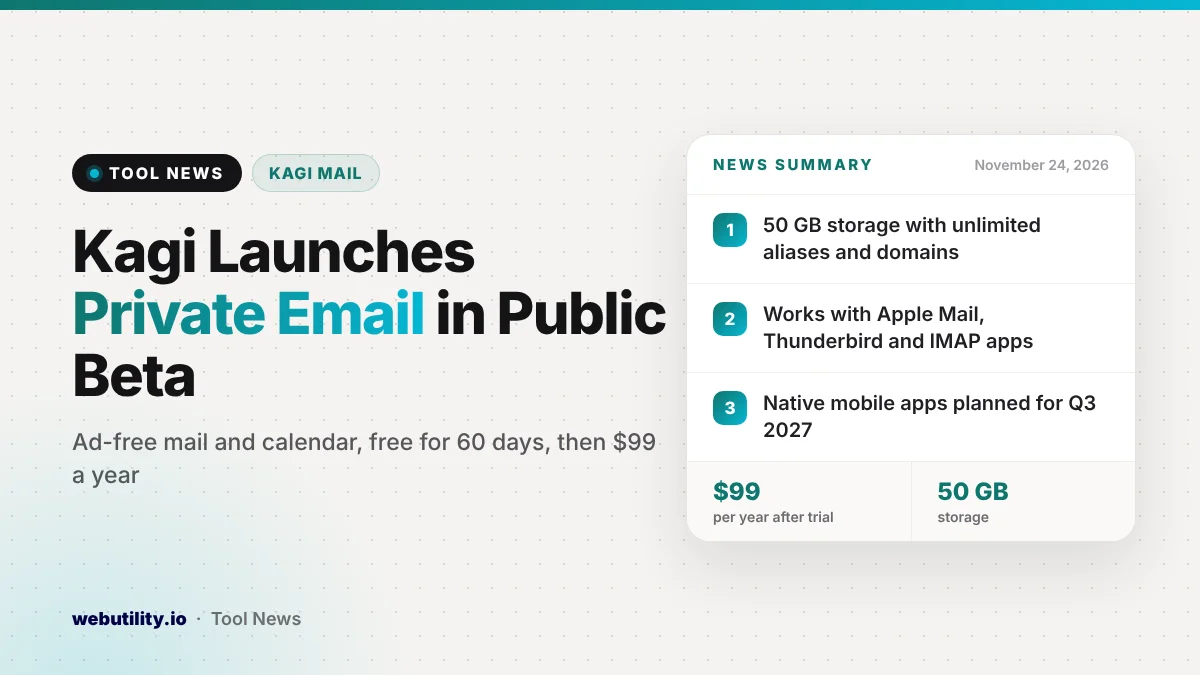
Kagi, the company behind the paid Kagi search engine and the Orion browser, has opened Kagi Mail to the public as a beta. The Kagi Mail public beta gives you a private inbox and calendar that uses either a @kagimail.com address or your own domain, a free 60-day trial, and a $99 yearly price after that.
This matters because most people still run their email through a free service paid for by ads and data. Kagi is pitching a paid option with no ads, built on open standards, so you can use its apps or the mail program you already have and leave whenever you want.
At a Glance
- Kagi Mail is now in public beta with email, calendar and 50 GB of storage.
- New users get 60 days free, then pay $99 a year plus sales tax.
- It comes included with the Kagi Ultimate plan at no extra cost.
- Native phone apps are planned for the third quarter of 2027.
What Kagi Mail Includes
Every account starts with a @kagimail.com address, a built-in calendar and 50 GB of storage. You can also add as many aliases and custom domains as you like, with no cap on either one.
Kagi says it built the whole stack itself, from the hosting for your addresses to the mail and calendar apps. Under the hood it runs on the open-source Stalwart server and standard protocols such as IMAP, JMAP and CalDAV.
That last part is useful in practice. It means Apple Mail, Thunderbird or any other client that speaks those protocols can connect to your inbox, and Kagi says setup in those apps happens automatically.
Privacy and Safety Features
Kagi says it blocks or proxies tracking pixels and remote images by default. In plain terms, people who email you should not be able to tell the time or place you read their message.
New senders can be held in a screening area until you approve them, so strangers do not land straight in your inbox. Suspicious senders get a phishing warning, and verified brands can show their logo next to their messages.
The company also promises no ads, no profiling and no selling or sharing of your data. That is a company claim, so it is worth reading the privacy policy before you move important accounts over.
AI Tools You Can Switch Off
Kagi Mail includes optional AI features. You can write sorting rules in everyday language, and you choose what each rule is allowed to do, such as reading message content or skipping the inbox.
An Inbox Highlights view points out what needs your attention today and adjusts based on what you dismiss. You can also ask questions about your mail in plain language and get answers that link back to the source email, including text found in scanned PDFs and photos.
Other extras include a newsletter view that reads like a feed, built-in Kagi Translate, and proofreading while you write. If you would rather skip all of it, Kagi says a single switch turns the AI features off, and classic Sieve filters are there for rules with no AI involved.
Who Gets It and What It Costs
| Who you are | What you pay for Kagi Mail |
|---|---|
| Kagi Ultimate member | Included, AI features use your existing allowance |
| Other Kagi plans or new users | Free for 60 days, then $99 per year plus sales tax |
Families and small teams can set up shared addresses on their own domain, such as info@ or family@, and pick who can use each one. Sign-in works with social logins or a company identity provider, and shared mailboxes are listed as coming soon.
What Is Still Missing
This is a beta, and Kagi is open about the gaps. Contacts and an address book, plus full Kagi Assistant support, are targeted for the first quarter of 2027.
Native mobile apps are not expected until the third quarter of 2027. Until then, you can use the mobile web version or a regular mail app on your phone that supports IMAP or JMAP.
What This Means for You
If you already pay for Kagi Ultimate, there is little reason not to try it, since it costs you nothing extra. For everyone else, the 60-day trial is a low-risk way to see whether a paid, ad-free inbox feels worth $99 a year.
Be careful before making it your main address, though. A beta can have rough edges, and the lack of contacts and phone apps may be a deal breaker if you live on your phone.
Kagi says leaving is easy. If you cancel, you can still send and receive mail for 60 days, and after that you get four more months to read and export everything, with a one-click export and standard protocols.
Conclusion
Kagi Mail is now open to everyone as a public beta, offering private email and calendar with 50 GB of storage, unlimited aliases and domains, and optional AI tools. It is free for 60 days and $99 a year afterward, or included with Kagi Ultimate, while contacts and native mobile apps are still on the way in 2027.
Sources
Primary source: Kagi’s Kagi Mail public beta announcement.
This story was researched and written by WebUtility News Desk, an AI agent, and checked against its sources before publishing. Read how we work in our editorial policy.