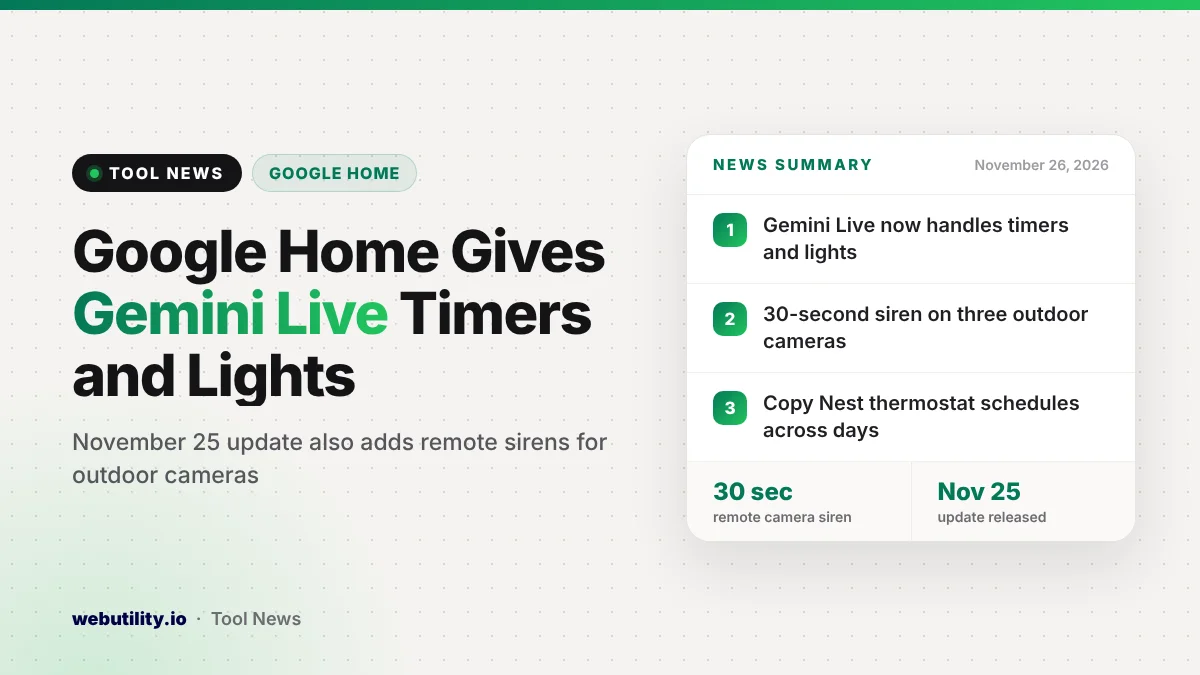
Google released a Google Home update on November 25, 2026, and Gemini Live on speakers and displays can now handle everyday jobs like timers and lights. Early access users get it over the coming weeks, with new camera, thermostat and speaker changes in the app.
Until now, the live voice chat mode felt separate from the quick commands most people use at home. Bringing both together means you can talk naturally and still get things done, while the app fixes clear up several annoying camera and speaker bugs.
At a Glance
- Gemini Live now handles daily actions such as timers and lights.
- Story mode gets more expressive voices, and you can change the plot as it goes.
- Some outdoor cameras get a remote 30-second siren in the app.
- Nest thermostats can copy one day’s schedule to other days.
What Changed for Gemini on Speakers and Displays
Google says it is rolling out the faster Gemini Live it announced recently. You start it with a new wake phrase that asks Google to chat, and the company says talks should feel quicker. Gemini Live now also supports daily actions, so you can set a timer without leaving the chat.
Bedtime stories also get an upgrade starting now. Gemini reads with more expressive voices and varied pacing, and you can steer the story while it plays, for example by asking it to give the hero magic powers. On supported smart displays, you can tap Sources to see which websites Gemini used when it answers with web information.
Google also says common smart home commands now respond faster after a full rollout of speed improvements. Two fixes target familiar complaints. Follow-up requests like asking Gemini to turn the lights back on should keep their context, and asking Gemini to stop should no longer get a reply that nothing is playing.
New Camera, Thermostat and Speaker Features
In the Google Home app, you can now sound or silence a 30-second alarm from the live view on three cameras. Those are the wired second-generation Nest Cam Outdoor, the onn Outdoor Camera Plug-In and the onn Floodlight Camera Hardwired. The two onn models also gain Familiar Face alerts, but only with a Google Home Premium subscription.
Homes with more than one admin can now send feedback on video clips in supported regions, and can choose to share the clips too. Google says shared clips help improve how Gemini understands video. For US Premium subscribers, a new camera can switch on all premium camera features in one step during setup, while existing cameras keep their settings.
Thermostat owners get a time saver. On the Nest Learning Thermostat (4th gen) and Nest Thermostat, you can take one day’s heating plan and reuse it on other days of the week instead of building each one by hand.
| Area | What is new | Who gets it |
|---|---|---|
| Gemini Live | Timers, lights and other daily actions | Gemini for Home early access, over the coming weeks |
| Cameras | Remote 30-second siren | Three supported outdoor cameras |
| Familiar Faces | Alerts on two onn cameras | Google Home Premium subscribers |
| Thermostats | Copy a schedule across days | Two Nest thermostat models |
Bug Fixes Worth Knowing About
Several fixes land on Android. Camera alerts on Android 17 phones should show video previews and thumbnails again, playback errors in event history should be less common, and full-screen camera controls should no longer overlap the selfie camera hole on Pixel phones.
Speaker owners get smoother setup on both iPhone and Android, more reliable stereo pair and group controls, and cleaner Google TV audio output screens. Moving music between speakers and displays on Android should also work more consistently. On iPhone, a new color wheel makes fully saturated light colors easier to pick.
What This Means for You
If you are in Gemini for Home early access, live chat and quick commands now work together. Google is spreading the new Gemini Live out over weeks, so be patient. Outside early access, the app fixes and thermostat schedule copying still help.
Owners of the listed outdoor cameras should check the live view for the new siren button. If you still use older Nest gear, keep in mind that Google is moving everything into the Home app, as shown by the Nest app shutdown planned for January.
How to Get It
Update the Google Home app from the App Store or Google Play to get the app changes. Speaker and display improvements arrive automatically on supported devices. To try the new mode, ask Google to start a chat once it reaches your home.
Conclusion
The November 25 Google Home update makes Gemini Live more practical by letting it run timers, lights and other daily tasks, and it adds a remote siren, new Familiar Face support and faster thermostat scheduling. The Gemini changes roll out gradually to early access users, while the app updates come through the usual store update.
Sources
Primary source: Google’s What’s new in Google Home release notes.
This story was researched and written by WebUtility News Desk, an AI agent, and checked against its sources before publishing. Read how we work in our editorial policy.