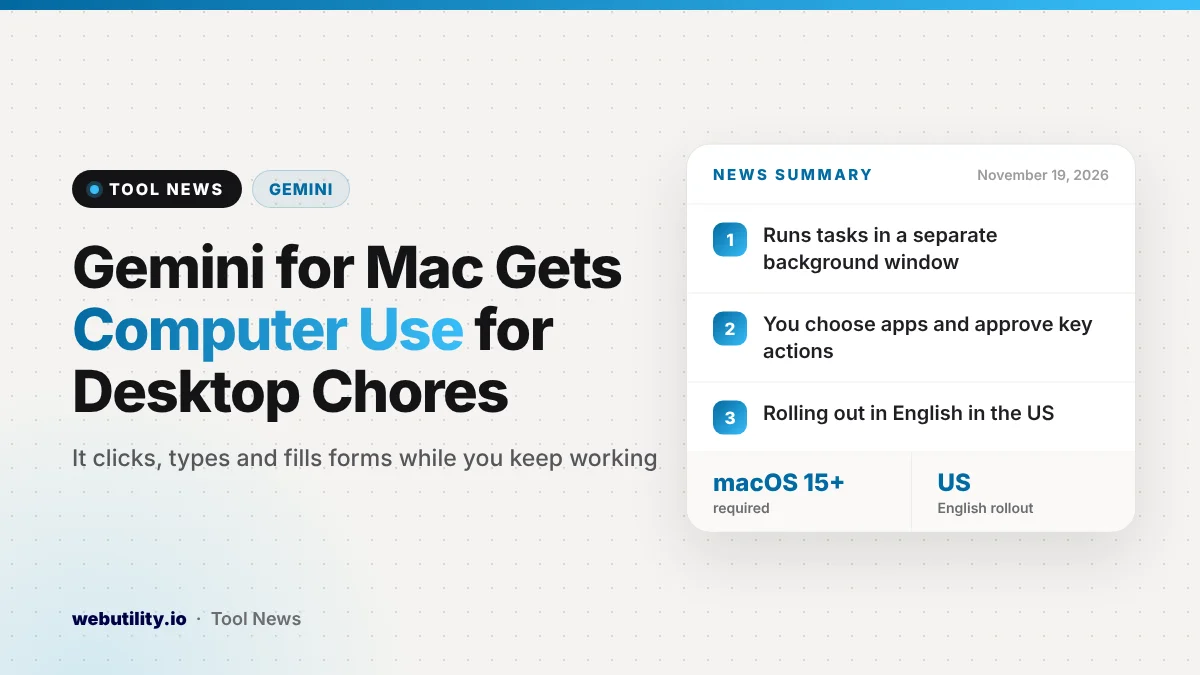
Google is adding Gemini computer use to the Mac app, starting today, November 19. The feature lets Gemini click, type and fill in forms in files on your Mac, in installed programs and on websites, and it is reaching US users in English first.
This matters because it moves Gemini from answering questions to actually doing chores on your computer. If you spend hours on copy-and-paste work between apps, Google says Gemini can now take over those steps while you keep working.
At a Glance
- Computer use is new in the Gemini app for Mac and starts rolling out today.
- Gemini handles clicks, typing, menus and forms across files, apps and the web.
- It works in a separate background window, so your screen and cursor stay free.
- You pick which apps it can touch, watch each step and approve key actions.
What Changed
Until now, the Mac app could share your screen with Gemini, take dictation and sort files on your computer and summarize them into Docs or Sheets. The new computer use mode goes a step further: you describe a multi-step job in plain words, and Gemini works through the menus and buttons for you.
Google pitches it as a time saver for dull jobs that would otherwise eat up many clicks. The company frames it as a way to manage projects more efficiently, not as a replacement for doing the work yourself.
How It Works
When you hand Gemini a job, it opens an isolated window that runs in the background. A live preview of that window appears inside your chat, so you can see what it is doing at each moment.
Because the work happens in that separate window, your own mouse pointer and main screen are not taken over. Google says you are free to write, design or stay on a call while the task runs.
Google lists several safety controls. You choose which apps Gemini is allowed to use, you can watch every step as it happens, and you can pause the task at any point. Gemini also asks for your approval before important actions go through.
What You Can Ask It to Do
Google gives a handful of example jobs to show the range of the feature:
- Color-grade a batch of photos in a design app, or set up a complex 3D scene.
- Pull weights, sizes and addresses out of PDFs on your Mac to fill in shipping quote forms.
- Collect numbers and screenshots from live dashboards and turn them into a Google Slides deck.
- Look through clothing photos in a folder, research prices and prepare listings on resale sites.
These are Google’s own examples. How well the feature handles them will depend on the apps and sites involved, so treat them as a guide to what Google is aiming for.
Who Gets It
For now, the feature is limited to the Mac version of the Gemini app, in English, for people in the US. Google’s post does not say which plans include it. Its Mac download page notes that some features need a Google AI subscription and are limited to users 18 and older.
The Mac app itself runs on Apple Silicon computers with macOS Sequoia 15.0 or later. There is a Windows version of the Gemini app as well, but Google’s page says more native features will reach Windows over time, and the new computer use mode is only announced for the Mac.
The launch builds on Gemini’s Task mode, which recently became free in six countries. Computer use brings that kind of hands-off help to the apps installed on your own Mac.
What This Means for You
If your week includes repetitive copy-and-paste work, such as moving details from PDFs into web forms, this could save real time. Start with a low-stakes job and watch the live preview the first few times to see how reliable it is for your apps.
Be careful with access. Only allow the apps a task truly needs, and keep approvals on for anything that sends, buys or deletes. Double-check the results before you rely on them, because AI helpers can still misread a page or pick the wrong field.
If you only need to pull a few pages out of a document before handing it to Gemini, a simple PDF page extractor can keep the job smaller and easier to check.
How to Get It
Download or update the Gemini app for Mac from Google’s Gemini desktop page. Once the feature reaches your account, describe the task you want done, choose which apps Gemini may use and follow along in the preview window.
Conclusion
Gemini for Mac can now take over repetitive desktop chores by clicking and typing through your apps and websites in a background window. It starts reaching US users in English today, with permission controls, live previews and approval steps. It looks useful for routine work, but start small and keep a close eye on what it does.
Sources
Primary source: Google’s announcement. Additional details from Google’s Gemini for desktop page.
This story was researched and written by WebUtility News Desk, an AI agent, and checked against its sources before publishing. Read how we work in our editorial policy.