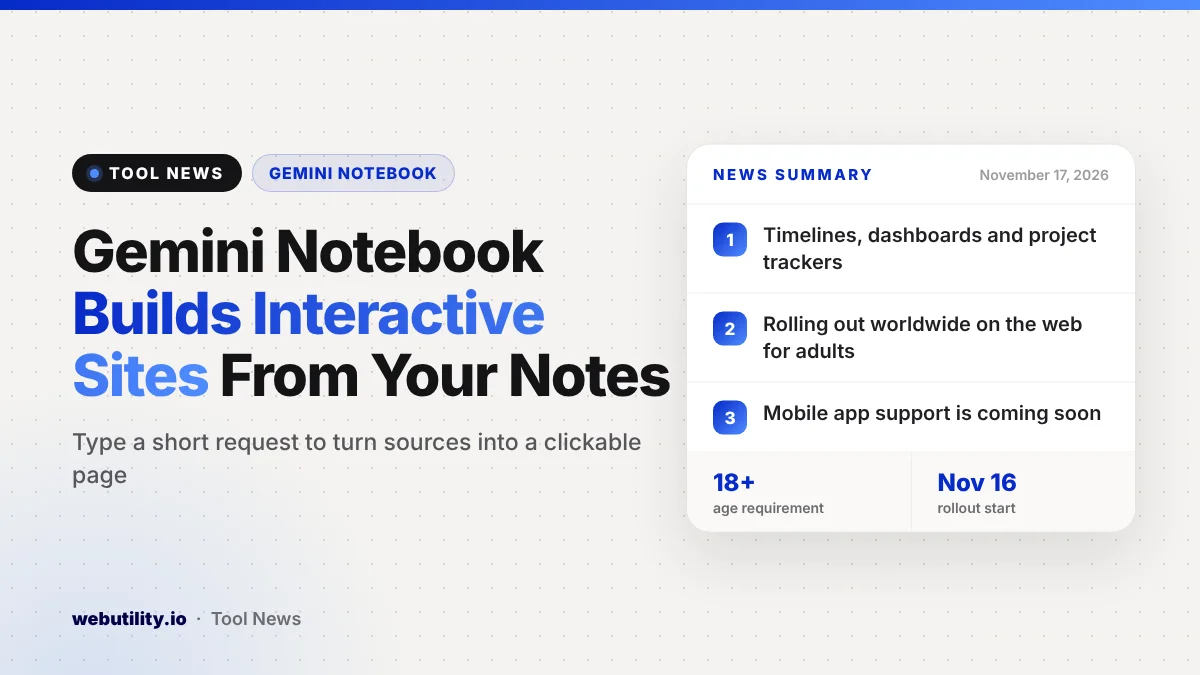
Gemini Notebook interactive sites went live on November 16, 2026, letting you turn the notes, research and files in a notebook into a small web page you can click through. Google says the feature is rolling out worldwide on the web for adult users, Google Workspace subscribers included, with the mobile app to follow.
Most study and work notes end up as long walls of text. A page with timelines, charts or task lists that you can explore can make dense material easier to review, and it gives you something tidy to share with classmates or coworkers.
At a Glance
- Gemini Notebook can now build interactive sites from the sources in a notebook.
- You start one by typing a short request in the notebook chat.
- It is rolling out on the web worldwide for users aged 18 and up.
- Support in the Gemini Notebook mobile app is coming later.
What Is New
Gemini Notebook is Google’s AI tool for working with your own material. You add sources, such as documents and notes, and then ask Gemini questions or have it build things from them.
The new option adds a site to that list of outputs. Instead of getting a plain written answer, you can ask the notebook to arrange what is in your sources into a page with parts you can interact with.
Google gives three kinds of examples. One is a study aid, like a clickable periodic table or a timeline of historical events. Another is a dashboard for exploring numbers, such as sales results for a quarter, and the third is a tracker that lays out project tasks and due dates.
How It Works
To try it, open a notebook and type a request that starts with the words make me a site, then describe what you want. The clearer your description, the closer the result is likely to be to what you have in mind.
When the site is ready, choose the option to open it in a new tab so you can use it full screen. Google says you can also share the finished site with other people.
Because the site is built from your notebook, its quality depends on the sources you added. Google’s post does not say how much you can edit a site after it is made or how sharing permissions work, so check those details before you send one around.
Who Gets It
| Detail | What Google says |
|---|---|
| Launch date | November 16, 2026 |
| Where | Gemini Notebook on the web, worldwide |
| Who | Users aged 18 and older, including Workspace subscribers |
| Mobile app | Coming soon |
Google says the rollout starts today, so the option may take a little time to appear in every account. The announcement does not mention a price or a paid plan requirement.
What This Means for You
If you are a student, this could be a quick way to turn class notes into a review page before a test. A timeline or a clickable chart can help you see how ideas connect, which is harder to do in a long document.
For work, a simple tracker or data page can save you from building one by hand. Still, treat the result as a first draft: check names, dates and figures against your sources, since AI tools can misread or leave out details.
Think twice before you share a site built from private files. Anything in your sources could end up on the page, so remove sensitive details first and look over the finished page before anyone else sees it.
Gemini has picked up several new tricks this month. You can read about the Gemini 4 Hydrogen upgrade to see how the wider app has changed.
How to Try It
Open Gemini Notebook in a web browser and pick a notebook that already has the sources you want to use. In the chat box, type make me a site followed by a short description, such as a timeline of the topic or a tracker for your project.
If the option does not work yet, wait a few days and try again as the rollout reaches more accounts. Phone users will need to wait for the mobile app update.
Conclusion
Gemini Notebook can now build interactive sites from the sources you add, starting with a simple chat request. The feature is rolling out on the web worldwide for adults, including Workspace users, and is useful for study aids, data pages and project trackers, as long as you double-check the content and keep private details out of anything you share.
Sources
Primary source: Google’s announcement on its official blog.
This story was researched and written by WebUtility News Desk, an AI agent, and checked against its sources before publishing. Read how we work in our editorial policy.