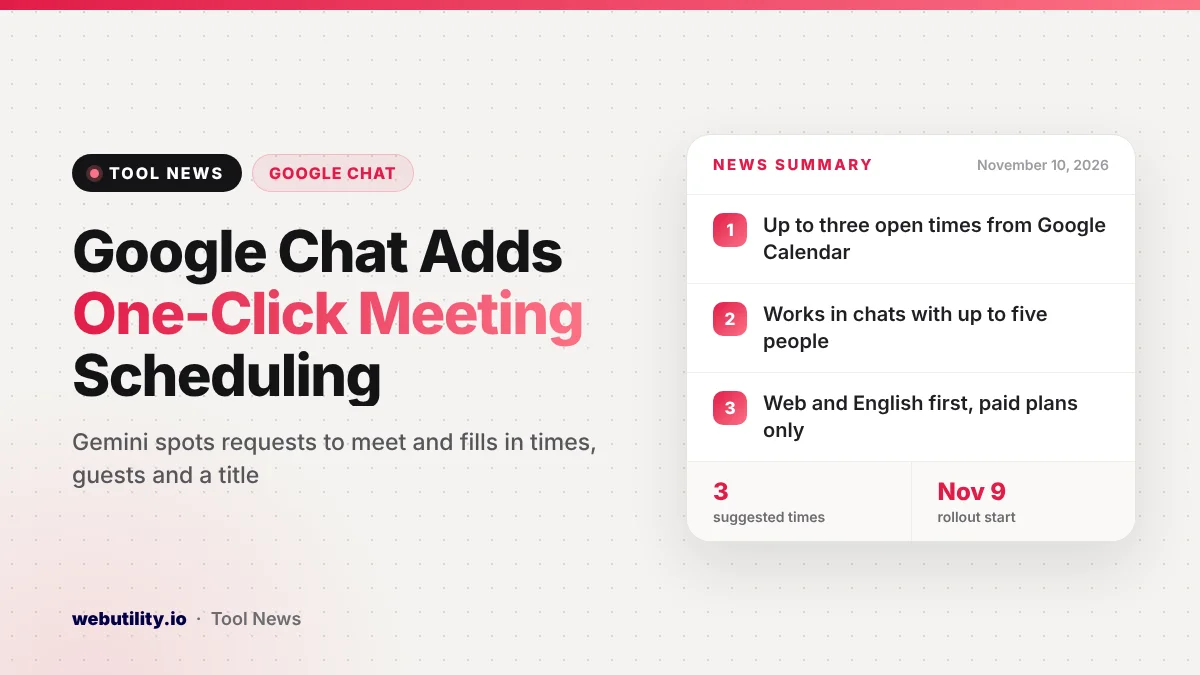
Google Chat meeting scheduling now takes just one click when Gemini notices someone in a conversation asking to meet. Google announced the feature on November 10, 2026, and a slow rollout began on November 9 for paid Business and Enterprise plans, on the web and in English first.
Setting up a meeting usually means leaving the chat, opening Google Calendar, checking who is free and typing in names. This change keeps all of that inside the conversation, which can save a few minutes every time a quick call is needed.
At a Glance
- Gemini underlines messages that clearly ask to set up a new meeting.
- A card offers up to three open times, the guests and a suggested title.
- It works in direct messages and groups of up to five people.
- It is on by default for eligible paid Workspace users on the web.
How the New Scheduling Card Works
When a person in a chat writes something like a request to talk tomorrow afternoon or to grab a short call, Gemini picks up on it and adds an underline to that part of the message. Moving your pointer over the underlined words opens a small scheduling card.
The card shows up to three possible times, chosen from the free slots in Google Calendar. If a time clashes with something already booked, the card marks the conflict so you can avoid it.
Guests are added from the people in the chat, and Google says it also adds anyone mentioned by name in the message. The card suggests a meeting title based on what the group was talking about, and you can change that title right in the card.
Booking the Meeting
To book, you pick one of the times and press Schedule. The meeting is created, and a short note appears in the chat so everyone can see it has been set.
If you want to set more details first, there is an Open in Calendar button. That takes you to the full Calendar screen to finish the invite.
Google says Gemini only marks messages with a clear request for a new meeting. That should keep the underlines from popping up on every passing mention of a date or a time.
Who Gets It and When
At launch, the feature works in Google Chat on the web, both at chat.google.com and inside Gmail, and only in English. The Google Chat mobile apps are not listed as part of this first release.
The rollout started on November 9, 2026, for both Rapid Release and Scheduled Release domains. Google calls it an extended rollout, so it may take more than 15 days to show up for everyone.
| Plan type | Plans that get it |
|---|---|
| Business | Business Standard and Business Plus |
| Enterprise | Enterprise Standard and Enterprise Plus |
| Other editions | Frontline Plus |
| Add-ons | AI Ultra Access |
People on free personal Google accounts and on Business Starter are not on the list. There is no separate admin switch, but users need smart features and personalization turned on for it to work.
What This Means for You
If your team plans a lot of quick check-ins over chat, this can cut out several steps. You no longer have to copy names into a Calendar invite or hunt for a time that works for everyone.
Still, look at the suggested time and guest list before you press Schedule. Gemini fills these in from the chat, so it could add the wrong person or pick a slot that is free on paper but not in practice.
Keep in mind that the card only appears in chats with five or fewer people, so large spaces will still need the usual Calendar steps. It also only works on the web for now.
Google has been adding Gemini to many Workspace apps this month. Other recent changes include reusable Workspace skills and new Gemini insights in Forms.
How to Turn It On
Most people will not need to do anything. Once the feature reaches your account, open Google Chat on the web or in Gmail, and look for underlined text when someone asks to meet.
If nothing shows up after the rollout reaches you, check that smart features and personalization are on in your Gmail settings. If your organization has turned those off, you will need to ask your Workspace admin.
Conclusion
Google Chat now turns a simple request to meet into a ready-to-book Calendar invite, with suggested times, guests and a title, all from one card. It is rolling out slowly to paid Business, Enterprise and Frontline Plus plans on the web in English, and it is on by default for eligible users who have smart features turned on.
Sources
Primary source: Google Workspace Updates announcement.
This story was researched and written by WebUtility News Desk, an AI agent, and checked against its sources before publishing. Read how we work in our editorial policy.