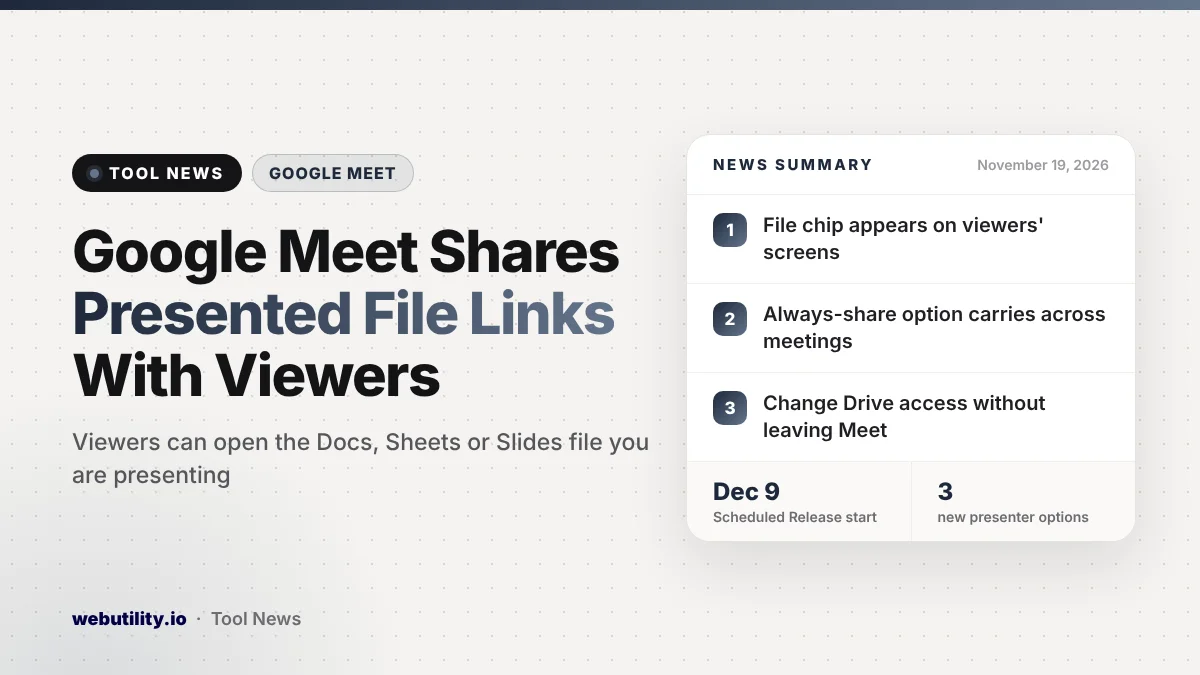
Google Meet presenters can now share Google Meet file links with everyone watching, Google said on November 19, 2026. A new option puts a clickable link to the Docs, Sheets or Slides file you present on viewers’ screens. It is coming to Workspace and personal Google accounts over the next few weeks.
Almost everyone has sat through a meeting where the presenter stops to paste a link into chat, then fields requests from people who cannot open it. This update moves both steps into the presentation toolbar, so the talk keeps going while people get the file.
At a Glance
- Presenters can show viewers a link to the Docs, Sheets or Slides file on screen.
- An always-on choice shares the link for every file you present, in every meeting.
- A separate control changes Drive access for attendees from inside Meet.
- The feature is off by default and reaches all Workspace and personal accounts.
What Changes in Google Meet
You can also change who can open the file without leaving the call. Until now, giving people a copy of what you were presenting meant opening chat, copying a URL and hoping your sharing settings were right. Google is folding that into the presentation controls you already use.
Once you choose to share, people in the call see a small file chip on their own presentation controls. They can click it to open the document and read through it on their own, either while you are still talking or after the meeting ends.
The Three New Presenter Options
Google lists three choices in the presentation toolbar. Each one does a slightly different job, so it helps to know which is which before your next call.
| Option | What it does |
|---|---|
| Share file link (once) | Posts the link in the meeting chat and shows the file chip to viewers for the current file |
| Always share file links | Puts the chip up for each file you show, and remembers the choice in later meetings |
| Update file access | Changes Drive sharing for attendees without opening Drive in another tab |
There is one catch worth remembering. Google says the two sharing options only hand out the link and leave Drive permissions untouched. If attendees do not already have access, you need to use the third option as well, or they will hit a request-access page.
Who Gets It and When
The feature covers every Google Workspace customer, people on Workspace Individual plans and anyone using Meet with a personal Google account. Admins get no switch to control it.
Rollout runs in two waves. Rapid Release domains began a gradual rollout on November 18 that can take up to 15 days to show up. Scheduled Release domains start on December 9, with the feature visible within one to three days.
What This Means for You
If you present often, this saves a few awkward moments in every meeting. It is off by default, so look for the new choices in the presentation toolbar the next time you share a file and pick the one that fits.
Be careful with the always-on setting. Because it sticks across meetings, it could share a link to a draft or a private file you only meant to show briefly, such as a budget sheet in a call with an outside client.
Also check your access settings before a big meeting. Sharing a link does not grant access, so a team that cannot open the file will still end up asking you. Using the update access control once at the start can head that off.
If your team also passes around files from Drive outside of Meet, a Drive direct download link can save people a click when they only need a copy. Google has been making steady meeting changes lately, including letting Chat book meetings in one click.
How to Use It
Start presenting a Docs, Sheets or Slides file in Meet, then open the presentation toolbar. Choose to share the file link once, turn on always share file links, or pick update file access to change who can open it.
If you do not see the options yet, the rollout has not reached your account. Google’s help page on presenting during a video meeting explains the toolbar in more detail.
Conclusion
Google Meet now lets presenters put a link to the file they are presenting in front of viewers and fix Drive access without leaving the call. It is off by default, reaches every kind of Google account over the coming weeks, and works best when you remember that sharing a link and granting access are two separate steps.
Sources
Primary source: Google Workspace Updates announcement.
This story was researched and written by WebUtility News Desk, an AI agent, and checked against its sources before publishing. Read how we work in our editorial policy.