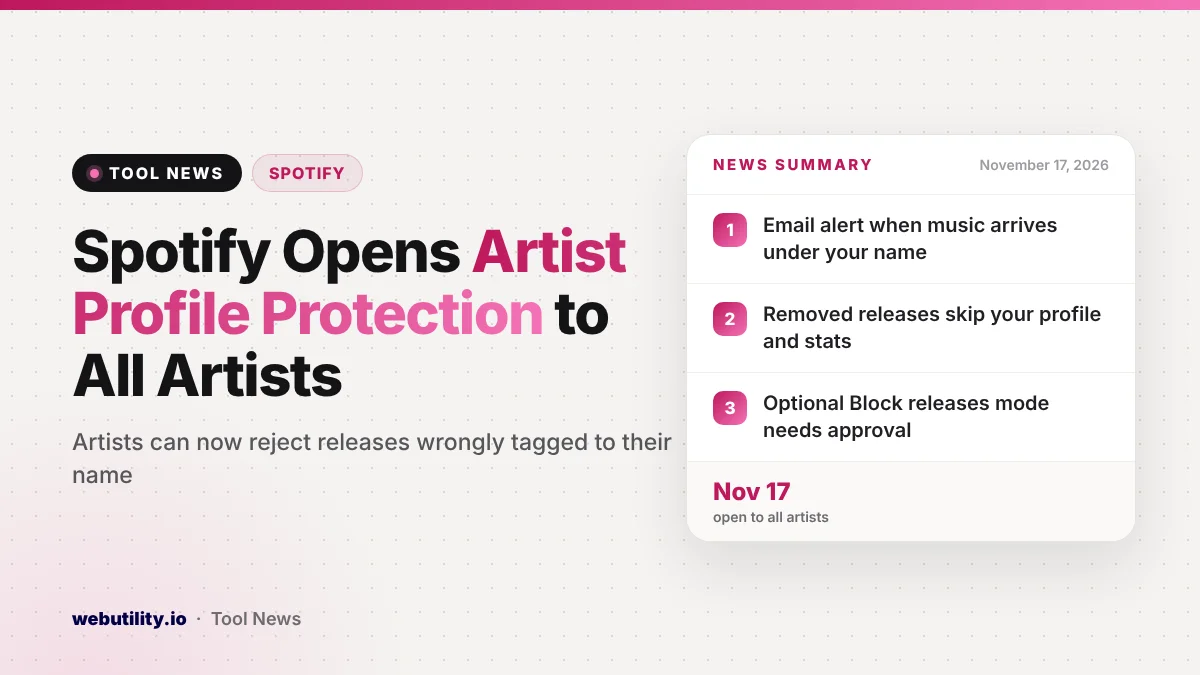
Spotify Artist Profile Protection is now open to every artist on the service, Spotify said on November 17, 2026. The optional tool in Spotify for Artists sends an alert when new music arrives under an artist’s name and lets the artist remove themselves from a release that is not really theirs.
Wrong songs on the wrong artist page have been a long-running headache in streaming, and cheap AI-made tracks have made it worse. For musicians, a stray release can mess up stats, Release Radar and recommendations, so a way to catch it before fans see it is a real change.
At a Glance
- Artist Profile Protection is now available to all artists on Spotify.
- Artists get an email when music is delivered to Spotify with their name on it.
- They can remove themselves from a release so it never lands on their profile.
- An advanced Block releases mode holds new music until the artist approves it.
What Changed
Spotify first described the feature in March 2026 and spent several months testing it with thousands of artists. The company says it ran the test with acts such as Samia, Diplo, Searows and Dave East before opening it up.
As of November 17, the tool is no longer limited to that test group. Any artist with access to Spotify for Artists can now switch it on, and artist team admins and editors can manage the setting for the whole team.
Spotify calls this a first for music streaming. The company says no other service has given artists a way to review releases and pull their name off ones that were tagged to them by mistake.
Why Misattributed Releases Happen
Today it is easy to send music to dozens of streaming services at once through open distribution channels. Spotify says that openness helps independent artists, but it also leaves gaps that bad actors can use.
A release can end up on the wrong profile because of a simple metadata error or another act with the same name. In other cases, someone attaches their own tracks to a well-known artist on purpose to borrow that artist’s audience.
Spotify says the flood of quick, low-effort AI songs has made these mix-ups more common. The company has named artist identity one of its top priorities for 2026, and this tool is part of that push.
How It Works
The switch lives in two places: the settings menu for your artist page on a computer, and the music tab in the Spotify for Artists phone app. After you enable it, Spotify sends you an email each time a release shows up carrying your name.
You can then look over each eligible release and take your name off it. A release you decline will not list you, will not show on your profile and will not count toward your stats or recommendations.
If you do nothing, the release goes live on its scheduled date as usual. That default keeps real releases from getting stuck, but it also means you need to act if something looks wrong.
| Setting | What happens to new releases |
|---|---|
| Standard protection | You get an email and can remove yourself; with no action, the release goes live as planned |
| Block releases (advanced) | Releases stay blocked until you approve them, which can delay real music if you miss one |
What This Means for You
If you release music, turning this on is a low-effort way to keep your page clean. The standard mode adds an email check, but your own releases still go out on time even if you are busy.
The Block releases mode suits artists with a common name or a history of mix-ups. Spotify warns that it can hold back legitimate music if nobody on your team approves it, so only pick it if someone will watch those emails closely.
Keep in mind that removing yourself only fixes Spotify. The same track could still be listed with your name on other platforms, so Spotify suggests telling your label or distributor too. If you also share clips on social media, a free tool to add music to photos can help you promote the releases that really are yours.
For listeners, the change should mean fewer odd tracks showing up on a favorite artist’s page. It also fits with other recent changes, such as the new Spotify home feed controls that give fans more say over what they see.
How to Turn It On
Sign in to Spotify for Artists on desktop and open your artist settings, or open the music tab in the mobile app. Look for the Artist Profile Protection option and switch it on.
Decide whether the standard mode or Block releases fits your situation, and make sure the email address on your account is one you check often. Spotify’s help center for artists has more detail on the settings.
Conclusion
Spotify has made Artist Profile Protection available to all artists after a test that began in March. The optional tool alerts artists when music arrives under their name and lets them remove themselves from releases that are not theirs, with a stricter mode that blocks new releases until they are approved.
Sources
Primary source: Spotify for Artists announcement.
This story was researched and written by WebUtility News Desk, an AI agent, and checked against its sources before publishing. Read how we work in our editorial policy.